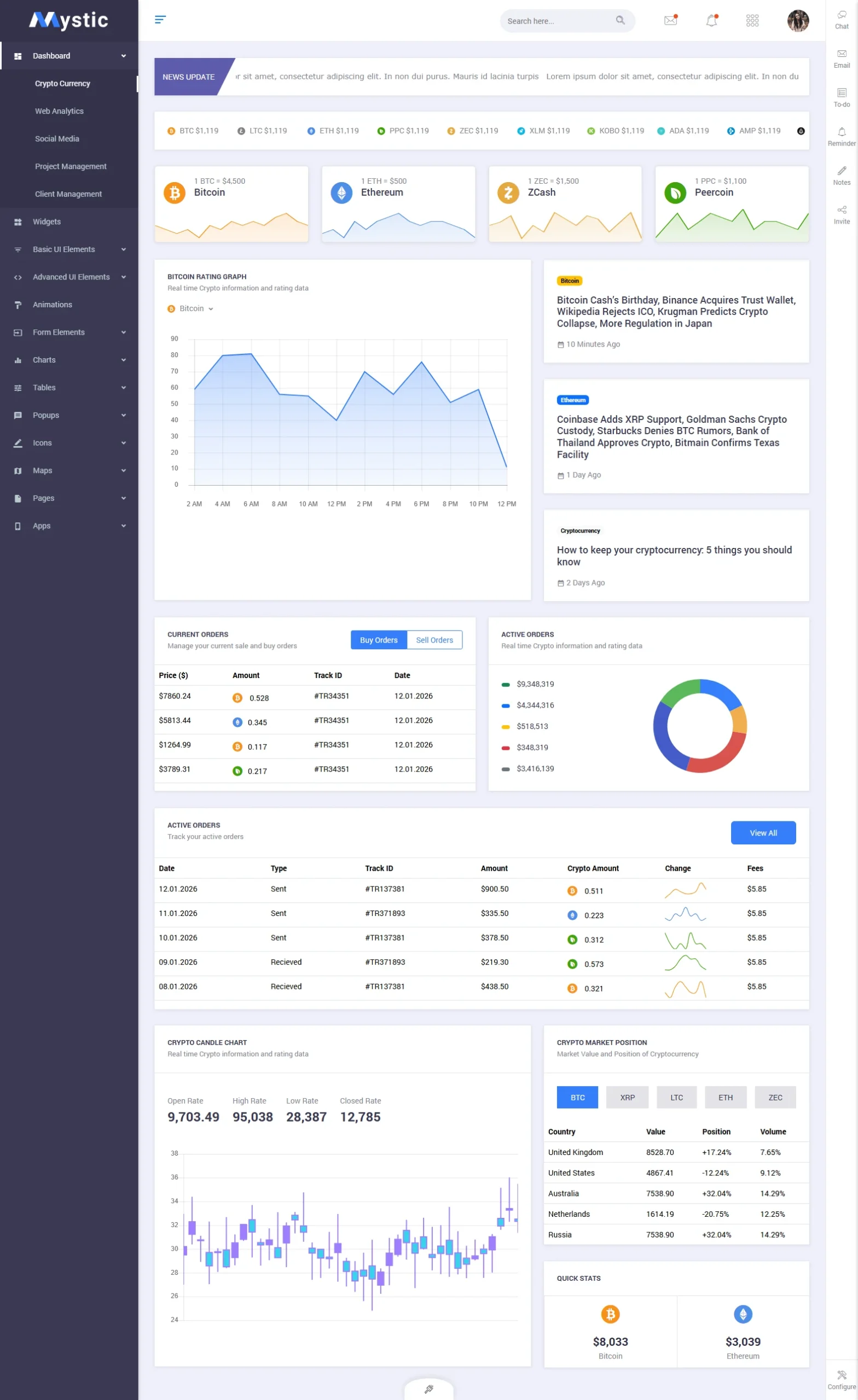
Mystic — Premium Dark Admin Dashboard Template Built on Bootstrap 4.1.1
Mystic is a premium dark admin dashboard template built on Bootstrap 4.1.1, designed for SaaS products, analytics tools, and enterprise web applications. With 128 fully crafted pages across 5 distinct dashboard variants, it gives development teams a complete, production-ready admin interface at just $14 on ThemeForest.
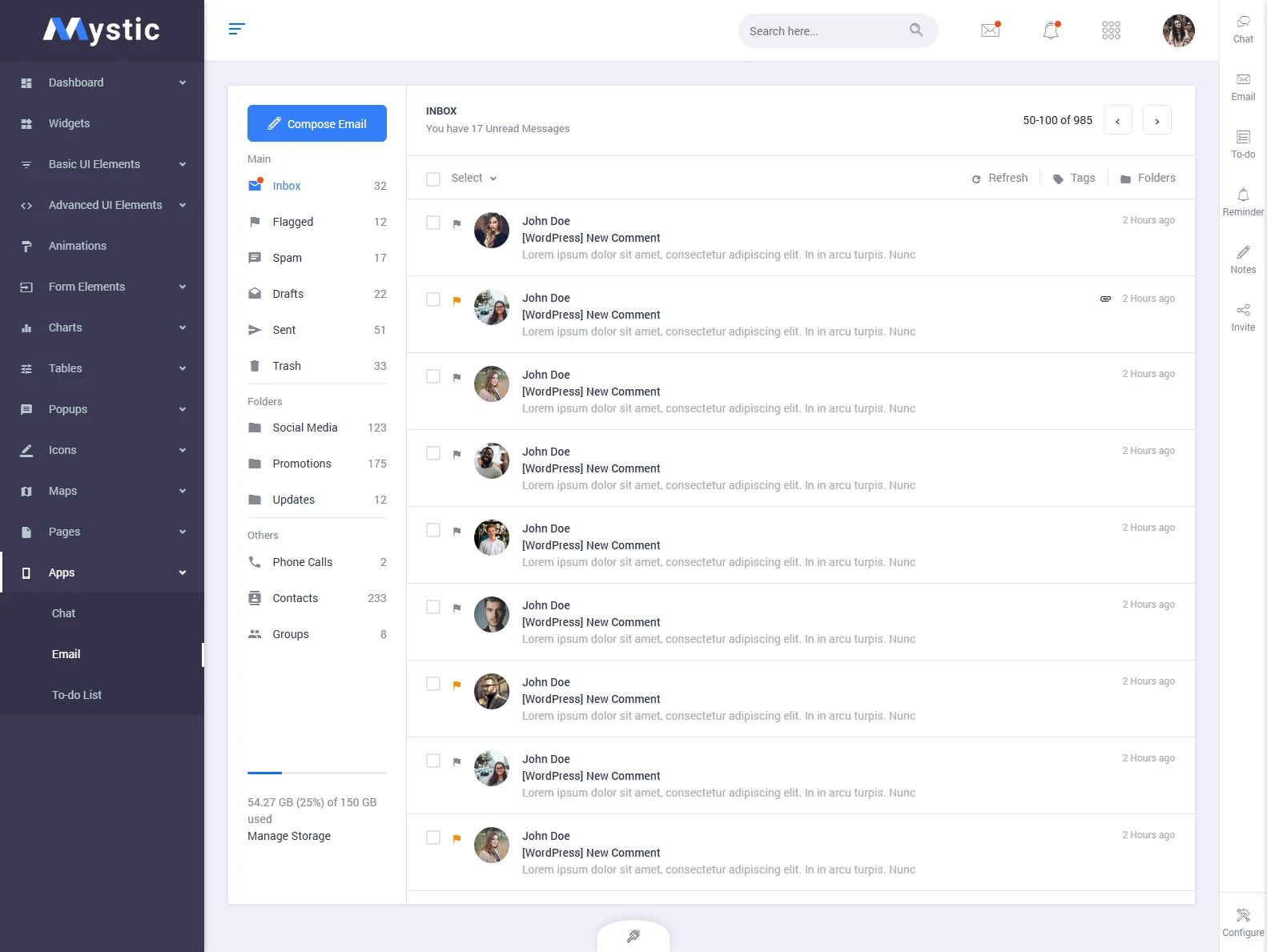
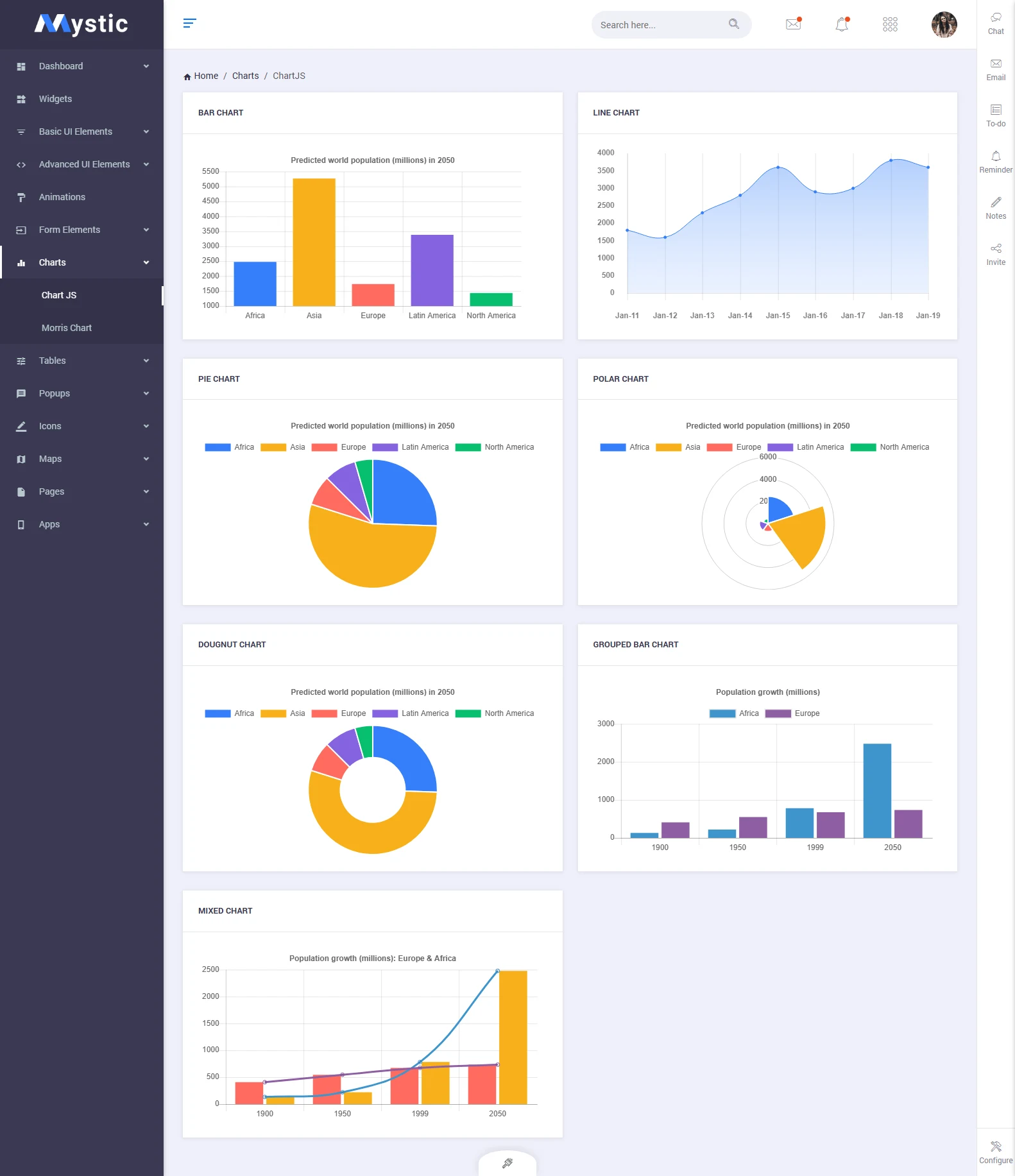
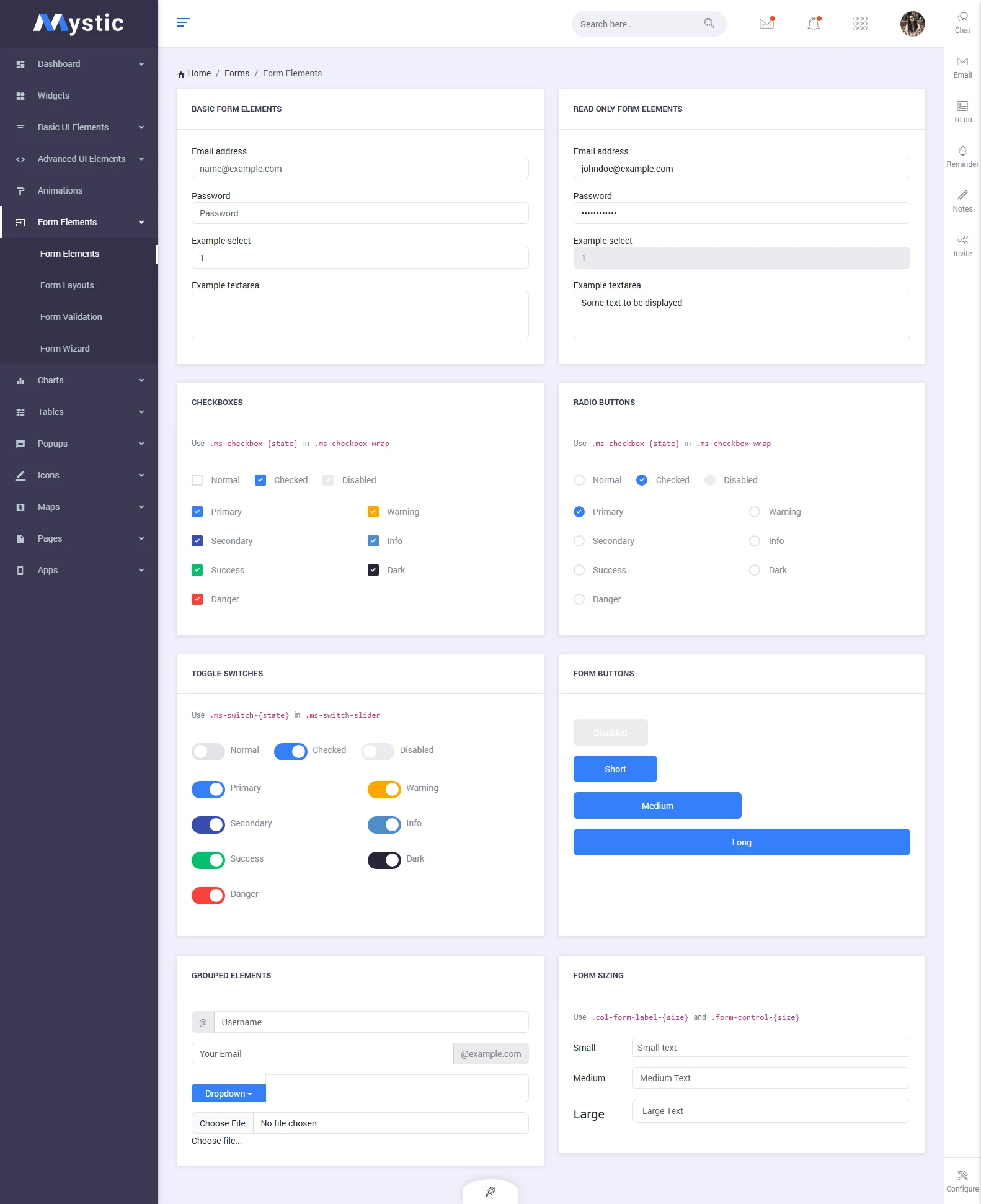
What separates Mystic from generic admin kits is its dual-mode philosophy: every single component ships in both light and dark variants. The template bundles full-featured internal apps (email, chat, calendar, todo), 8 chart library integrations (Chart.js, ApexCharts, Flot, C3, Morris, Gauge, Peity, Sparkline), Google Maps, vector maps, a rich form elements library, and DataTables — the exact building blocks serious SaaS products require.
With 50+ sales on ThemeForest, a clean UI that rivals templates costing three times as much, and a developer-friendly codebase, Mystic delivers exceptional value. Whether you are launching a web analytics platform, a CRM, an inventory tool, or a multi-tenant enterprise app, Mystic’s 128 pages give you a head start no competitor can match at this price.
128 Pages Covering Every Corner of a Modern Admin Panel





Full Feature Breakdown
| Framework | Bootstrap 4.1.1 |
| Total Pages | 128 pages |
| Dashboard Variants | 5 (Default, Analytics, eCommerce, CRM, Project) |
| Color Modes | Light & Dark (all components) |
| Sidebar Styles | Light sidebar, dark sidebar, mini/collapsed sidebar |
| Chart Libraries | Chart.js, ApexCharts, Flot, C3, Morris, Gauge, Peity, Sparkline |
| Built-in Apps | Email, Chat, Calendar, Todo List, Contacts |
| Maps | Google Maps, Vector Maps |
| Form Components | Inputs, Select2, Datepicker, Timepicker, File Upload, Wizard |
| Data Tables | DataTables.js with sort, filter & pagination |
| UI Components | Cards, Modals, Tooltips, Alerts, Badges, Progress bars |
| Price | $14 on ThemeForest |
♿ Accessibility-Ready Dashboard Components
Mystic’s form elements, modals, and navigation components follow ARIA attribute conventions. Keyboard-navigable dropdowns, focus-visible states on all interactive elements, and proper label associations throughout the template provide a strong foundation for building WCAG-compliant admin interfaces.
5 Dashboard Variants: Choosing the Right Mystic Layout for Your SaaS
One of Mystic’s strongest selling points is its five purpose-built dashboard variants. Each is designed for a different type of web application — rather than forcing your product into a generic layout, you pick the dashboard that mirrors your core use case and build from there.
- Default Dashboard — Revenue metrics, user statistics, activity feed, and task overview. Ideal for internal tools and management platforms.
- Analytics Dashboard — Sessions, bounce rate, traffic sources, page performance, and real-time visitor counters. Built for analytics or monitoring SaaS products.
- eCommerce Dashboard — Order management, sales revenue, top-selling products, conversion funnel, and customer acquisition metrics for marketplace backends.
- CRM Dashboard — Contact pipeline, deal stages, lead activity, and customer timeline. Perfect for CRM, sales automation, or customer success platforms.
- Project Management Dashboard — Task boards, sprint progress, team activity, project milestones, and deadline tracking for project management tools.
Frequently Asked Questions
Need Help Setting Up Mystic?
- Theme Installation Service — Get Mystic live on your server in under an hour
- Speed Optimisation — Ensure your admin dashboard loads fast for all users
- Colour Customisation — Brand Mystic with your exact product colour palette
- 1-Hour Development Session — Fix a layout issue or add a custom component
- 30-Min Support Call — Expert answers to your integration questions

