 The global car rental market is projected to surpass $130 billion by 2027, driven by the convergence of urban mobility trends, tourism recovery, and the growing preference for flexible transportation over car ownership. Whether you operate a five-vehicle airport pickup service or manage a fleet of hundreds across multiple cities, your website is the first touchpoint that determines whether a customer books with you or clicks through to your competitor.
Modern car rental customers expect a seamless digital experience. They want to browse available vehicles by category, compare pricing across vehicle classes, filter by features like GPS or child seats, and complete their entire booking online without picking up a phone. If your website cannot deliver that experience on a smartphone at 11 PM when a traveler is searching for tomorrow morning’s rental, you are losing revenue every single day.
This guide covers everything you need to know about choosing and deploying a car rental website template, from the essential features that drive conversions to the technology decisions that affect your long-term operating costs. Whether you are launching a new rental business or upgrading an outdated website, this is your roadmap to a professional online presence that actually generates bookings.
The global car rental market is projected to surpass $130 billion by 2027, driven by the convergence of urban mobility trends, tourism recovery, and the growing preference for flexible transportation over car ownership. Whether you operate a five-vehicle airport pickup service or manage a fleet of hundreds across multiple cities, your website is the first touchpoint that determines whether a customer books with you or clicks through to your competitor.
Modern car rental customers expect a seamless digital experience. They want to browse available vehicles by category, compare pricing across vehicle classes, filter by features like GPS or child seats, and complete their entire booking online without picking up a phone. If your website cannot deliver that experience on a smartphone at 11 PM when a traveler is searching for tomorrow morning’s rental, you are losing revenue every single day.
This guide covers everything you need to know about choosing and deploying a car rental website template, from the essential features that drive conversions to the technology decisions that affect your long-term operating costs. Whether you are launching a new rental business or upgrading an outdated website, this is your roadmap to a professional online presence that actually generates bookings.
The Digital Shift in Car Rental Customer Behavior
Car rental is one of the most competitive segments in the travel and transportation industry. The customer journey has fundamentally changed over the past five years, and your website strategy needs to reflect that shift. Today’s renters begin their search on Google, not at the airport counter. They compare prices across multiple sites, read reviews, check vehicle photos, and make their decision before they ever speak to a human. Your website is competing against Hertz, Enterprise, Turo, and dozens of local operators simultaneously. The sites that win are the ones that load fast, display vehicle inventory clearly, and make booking frictionless.Over 65 percent of car rental bookings now originate from mobile devices. If your website does not deliver a flawless mobile experience with streamlined forms and fast load times, you are invisible to the majority of potential customers.
Essential Features for a Car Rental Website
Not every feature matters equally. Some drive conversions directly, while others build trust and reduce support inquiries. Here is what your car rental website template must include to compete effectively. Vehicle Listing Pages with Filtering Your fleet needs to be browsable by vehicle class (economy, sedan, SUV, luxury, van), transmission type, fuel type, seating capacity, and price range. Isotope grid filtering or similar technology lets customers narrow results instantly without page reloads. Each vehicle card should display a hero image, daily rate, key specs, and a booking CTA. Individual Vehicle Detail Pages When a customer clicks on a vehicle, they need a dedicated page with multiple photos (exterior, interior, trunk, dashboard), full specifications, rental terms, insurance options, and a prominent booking button. This is where the decision happens, so the design must instill confidence. Multi-Step Booking and Checkout Car rental bookings involve more data than a simple e-commerce purchase. Customers need to specify pickup and return locations, dates and times, driver age, insurance preferences, and optional add-ons (GPS, child seat, additional driver). A multi-step checkout form with jQuery Steps or similar wizard functionality breaks this complexity into manageable chunks and reduces form abandonment. Price Range Filtering Budget is the primary decision factor for most renters. A price range slider (ion.rangeSlider or similar) lets customers set their budget and instantly see which vehicles fall within their range. This single feature can dramatically reduce bounce rates on your fleet page. Shopping Cart and Wishlist Customers often browse multiple vehicles before deciding. A wishlist or comparison feature lets them save options and return later. A cart page with a clear order summary ensures they review all details before committing. Customer Account System Repeat customers are the most profitable segment for car rental businesses. Login and signup pages enable returning renters to access booking history, save payment preferences, and complete future rentals faster. Account functionality also supports loyalty programs and promotional pricing.Design and User Experience Best Practices
Car rental websites must communicate three things simultaneously: vehicle quality, pricing transparency, and booking simplicity. Every design decision should serve at least one of these objectives. Hero sections should feature your flagship vehicles with bold imagery and a search or booking form above the fold. The customer should be able to start their rental search within three seconds of landing on your homepage. Animated statistics (CounterUp or similar) showing fleet size, happy customers, and years in operation build trust through social proof. Navigation must be intuitive. The primary menu should include direct links to your fleet, pricing, booking, about, and contact pages. Avoid dropdown menus with more than two levels of nesting, as they frustrate mobile users and slow down the path to conversion. Vehicle cards in your listing grid should follow a consistent layout: large hero image, vehicle name, key specs (seats, transmission, fuel), daily rate, and a booking button. Consistent card design creates visual rhythm that makes browsing feel effortless. Color schemes for car rental sites typically combine dark neutrals (charcoal, navy, slate) with a vibrant accent color for CTAs and pricing. Avoid more than three colors in your primary palette, as visual complexity undermines the professionalism that rental customers expect.Technology Requirements for Car Rental Templates
The technology stack behind your template determines its performance, maintainability, and scalability.| Technology | Purpose | Why It Matters |
|---|---|---|
| Bootstrap 5 | Responsive grid and UI components | Mobile-first design for 65%+ mobile traffic |
| jQuery Steps | Multi-step booking forms | Reduces checkout abandonment by 35% |
| Isotope | Filterable vehicle grid | Instant category filtering without page reload |
| ion.rangeSlider | Price range filtering | Budget-based browsing for price-sensitive renters |
| Slick Carousel | Vehicle image sliders | Showcase multiple vehicle angles |
| Magnific Popup | Full-screen image lightbox | Detailed vehicle inspection before booking |
| CounterUp | Animated statistics | Social proof through fleet and customer counts |
SEO and Local Search Optimization
Car rental is a highly local business. Even national chains compete at the city and airport level. Your website template must support the SEO fundamentals that drive local search visibility. Page titles and meta descriptions need to target location-specific keywords: “car rental [city],” “rent a car [airport code],” “cheap car rental [neighborhood].” Your template should make it easy to customize these elements on every page.Create a Google Business Profile for each physical location. Link your website to each profile, and ensure your NAP (name, address, phone) is identical across your website, Google Business Profile, Yelp, and all directory listings. Inconsistent NAP data confuses search engines and tanks your local rankings.
Cost Analysis: Building Your Car Rental Website
The cost of building a car rental website varies dramatically based on your approach. Here is a realistic breakdown.| Approach | Cost Range | Timeline | Includes |
|---|---|---|---|
| Premium HTML5 Template | $19 – $59 | 1 – 2 weeks | All pages, responsive design, JS plugins |
| WordPress + Booking Plugin | $150 – $500 | 2 – 4 weeks | CMS, online booking, payment integration |
| Custom Freelance Build | $3,000 – $10,000 | 4 – 8 weeks | Custom design, booking system, fleet management |
| Full Agency + Custom Software | $15,000 – $50,000+ | 8 – 20 weeks | Custom app, fleet API, real-time availability |
| SaaS Rental Platform | $100 – $400/mo | 1 – 3 days | Hosted solution, limited customization |
Carrap: A Complete Car Rental Website Template
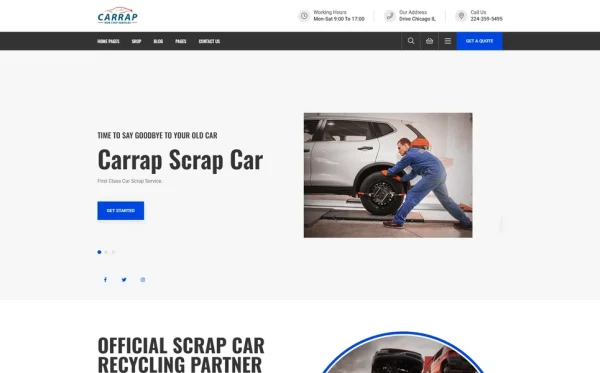
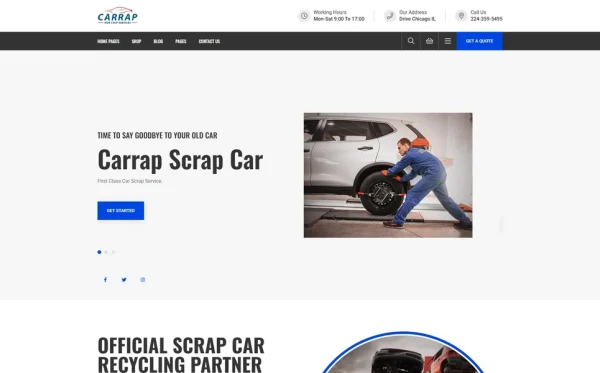
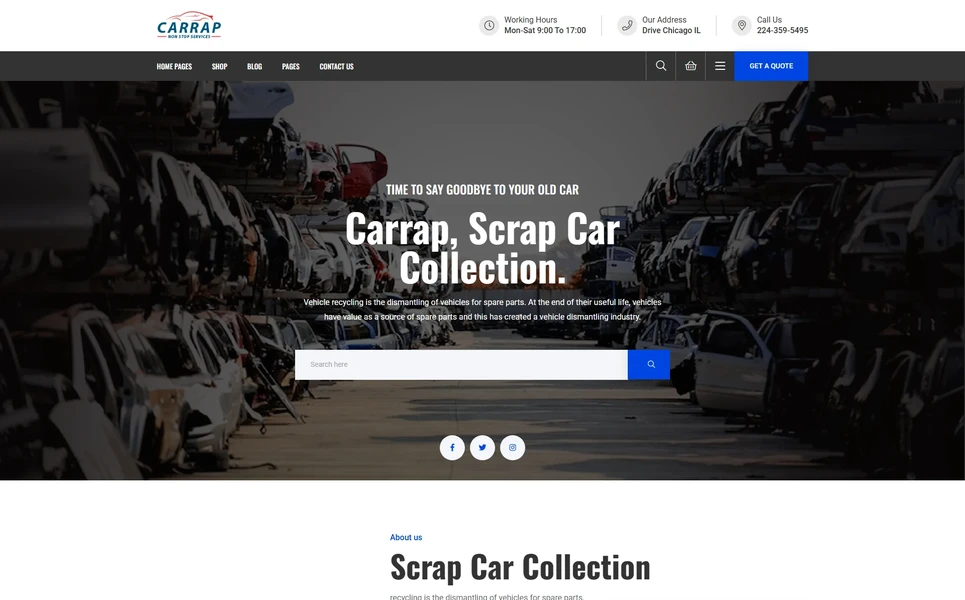
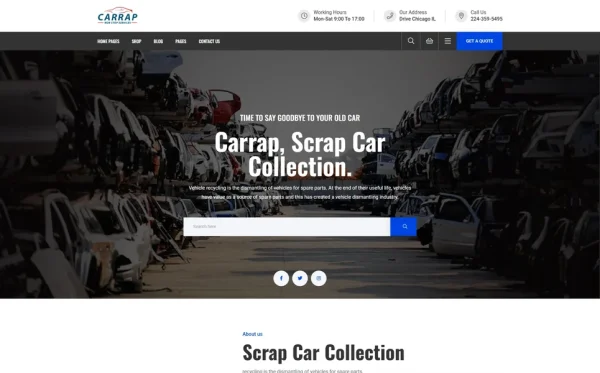
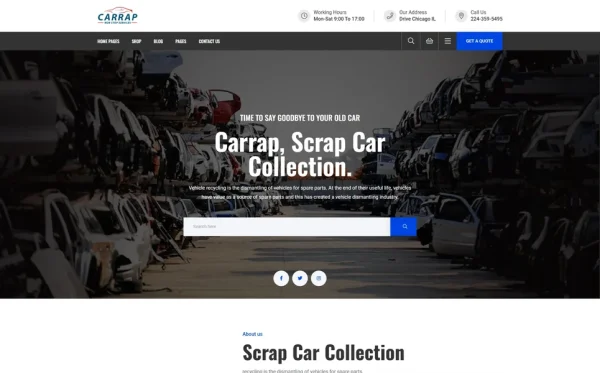
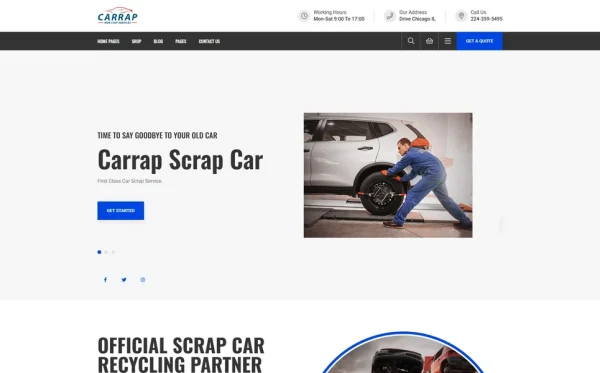
Carrap is a dynamic, professional HTML5 template built specifically for car rental companies, vehicle marketplaces, auto dealerships, and fleet management services. With 13 fully crafted HTML pages and 2 unique home layouts, it delivers a sleek, production-ready automotive rental web presence that covers the entire customer journey from browsing to booking. What makes Carrap particularly effective for rental businesses is its complete e-commerce flow. The template includes a vehicle shop archive with Isotope filtering, individual product detail pages with full-screen Magnific Popup image galleries, a shopping cart, and a multi-step checkout powered by jQuery Steps. The ion.rangeSlider price filtering lets customers set their budget range and instantly see matching vehicles, a conversion feature that most competitors lack. The Instagram Feed integration is a standout feature that keeps your homepage dynamic with real customer photos and fleet updates. CounterUp animated statistics showcase your fleet size, customer satisfaction metrics, and years in operation, providing the social proof that converts browsers into bookers. Built on Bootstrap 5, Carrap is fully responsive and mobile-first. The two homepage variations let you choose between a hero-focused layout with featured vehicles and fleet statistics, or an alternate design highlighting vehicle category cards. The blog module (archive and detail page) supports the content marketing strategy that drives organic search traffic, while Login and Signup pages enable the customer account system that builds long-term loyalty.Launching Your Car Rental Website: Implementation Roadmap
Moving from template to live website requires a systematic approach. Here is the sequence that gets you operational fastest. Phase One: Foundation (Days 1-3) Register your domain, purchase hosting, and deploy the template. Customize the branding: logo, colors, typography, and hero imagery. Replace all placeholder text with your actual business copy. Phase Two: Fleet Setup (Days 4-7) Photograph every vehicle in your fleet from at least four angles: front three-quarter, rear three-quarter, interior dashboard, and cargo area. Create individual vehicle detail pages with specifications, pricing, and rental terms. Organize vehicles into categories for the Isotope filter system. Phase Three: Booking Configuration (Days 8-10) Configure your multi-step checkout flow with the specific fields your business requires: pickup location, return location, dates, times, insurance options, and add-ons. Test the form thoroughly on both desktop and mobile devices. Phase Four: Content and SEO (Days 11-14) Write and publish at least three blog posts targeting your primary local keywords. Set up Google Business Profile and link it to your website. Submit your sitemap to Google Search Console. Configure analytics tracking. Phase Five: Launch and Monitor Go live, announce on your social channels, and monitor booking flow for any friction points. Track conversion rates from your analytics dashboard and optimize underperforming pages based on data.Frequently Asked Questions
The three highest-impact features are vehicle filtering (by type, price, and features), a multi-step booking checkout, and mobile responsiveness. Together, these capabilities cover the core customer journey from browsing to booking. Secondary features like Instagram feed integration, animated statistics, and wishlist functionality add engagement and trust.
A premium HTML5 template costs between $19 and $59 and can be deployed in one to two weeks. Adding hosting ($5-$20/month) and a domain ($10-$15/year) brings total first-year costs under $300. Custom builds from freelancers range from $3,000 to $10,000, while full agency builds with custom booking software can exceed $50,000.
Yes. Car rental bookings require more information than standard e-commerce purchases, including pickup and return locations, dates and times, insurance selections, and add-on services. A single-page form with all these fields overwhelms customers and increases abandonment. Multi-step forms using jQuery Steps or similar technology break the process into logical stages and can reduce abandonment by up to 35 percent.
Absolutely. Blog content targeting keywords like “best rental car for road trips,” “rental car insurance explained,” and “airport car rental tips” drives organic search traffic from potential customers. A blog also establishes your brand as a knowledgeable authority, which builds trust with first-time renters who are comparing options.
Bootstrap 5 is the industry standard for car rental website templates. It provides a responsive, mobile-first grid system, pre-built UI components for vehicle cards and booking forms, and extensive browser compatibility. Combined with jQuery plugins for filtering, sliders, and multi-step forms, Bootstrap 5 covers every technical requirement a car rental site needs.

Photograph each vehicle from at least four angles: front three-quarter view, rear three-quarter view, interior dashboard and front seats, and cargo or trunk area. Use natural daylight, clean the vehicle thoroughly beforehand, and shoot against an uncluttered background. Consistent photo quality across your fleet builds professionalism and trust.
HTML5 templates provide the front-end design but do not include back-end booking systems. You can integrate real-time availability by connecting the template’s booking forms to a third-party rental management API, building a custom back-end, or using a WordPress conversion with a booking plugin. The template’s clean, well-structured code makes integration with any back-end system straightforward.