
What Is a Property Management Website Template?
A property management website template is a pre-designed, fully coded website built specifically for property management companies, building maintenance firms, construction contractors, civil engineering companies, and renovation specialists. Unlike real estate listing portals that focus on property search and buyer-seller matchmaking, or real estate agency templates that showcase agents and listings, a property management template is built around service presentation — completed project portfolios, team credentials, skill and expertise visualisations, trust-building content, and professional contact systems. It delivers every page a construction or property management company needs to win clients and demonstrate operational capability.
For property management and construction company owners who need a website that communicates authority and competence without paying $8,000 to $20,000 for a custom agency build — and who understand that in construction, your website is the first bid document prospects ever see — a purpose-built template provides the most practical path to a professional web presence. But property management and construction websites have distinct requirements. Your portfolio must prove completed work through visual evidence. Your skill charts must quantify expertise areas. Your team profiles must communicate credentials and certifications. Your trust page must differentiate you from competitors. This guide covers everything property management professionals need before choosing a template.
Property Management Template vs Real Estate Template vs Custom Build
Property management companies often mistakenly choose real estate templates, forcing themselves to work against a design built for a completely different business model:
| Factor | Real Estate Listing Template | Property Management Template | Custom Agency Build |
|---|---|---|---|
| Primary Focus | Property search and agent profiles | Services, portfolio, and team expertise | Fully custom to brief |
| Upfront Cost | $19–69 | $19–69 | $8,000–20,000 |
| Monthly Cost | $3–10/month | $3–10/month | $100–300/month |
| 3-Year Total | $127–429 | $127–429 | $11,600–30,800 |
| Portfolio Galleries | Property photos only | Multiple gallery styles for completed projects | Custom galleries |
| Skill Visualisations | Not included | Animated charts for expertise areas | If specified |
| Trust-Building Pages | Agent testimonials | Dedicated Why Choose Us page | If specified |
| Team Depth | Agent cards | Full team profiles with bios and skills | Custom profiles |
| Animated Statistics | Rarely included | Projects completed, years experience, etc. | If specified |
The fundamental difference is what the website sells. Real estate templates sell properties — listings, maps, search filters, and agent contact forms. Property management templates sell services — construction capability, project track record, team expertise, and operational reliability. Using a real estate listing template for a property management company is like wearing a retail uniform to a construction site — it signals the wrong industry to every visitor.
Why Property Management Companies Need Specialised Websites
Property management and construction operate in a trust-intensive industry. Clients are handing over access to their most valuable assets — buildings, properties, commercial spaces, and development projects. Your website must establish that trust before the first meeting.
Portfolio as Proof of Capability
In construction and property management, your completed work is your strongest sales tool. Property owners and developers evaluate potential management companies and contractors by what they have already built and maintained. A portfolio with multiple gallery layouts — grid for browsing, masonry for visual impact, slider for curated presentations — allows you to showcase completed projects in the format that best serves each audience. Commercial property owners may prefer a grid view to scan project types quickly. High-end residential clients may prefer a slider that curates your best work into a focused presentation.
Each portfolio project should have its own detail page with scope description, before-and-after images, client testimonials, and project specifications. A portfolio detail page transforms a thumbnail gallery into documented evidence of capability — the kind of evidence that wins contracts during competitive bidding processes.
Quantified Expertise Through Skill Charts
Generic construction websites list services as bullet points. Professional construction and property management websites quantify expertise. Animated circular skill charts — EasyPieChart visualisations showing 95% proficiency in structural engineering, 90% in renovation management, 85% in HVAC systems — communicate competence in a format that is visually engaging and immediately understandable. These charts add a data-driven credibility layer that differentiate your company from competitors who rely on generic service lists.
Animated Business Statistics
CountTo animated statistics — “500 Projects Completed,” “25 Years of Experience,” “150 Happy Clients,” “50 Team Members” — create immediate credibility as visitors scroll through your pages. These numbers animate from zero to their final values, drawing attention to your track record in a format that is more compelling than static text. For property management companies competing against established firms, animated statistics communicate business maturity and operational scale that text descriptions alone cannot achieve.
Dedicated Trust-Building Page
Property management and construction clients need more convincing than a services list. A dedicated “Why Choose Us” page addresses the specific concerns prospects have — reliability, insurance coverage, licensing, communication practices, pricing transparency, and response time guarantees. This page functions as a pre-qualification conversation that answers objections before the prospect picks up the phone. Combined with skill charts, animated statistics, and client testimonials, the trust page builds a comprehensive case for choosing your company.
Team Profiles That Communicate Credentials
Property owners trust people, not company names. Team profiles with individual bios, professional headshots, certifications, specialisations, and years of experience let prospects evaluate the specific people who will manage their properties or lead their construction projects. A project manager with a PMP certification and 20 years of experience deserves more than a thumbnail and a title — a full profile page with detailed credentials builds the personal trust that drives contract awards.
Visual Proof of Expertise: Property management websites with animated skill charts and portfolio galleries convert significantly more inquiries than those with static service lists. When a property owner can see a 95% proficiency chart for building maintenance and browse a masonry gallery of completed renovation projects, they are evaluating evidence — not claims. This evidence-based approach to web presentation mirrors the documentation-driven nature of the construction and property management industry.
Essential Features for Property Management Websites
Multiple Portfolio Gallery Layouts
A single portfolio layout limits how you present your work. Grid layouts offer structured browsing. Masonry layouts create visual impact with mixed-size images. Slider layouts curate your best work into a focused presentation. Three or more portfolio gallery styles let you match the presentation to the audience — commercial clients browsing your full portfolio in grid view, residential clients viewing your curated best work in a slider, developers exploring project diversity through masonry layout.
Portfolio Detail Pages
Each portfolio item should expand into a full project case study with images, scope description, challenges overcome, timeline, and results. For property management companies bidding on contracts, sending a prospect to a detailed portfolio page with documented project outcomes is more persuasive than a generic capabilities deck. The portfolio detail page is your case study library — built into your website structure rather than buried in PDF attachments.
Services Module With Detail Pages
Property management and construction companies offer multiple service lines — building maintenance, renovation, tenant improvements, new construction, landscaping, HVAC management, and more. A services module with an overview page and individual service detail pages lets you dedicate proper attention to each service line. Each detail page can target specific search queries — “commercial building maintenance” or “office renovation contractor” — driving organic traffic from prospects searching for your specific services.
FAQ Page for Common Client Questions
Property owners and tenants have common questions — What does your management fee include? How quickly do you respond to maintenance requests? Are you licensed and insured? What is your tenant screening process? An FAQ page answers these questions proactively, qualifying prospects and reducing repetitive inquiry handling. For property management companies, the FAQ page also serves as an SEO asset, capturing long-tail search queries that prospects type into Google.
Blog for Industry Authority
A blog with standard and grid format options establishes your company as an authority in property management and construction. Articles on building maintenance best practices, regulatory compliance updates, renovation case studies, and property investment insights attract organic search traffic and position your firm as a thought leader. Two blog format options — standard and grid — let you match the blog layout to your content strategy.
Cost Comparison: Property Management Web Presence
| Cost Component | Property Mgmt Template | Custom Agency Build | DIY Website Builder |
|---|---|---|---|
| Template/Design | $19–49 (one-time) | $8,000–20,000 | $0–29/month |
| Hosting | $3–10/month | $20–50/month | Included |
| Domain | $12–15/year | $12–15/year | $12–15/year |
| Customisation | $0–500 | Included | $0 (limited) |
| Year 1 Total | $67–289 | $8,252–20,615 | $12–363 |
| Portfolio Galleries | 3 styles (Grid/Masonry/Slider) | Custom built | 1 basic gallery |
| Skill Charts | EasyPieChart animated | Custom if specified | Not available |
| Trust Page | Dedicated Why Choose Us | Custom if specified | Generic about page |
How to Evaluate a Property Management Template
Inspect the Portfolio System
Open the template demo and navigate through the portfolio section. Count the gallery layout options. Check whether each portfolio item has a detail page with enough space for project case studies. A portfolio system with a single grid layout and no detail pages is insufficient for a property management or construction company that needs to document completed projects as evidence of capability.
Check for Skill Visualisations
Look for animated skill charts in the services or why-choose-us sections. Static skill bars are common in generic templates, but animated circular charts like EasyPieChart provide a more visually engaging and professional presentation. If the template lacks skill visualisations entirely, it was not designed for expertise-driven industries like property management and construction.
Evaluate the Team Section
Navigate to the team section. Does it offer individual profile pages with space for detailed bios, certifications, and specialisations? A team grid with thumbnails and titles is not enough for a property management company where clients evaluate specific individuals. Individual team member pages with comprehensive profiles demonstrate the level of team presentation that wins property management contracts.
Beibuild — A Template Built for Property Management and Construction
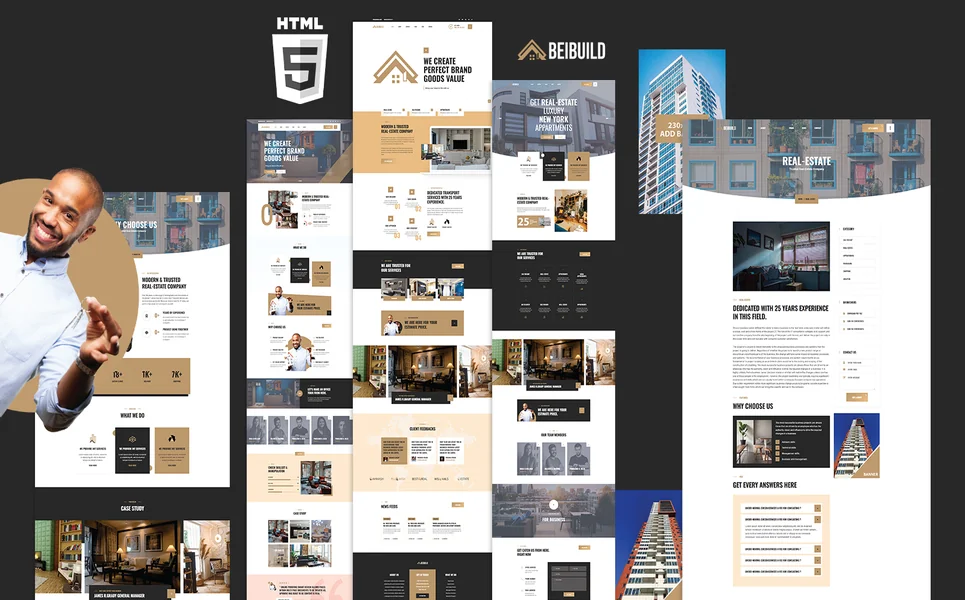
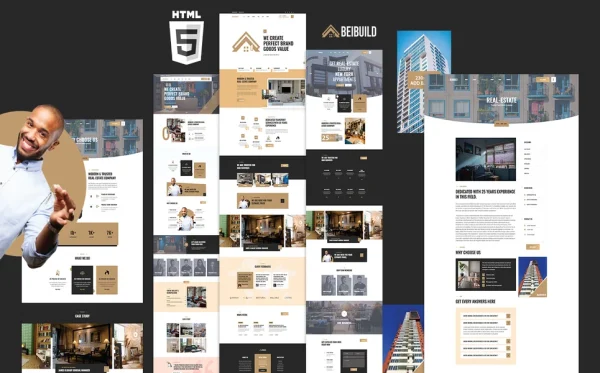
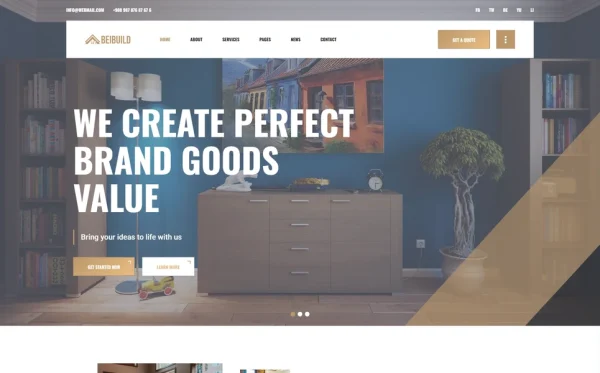
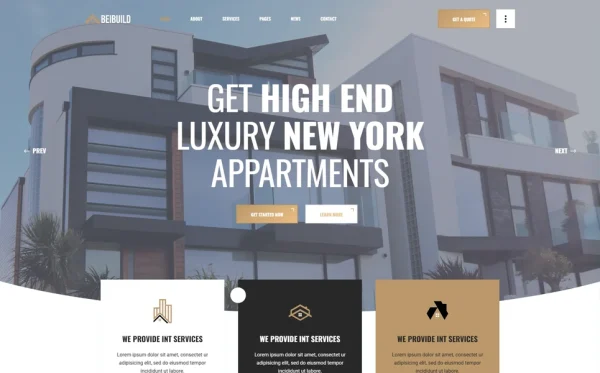
Beibuild is a construction and building services HTML5 template designed specifically for property management companies, construction contractors, civil engineering firms, and renovation specialists. With 19 fully crafted pages, 3 homepage layouts, 3 portfolio gallery styles, animated skill charts, and a dedicated trust-building page, it delivers the comprehensive web presence that property management businesses require.
What Beibuild Includes
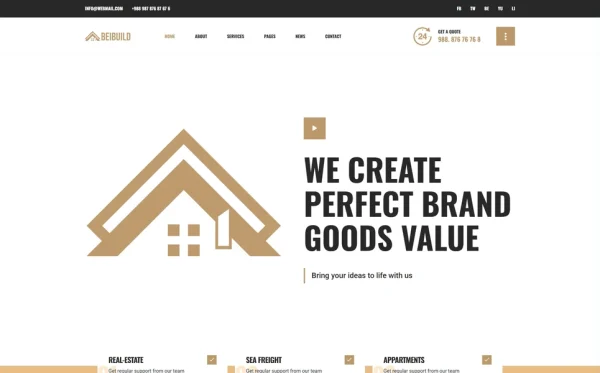
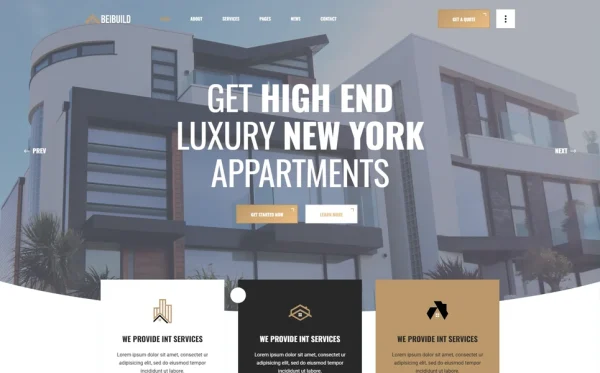
- 3 Unique Homepage Layouts — distinct hero styles and content arrangements for different brand presentations
- 3 Portfolio Gallery Layouts — Grid, Masonry, and Slider for showcasing completed projects in different formats
- Portfolio Detail Page — full project case study with images, scope description, and specifications
- Services Module — services overview plus individual service detail pages for each service line
- Why Choose Us Page — dedicated trust-building page with differentiators and animated skill charts
- Team Pages — team grid plus individual team member profiles with bios and credentials
- EasyPieChart Skill Charts — animated circular visualisations for expertise areas and service proficiency
- CountTo Animated Statistics — projects completed, years of experience, happy clients in animated format
- FAQ Page — common client and project questions with structured answers
- Blog Module — standard and grid blog formats plus full post detail page
- 19 Fully Designed Pages — complete page set for a comprehensive property management web presence
Why Beibuild Fits the Property Management Niche
Beibuild is purpose-built for the construction and property management industry — not real estate sales, not property listings, not agent showcases. The three portfolio gallery layouts provide the visual documentation system that construction clients demand. The animated skill charts quantify your expertise areas in a format that static service lists cannot match. The dedicated Why Choose Us page addresses the trust concerns that property owners and developers carry into every evaluation process.
With 19 fully designed pages including individual service detail pages, individual team profiles, and portfolio case study pages, Beibuild provides the depth of content that property management companies need to compete for contracts against established firms with custom-built websites. Every page was designed to communicate capability, credibility, and professionalism.
Construction-Grade Portfolio: Beibuild’s three portfolio gallery layouts — Grid, Masonry, and Slider — combined with full project detail pages give property management companies the visual documentation system their industry demands. When a prospect can browse completed projects in a masonry gallery, then click into a detailed case study with scope, images, and outcomes, they are evaluating your company through evidence, not claims. This portfolio depth is what separates winning bids from losing ones.
Customisation Roadmap for Property Management Companies
Week One — Portfolio and Content: Photograph your best completed projects — exterior and interior shots, before-and-after comparisons, and detail images of workmanship. Write project descriptions for each portfolio item with scope, timeline, and outcomes. Prepare team bios with headshots, certifications, and specialisation details. Set skill chart percentages for your expertise areas. Replace all placeholder content and adjust the colour palette to match your company branding.
Week Two — Services and Launch: Populate individual service pages with detailed descriptions of each service line. Write your Why Choose Us page content addressing common client concerns. Populate the FAQ page with answers to questions your sales team handles regularly. Set up animated statistics with your actual company metrics. Connect contact forms to your email. Test across all devices and browsers, then deploy to your hosting environment.
Frequently Asked Questions
Need Help Launching Your Property Management Website?
MetropolitanHost provides professional web development services for HTML template deployments. Our team understands construction and property management website requirements and delivers clean, professional implementations.
- Template Installation Service — live in under 24 hours
- Full Website Package — complete front-to-back deployment with content integration
- Colour Customisation — match your company branding across all pages
- Website Speed Optimisation — Core Web Vitals improvements for faster loading
- Accessibility Compliance — WCAG audit and remediation