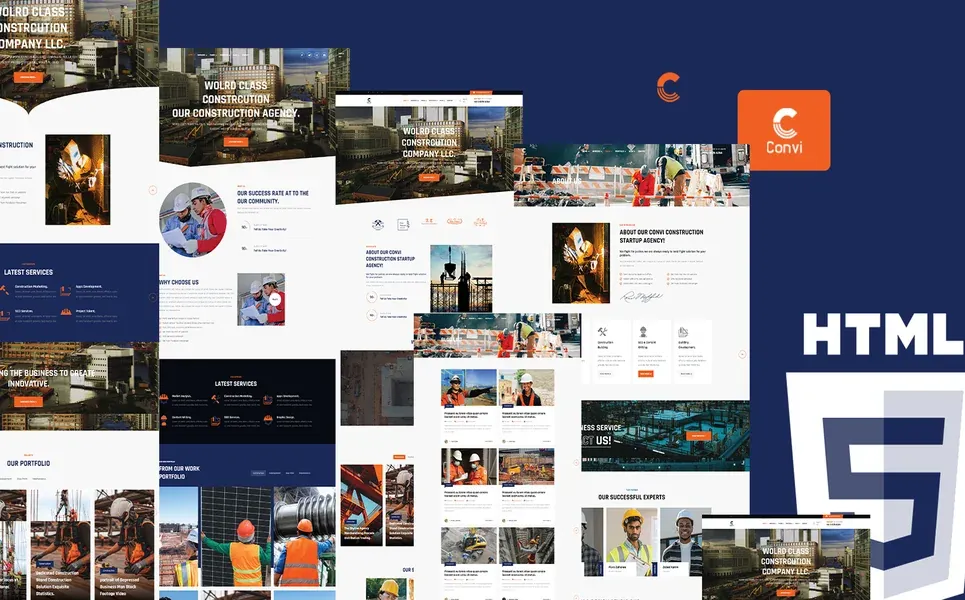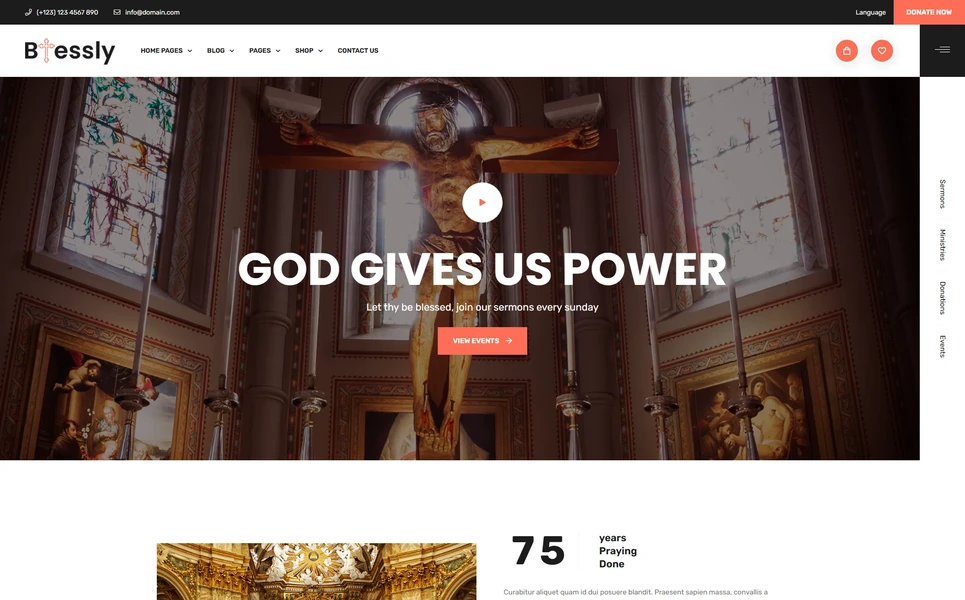
What Is a Building Contractor Website Template?
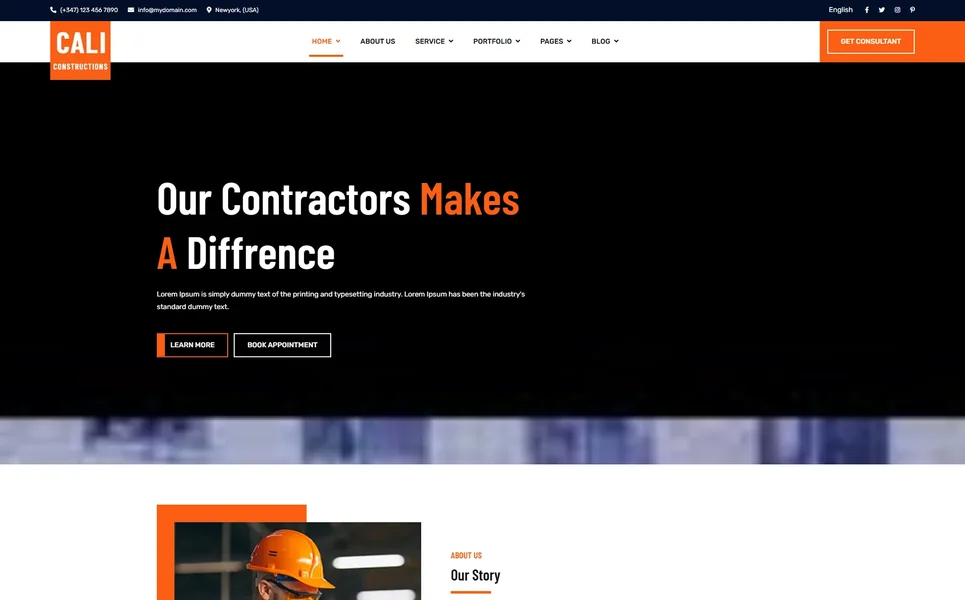
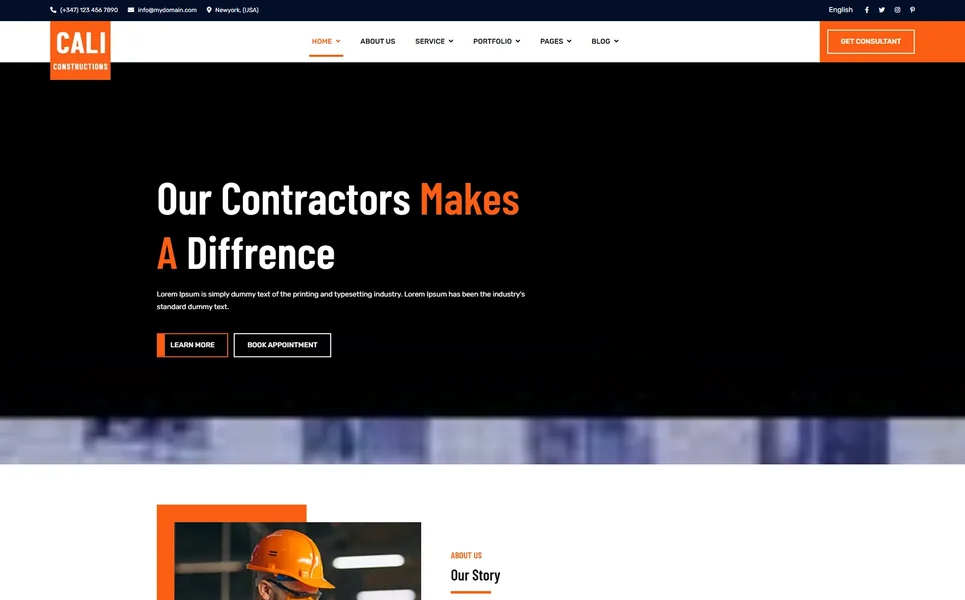
A building contractor website template is a pre-designed, fully coded website built specifically for general contractors, building contractors, renovation specialists, civil engineering firms, and construction service providers. It includes every page a contractor needs — homepage with project showcase and credibility metrics, detailed service pages for each construction speciality, consultation booking form for project enquiries, completed project case studies with detailed outcome documentation, team and crew profiles, building materials and tools shop with product zoom, client testimonials with animated statistics, blog for construction insights and project updates, and contact page with office location and booking enquiry — all designed, responsive, and ready for your contracting business brand.
For building contractors who need a professional web presence without paying $10,000 to $30,000 for a custom build or $150 to $400 per month for a managed contractor marketing platform, a template delivers the most practical path to a lead-generating online presence. But contractor websites face a trust challenge unique to the construction industry: homeowners are making their largest financial commitment — often tens or hundreds of thousands of dollars — based in part on their impression of your web presence. The stakes are extraordinarily high, and 91 percent of homeowners check online reviews and project evidence immediately after comparing prices. Your website must project competence, reliability, and documented results before a homeowner will invite you to bid on their project. This guide covers what property owners expect, what features drive consultation requests, and how to choose the right template for your contracting business.
Template vs Contractor Platform vs Custom Build
Building contractors typically face three options when establishing their online presence:
| Factor | Contractor Platform (BuilderTrend, Houzz Pro) | Building Contractor Website Template | Custom Website Build |
|---|---|---|---|
| Upfront Cost | $0–500 | $29–69 | $10,000–30,000 |
| Monthly Cost | $149–499/month | $3–10/month (hosting only) | $100–300/month |
| 3-Year Total Cost | $5,364–18,464 | $137–429 | $13,600–40,800 |
| Code Ownership | No — you rent it | Yes — you own it forever | Yes — you own it |
| Design Uniqueness | Same as every competitor | Fully customisable source code | Fully custom |
| Project Case Studies | Basic gallery | Full archive + detail pages | Any format |
| Materials Shop | None | Full shop with product zoom | Custom development |
| Consultation Booking | Built-in | Built-in booking form | Custom development |
| Vendor Lock-in | High — project data at risk | None | None |
Contractor platforms like BuilderTrend and Houzz Pro offer project management and lead generation tools but charge monthly fees that compound into significant overhead. A $349/month platform costs $12,564 over three years — funds that could purchase equipment, hire skilled tradespeople, or invest in jobsite safety. A template provides the client-facing website that generates leads and builds contractor credibility, while allowing integration with any project management or scheduling tool through embedded forms or API links.
What Property Owners Expect From a Contractor Website
The United States construction market reached $3.5 trillion in 2026, with over 4 million construction businesses competing for residential and commercial projects. With mobile devices now accounting for over 59 percent of website traffic, property owners are researching contractors on their phones during the planning phase of every renovation, addition, and new build. Here is what homeowners and property managers evaluate when choosing a building contractor:
Documented Project Evidence
Property owners making $50,000 to $500,000 commitments want proof — not promises. Completed project case studies with before-and-after photography, project descriptions, challenges encountered, solutions implemented, timeline, and budget adherence demonstrate the competence that builds confidence. A filterable case study archive organised by project type — residential renovation, commercial build-out, kitchen remodel, bathroom renovation, addition, new construction — lets potential clients evaluate your expertise in their specific project type. Generic claims about quality mean nothing without documented evidence of completed work.

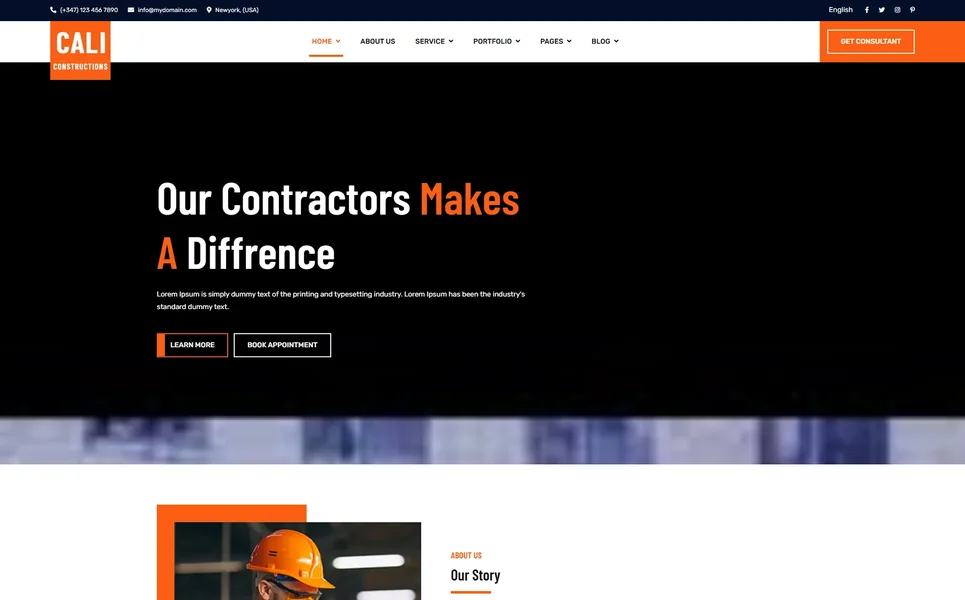
Transparent Service Descriptions
Homeowners want to understand what services you provide, how your process works, and what they should expect from start to finish. Individual service pages for each construction speciality — general contracting, design-build, kitchen renovation, bathroom remodelling, additions, basement finishing, roofing, siding, concrete work — with descriptions of your approach, typical project timelines, and the materials and methods you use demonstrate the depth of expertise that distinguishes a professional contractor from a handyman. Services pages should also address common client concerns: permits, inspections, insurance, warranties, and change order processes.
Consultation Booking Without Barriers
The path from “interested homeowner” to “scheduled consultation” must be frictionless. A dedicated consultation booking form that captures project type, property details, approximate budget range, preferred consultation date, and contact information converts website visitors into qualified leads. Every contractor website should have a prominent “Request a Quote” or “Schedule a Consultation” button visible on every page. Phone-only contact options lose the growing demographic of homeowners who prefer submitting enquiries online — especially during evenings and weekends when they are planning renovations but your office is closed.
Team Credentials and Experience
Homeowners want to know who will be managing their project and who will be working on their property. Team pages showcasing project managers, site supervisors, and skilled tradespeople — with licensing information, years of experience, specialisation areas, and professional certifications — transform your company from a faceless entity into a team of known professionals. For contractors, trust is built through transparency about the people behind the business. State licensing numbers, insurance documentation, and industry association memberships displayed prominently further establish the credibility that homeowners require before signing a contract.


Animated Business Metrics
Construction is an industry where experience matters enormously. CounterUp animated statistics — projects completed, years in business, square footage built, satisfied clients — communicate scale and reliability that text alone cannot convey. When a homeowner sees “500+ projects completed” and “25 years of experience” animated on scroll, they understand they are evaluating an established contractor, not a startup. These metrics directly address the primary concern homeowners have: “Will this contractor actually complete my project on time and on budget?”
Materials and Products Information
Contractors who sell building materials, fixtures, or finishing products alongside their construction services benefit from an integrated e-commerce presence. A materials shop with product detail pages featuring jQuery Zoom — allowing potential clients to examine material textures, finishes, and quality in close-up detail — demonstrates the quality of materials you use. Product pages for flooring, countertops, cabinetry, fixtures, and hardware help clients visualise their project and make informed material selections during the planning phase.
Mobile-Ready for Local Discovery
Over 59 percent of contractor website traffic comes from mobile devices. Homeowners searching “building contractor near me,” “kitchen renovation [city],” or “general contractor quotes” are on their phones during the planning phase. Your website must load within two seconds, display project photography prominently, and provide click-to-call and consultation booking functionality that works flawlessly on any screen size. Mobile visitors expect websites to work perfectly — pages that take more than three seconds to load lose the majority of mobile visitors permanently.
Technical Features That Drive Contractor Leads
Beyond visual design, certain technical features specifically enhance contractor websites and improve lead generation.
WOW.js Scroll Animations
WOW.js triggers smooth entrance animations as page elements scroll into view. For contractor websites, scroll animations create a polished, professional browsing experience that communicates attention to detail — a quality homeowners associate with quality construction work. Service sections that animate into view, project statistics that count up on scroll, and team profiles that slide in as visitors browse create an engaging experience that keeps potential clients exploring rather than bouncing to a competitor.
jQuery Zoom for Material Showcasing
jQuery Zoom provides hover-to-magnify functionality on product images. For contractors selling building materials, fixtures, or finishing products, zoom capability lets potential clients examine material textures, grain patterns, colour accuracy, and finish quality at close range. This detailed product viewing is particularly important for high-value materials — countertops, hardwood flooring, custom cabinetry — where clients want to evaluate quality before making selections.
Countdown Timer for Promotions
The Countdown timer creates urgency for seasonal promotions, early-booking discounts, and limited-time material offers. Contractors often run seasonal campaigns — spring renovation discounts, winter booking incentives, end-of-year pricing — and a visible countdown timer drives action from homeowners who are considering but have not yet committed to a project.
Isotope Filterable Project Gallery
Isotope provides animated, category-based filtering for project case study archives. Homeowners click project categories — Kitchen, Bathroom, Addition, New Build, Commercial, Outdoor — and the gallery rearranges to show only matching completed projects. This targeted browsing helps potential clients evaluate your specific expertise in their project type, which directly improves lead quality and conversion rates.
CounterUp Animated Business Metrics
CounterUp triggers animated number counting when business statistics scroll into view — projects completed, years of service, satisfied homeowners, square footage built. For contractors competing in crowded local markets, these animated credibility metrics differentiate established businesses from new entrants. Homeowners consistently choose contractors with documented track records over those who simply claim experience.
Cost Breakdown: Building Contractor Website Options
Contractors operate on project-based revenue with significant overhead. Understanding the true cost of each website approach helps contractor business owners protect their margins:
| Cost Component | HTML Template | Contractor Platform (Houzz Pro) | Custom Build |
|---|---|---|---|
| Template / License | $29–69 (one-time) | $0 | N/A |
| Hosting | $36–120/year | Included | $120–600/year |
| Platform Fee | None | $1,788–5,988/year | None |
| Project Case Studies | Built-in archive + detail | Basic gallery | $2,000–5,000 custom |
| Materials Shop + Zoom | Built-in with jQuery Zoom | None | $3,000–8,000 custom |
| Design Customisation | $0–500 | $0–200 | $6,000–18,000 |
| Total Year One | $65–689 | $1,788–6,688 | $11,120–31,600 |
| 3-Year Total | $137–929 | $5,364–18,464 | $11,360–32,800 |
Revenue Per Dollar Invested: A contractor spending $349/month on a website platform spends $4,188 per year. At an average residential project value of $25,000, that platform fee represents a significant percentage of overhead on smaller jobs. An HTML template at $29–69 preserves that budget for equipment, skilled labour, or marketing that directly generates project leads. With 20 pages including project case studies, consultation booking, a materials shop with product zoom, and WOW.js scroll animations, the template delivers a more impressive client-facing experience than most platforms at a fraction of the cost.
How to Choose the Right Building Contractor Template
Not all templates serve the construction industry effectively. Here is what to evaluate specifically for contractor use:
Check for a Case Study Module
This is the single most important differentiator. A contractor template with built-in case study archive and detail pages immediately outperforms any template without them. Case studies are how homeowners evaluate contractor competence — they show real projects with real outcomes. If the template does not include a dedicated case study section with archive browsing and individual project detail pages, you will need custom development to add one — which can cost $2,000–5,000 and defeat the purpose of buying a template.
Evaluate the Consultation Booking Form
Navigate to the booking or appointment section. Does the template include a dedicated consultation request page with appropriate fields for construction enquiries? The booking form is your primary lead capture mechanism — it should accommodate project type, property details, budget range, timeline, and contact information. Templates without a consultation booking form require custom development or third-party form integration.
Count the Page Depth
A comprehensive contractor template should include: multiple homepage layouts, individual service pages for each construction speciality, consultation booking page, case study archive and detail pages, materials shop with product zoom, team profiles, blog in multiple formats, FAQ, authentication pages, and contact page. Templates with 18+ pages provide the structural depth needed for a complete contractor web presence. Templates under 12 pages often leave critical service or case study pages missing.
Test the Animation Quality
Scroll through the template demo. Do elements animate smoothly as they enter the viewport? WOW.js scroll animations create the polished presentation that communicates professionalism — a quality homeowners directly associate with construction quality. Templates without entrance animations can feel static and dated compared to animated alternatives.
Common Mistakes When Building a Contractor Website
No Completed Project Evidence
The most damaging mistake on any contractor website is having no documented project evidence. “We build quality homes” is a claim. Before-and-after project photography with detailed case study descriptions is evidence. Homeowners evaluating contractors specifically look for proof of completed work — a website without project documentation raises immediate red flags about the contractor’s experience and reliability. Photograph every project before, during, and after completion. Your case study portfolio is your most powerful sales tool.
Vague Service Descriptions
“We offer construction services” tells homeowners nothing they did not already assume. Individual service pages for each speciality — kitchen renovation, bathroom remodelling, home additions, basement finishing, new construction, commercial build-outs — with descriptions of your approach, typical timelines, materials used, and what clients should expect from permitting to final walkthrough demonstrate the expertise that wins contracts. Specificity signals professionalism.
No Consultation Booking Path
A contractor website without a clear path to consultation booking is a brochure, not a lead generation tool. Homeowners researching contractors at 9 PM on a Sunday cannot call your office — but they can submit a consultation request. A dedicated booking form that captures project details and preferred contact information generates leads around the clock. Every page should include a visible path to consultation booking — header buttons, in-content calls to action, and footer contact information.
Ignoring Mobile Performance
With over 59 percent of contractor website traffic from mobile devices, a website that performs poorly on phones is losing the majority of potential leads. Homeowners browsing contractors during evening planning sessions, at hardware stores comparing options, or during lunch breaks at work are on their phones. Page load times above three seconds cause most mobile visitors to leave permanently. Fast loading, touch-friendly navigation, and mobile-optimised case study galleries are essential for capturing the mobile traffic that drives contractor lead generation.
Constructi — A Contractor Template Built to Win Projects
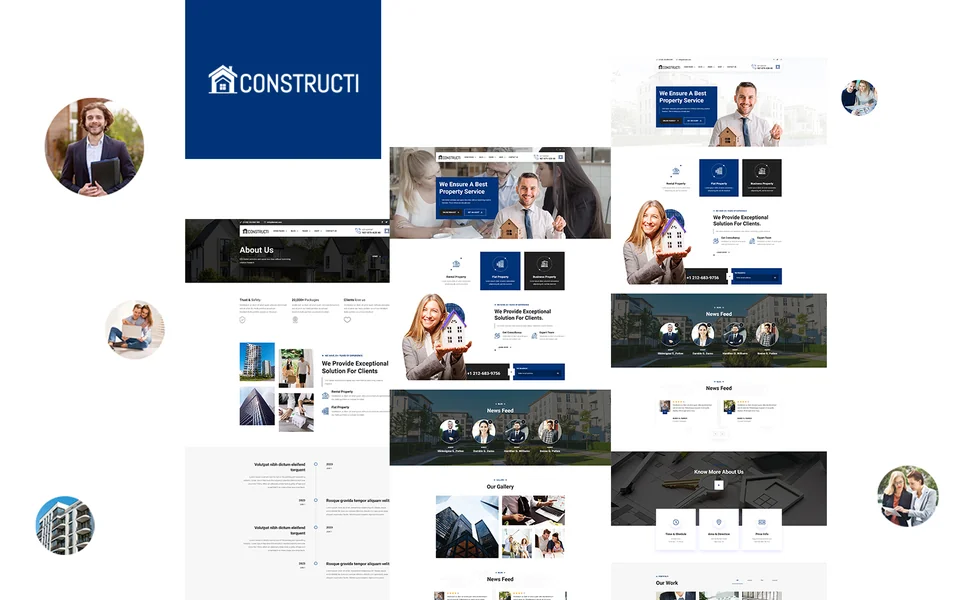
Constructi is a construction and building services HTML5 template designed to meet every requirement outlined in this guide. Built for general contractors, building contractors, civil engineering firms, renovation specialists, and property developers, it delivers a comprehensive construction business web presence — with 20 pages, a consultation booking form, project case studies, a materials shop with product zoom, animated statistics, WOW.js scroll animations, and a complete blog section.
What Constructi Includes
- 20 Fully Designed HTML5 Pages — complete contractor web presence from homepage to checkout
- 2 Unique Home Layouts — distinct hero styles for different contractor specialities and campaign types
- Consultation Booking Form — dedicated booking page for scheduling project consultations and estimates
- Case Studies Module — completed project archive plus individual case study detail pages
- Full E-Commerce Shop — materials and products archive, detail pages with jQuery Zoom, cart, checkout, wishlist
- jQuery Zoom — hover-to-magnify product images for detailed material inspection
- Services Module — services overview plus individual service detail pages for each construction speciality
- Team Page — crew and management profiles grid with licensing and credentials
- CounterUp Animated Statistics — projects completed, years in business, satisfied clients, square footage built
- Countdown Timer — seasonal promotion and booking deadline displays
- WOW.js Scroll Animations — polished entrance animations throughout all pages
- Blog Module (3 Formats) — grid, list, and full-article detail for project updates and construction insights
- Isotope Grid Filtering — category-based browsing for projects and products
- Authentication Module — login and registration pages for client portals
Technical Foundation
Constructi is built on Bootstrap 4 with Slick Carousel for testimonial and project showcase rotations, Isotope grid filtering for case study and product browsing by category, WOW.js for smooth scroll-triggered entrance animations, jQuery Zoom for detailed product image magnification, CounterUp for animated business statistics, Countdown timer for promotional campaigns, Magnific Popup lightbox for full-screen project photo viewing, and Mean Menu for clean mobile navigation. The combination of consultation booking, project case studies, and a materials shop with zoom provides the integrated construction business platform that turns website visitors into project leads.
The Project Evidence Advantage: Constructi combines lead generation with project credibility in a single template. The consultation booking form captures project enquiries around the clock, while case study pages with archive filtering demonstrate competence through documented project outcomes. The materials shop with jQuery Zoom lets prospective clients examine material quality in close-up detail, and WOW.js scroll animations create the polished presentation that homeowners associate with quality construction work. At 20 pages with CounterUp animated statistics, Countdown promotional timers, and three blog formats for content marketing, Constructi provides every tool a contractor needs to win projects online — while competing platforms charge $149–499/month for less impressive client-facing features.
Customisation Roadmap for Building Contractors
Week One — Project Photography and Core Content: Photograph your best completed projects from multiple angles — wide shots showing full scope, detail shots highlighting craftsmanship, before-and-after comparisons demonstrating transformation. Replace all placeholder content, adjust brand colours to match your company identity, and write individual service pages for each construction speciality with descriptions of your approach, typical timelines, and what clients should expect through the entire project lifecycle.
Week Two — Case Studies, Team, and Booking: Create detailed case study entries for your top five to ten completed projects, each with project description, challenges, solutions, timeline, and outcome photography. Build team profile pages with licensing numbers, certifications, years of experience, and specialisation areas. Configure the consultation booking form with appropriate fields for your project types. Set up the materials shop if you sell building products, flooring, fixtures, or finishing materials.
Week Three — SEO, Content, and Launch: Write your first three blog posts — a seasonal renovation planning guide, a material selection guide for popular project types, and a project showcase article highlighting a recent completion. Set up Google Business Profile with service area, project photos, and client reviews. Configure Google Analytics 4 and conversion tracking on the consultation booking form. Test across all devices with emphasis on mobile load speed and case study gallery performance. Deploy and submit to Google Search Console.
Frequently Asked Questions
Need Help Launching Your Contractor Website?
MetropolitanHost provides professional web development services for HTML template deployments. Our team understands construction industry website requirements and delivers clean, conversion-optimised implementations.
- WordPress Theme Installation — live in under 24 hours
- Full Website Package — complete front-to-back deployment
- Colour Customisation — match your contractor brand across all pages
- Website Speed Optimisation — Core Web Vitals improvements
- Accessibility Compliance — WCAG audit and remediation