What's in the box.
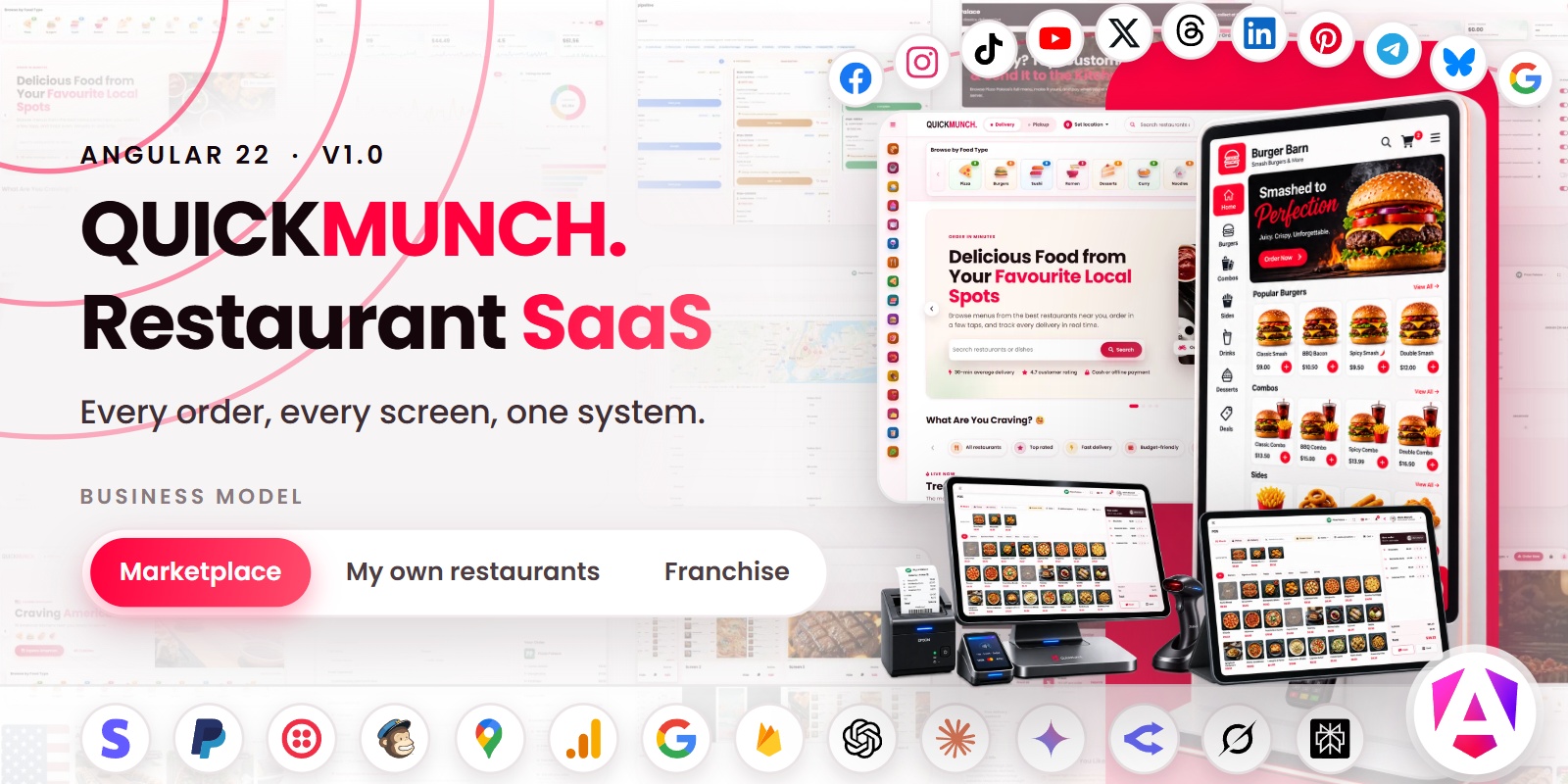
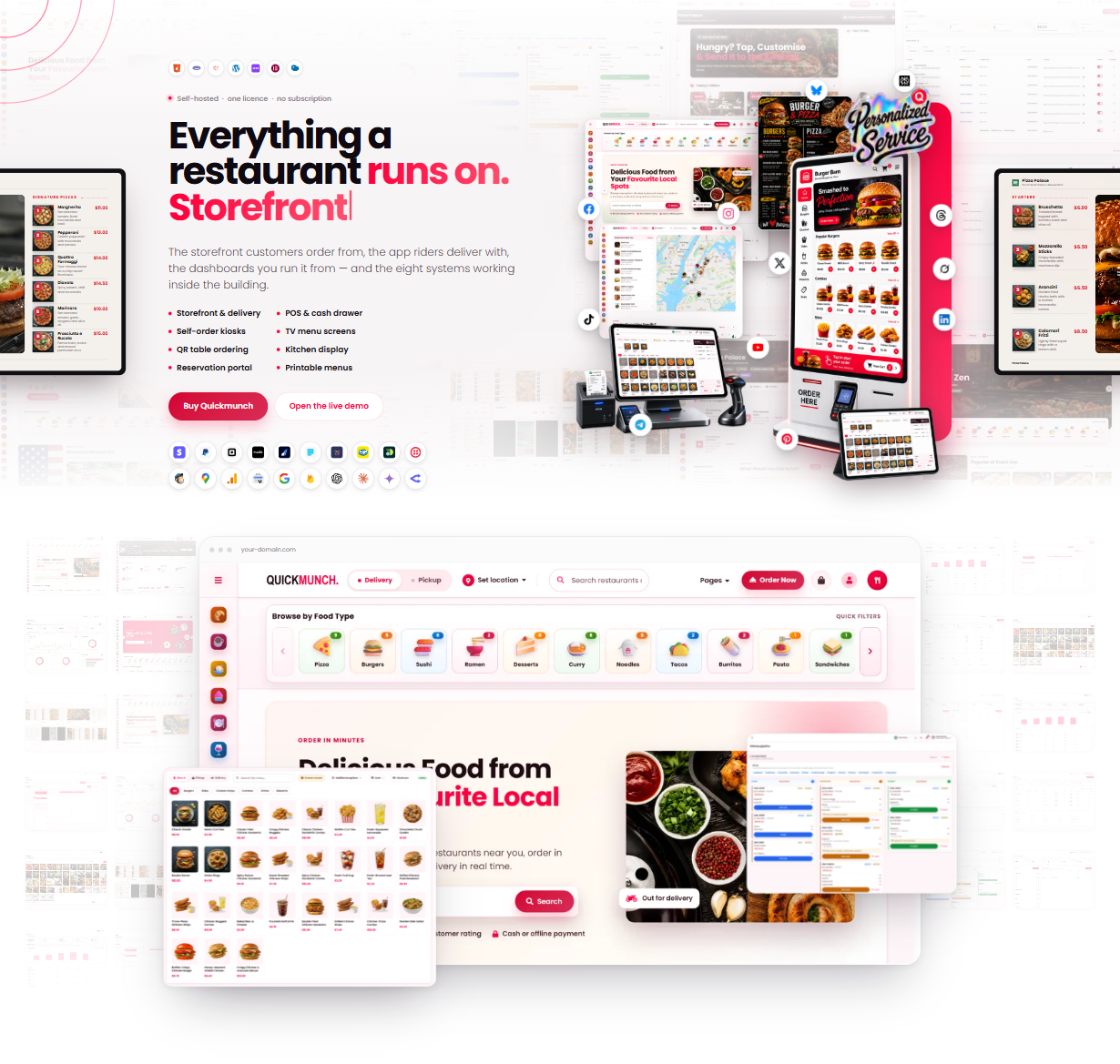
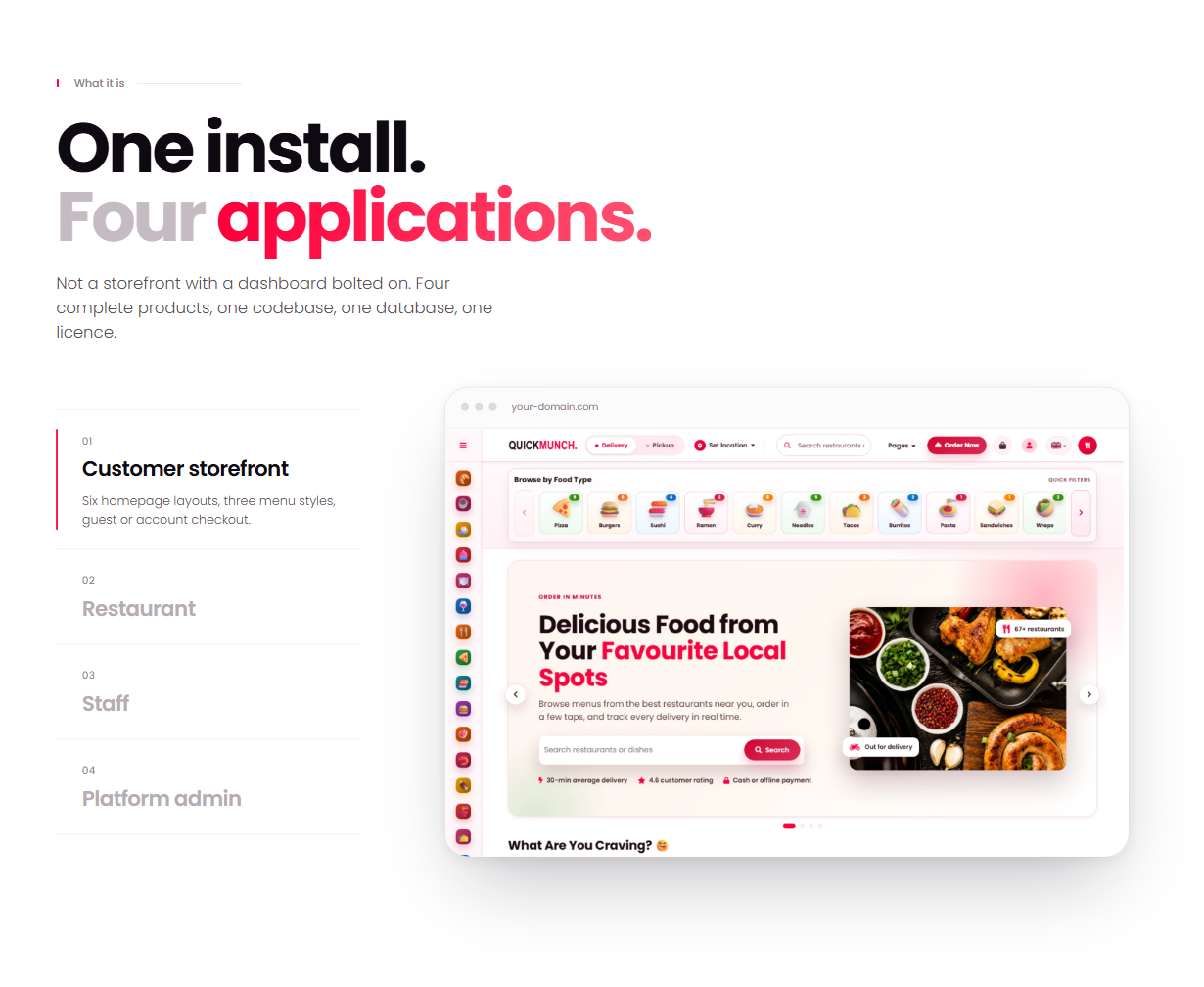
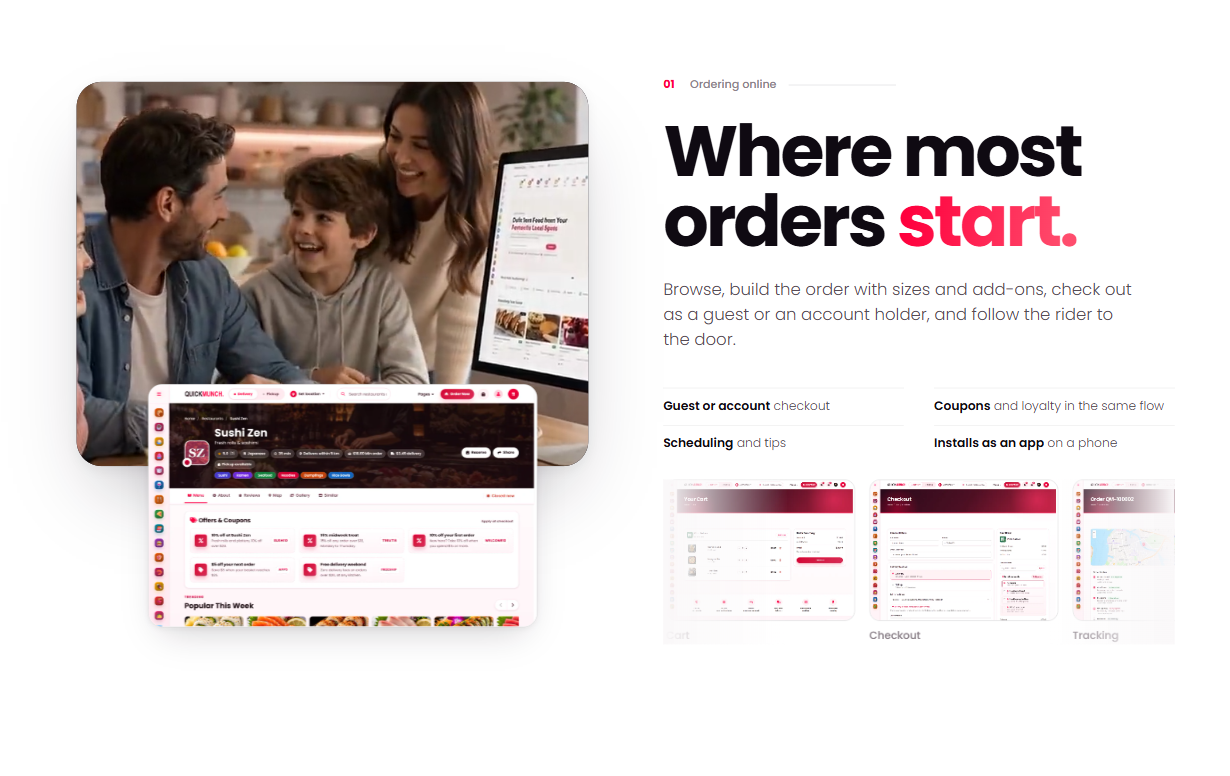
Quickmunch Angular is a restaurant marketplace and food ordering template built with Angular 22, TypeScript 6, ng-bootstrap 21 and Bootstrap 5.3. It is the complete customer side of a food delivery platform — discovery, restaurant pages, the basket, a three-step checkout, live order tracking, table reservations, a blog and a full customer account — as one single-page app with 42 routes, written entirely as standalone components with signals, the built-in control flow and Reactive Forms. No NgModules, no zone.js and no jQuery.
It runs with no server. The demo data (72 restaurants, 578 dishes, 22 cuisines) ships as typed modules in src/app/data/, the basket, orders, reviews and account changes are kept in the visitor’s browser, and every form posts JSON to an address you set — or runs in demo mode until you do.
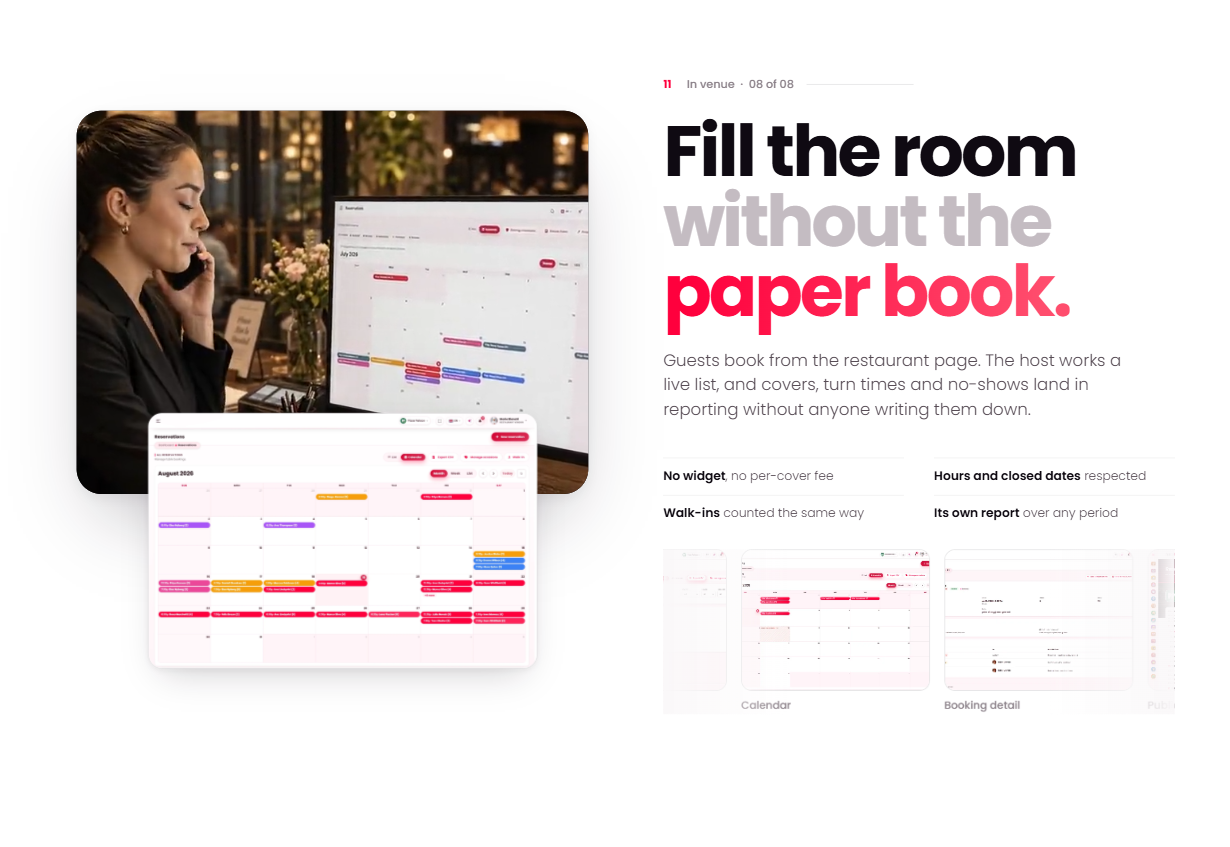
It also includes the back office: an admin dashboard, a restaurant dashboard with the till, the kitchen display, the floor plan, the design tools and Quick Social, and a rider dashboard, working in the browser on a full set of sample data, with a demo sign-in button for every role.
Live Demo
Front End Demo: Quickmunch Angular
In the demo, any email and password sign in as the sample customer, with orders, bookings and rewards to explore.
At a glance
- 42 routes — 6 homepages, discovery, restaurant pages, ordering, content, blog, sign-in and 11 account areas, each page loaded on its first visit
- Three dashboards — admin, restaurant and rider, with eight demo roles and 98 tables of sample data, every change kept in the browser
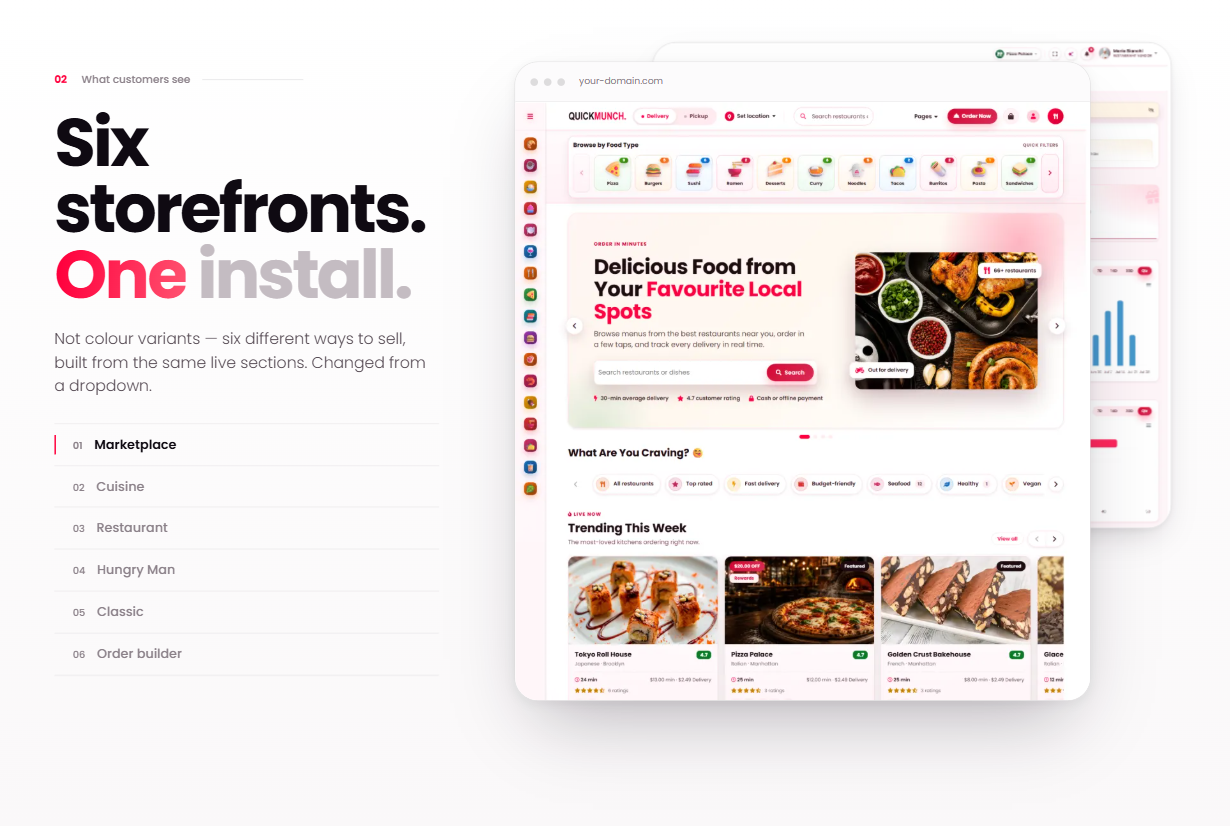
- 6 homepage layouts — marketplace, classic, cuisine spotlight, restaurant spotlight, hungry man and order builder; the home address follows one setting
- 5 restaurant page styles — Classic and Style 1 to Style 4, chosen per restaurant
- Working flows — basket, checkout, tracking, reservations, reviews, favourites, addresses and rewards all work in the browser
- Valid HTML — the rendered pages pass the W3C Nu HTML checker, with no console errors on any page
- Self-contained — images, videos, Poppins and Font Awesome are local files; nothing is loaded from a CDN
- Prerendered pages — all 181 public pages are written out as finished HTML, with their own titles and descriptions, for search engines and a fast first view; Angular then takes them over in place (hydration), and an optional Node server (Angular SSR) is included
- Right to left — the whole design turns for Arabic, Hebrew, Persian and Urdu: for the whole site with one setting, for visitors who pick a right-to-left language, or with
?dir=rtl - 86 pages of documentation included in the download
Discovery
- Restaurant listing — search, city, radius, cuisine, tags, open now, catering, dietary, price range and minimum rating filters, five sort orders, a chip for every filter applied, and grid, list and map views; every filter lives in the page address, so a filtered list can be shared
- Maps — Leaflet on OpenStreetMap with cover-photo pins, clusters, pop-ups drawn from Angular templates, Search this area and Search near me
- Find food near you — a full-width map of every restaurant with Search this area, a strip of the restaurants in view, and the diner’s default address as a home pin
- Cuisines and deals — a cuisine directory and a deals page with coupon codes
Restaurant page and ordering
- Five page styles — Classic, Style 1 and Style 2 with the restaurant info beside the menu, Style 3 and Style 4 with the dishes first
- The menu — categories, grid and list views, dietary marks, a dish dialog with sizes, add-ons and ingredient tabs, and a live total
- Restaurant details — offers, opening hours, map, photos, a catering section, guests’ posts and reviews
- Basket — a side basket and a cart page with a free-delivery meter, the restaurant’s minimum order and “Goes well with your order” suggestions from the restaurant’s own pairings
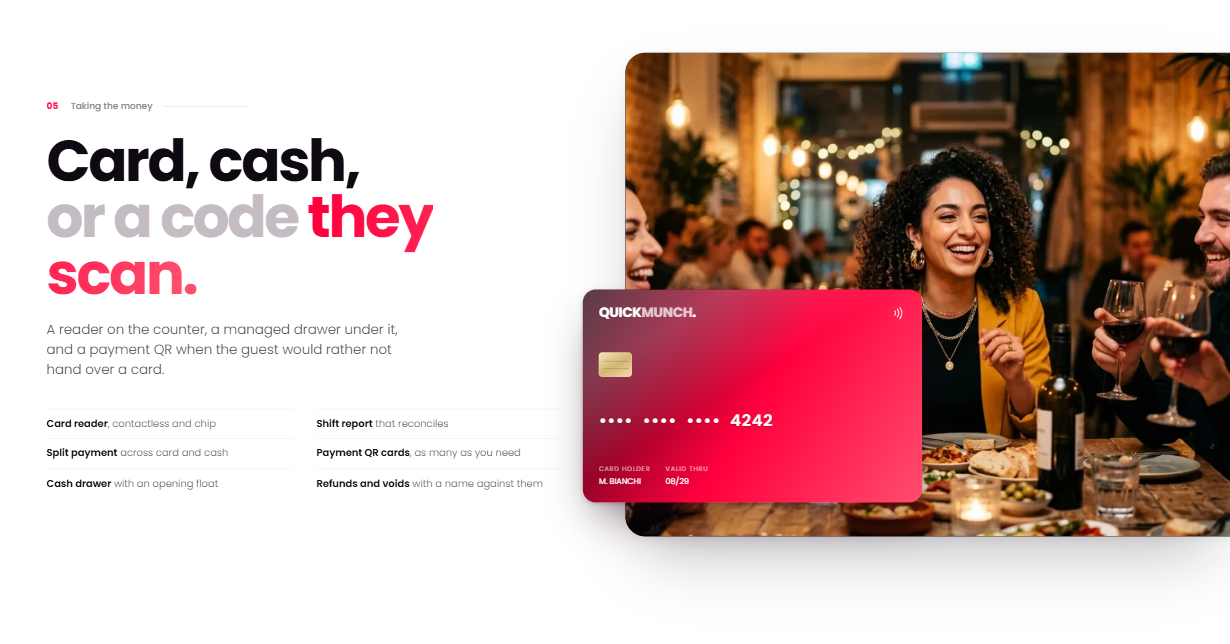
- Three-step checkout — delivery or pickup, a calendar and the times still bookable on the restaurant’s own clock, catering events (date, guests, event type, set-up), coupon check, loyalty rewards, tips, and cash, card or PayPal as the payment choice
- Order tracking — a tracking page that moves through each status by itself, a route map and a printable receipt
- Order builder — a homepage where the guest builds a meal from food types with a customise dialog
- Table reservations — party size, date, time, occasion and notes, following each kitchen’s booking rules
Content and blog
- Pages — About, Become a Partner with plans, a four-step restaurant sign-up, Help with FAQ search, Contact with a map, Privacy and Terms
- Blog — modern and classic layouts with category filters, paging and sidebars; the post page has comments, replies, sharing, previous and next, and related posts
Sign-in and customer account
- Sign-in pages — sign in with Remember me, create account, forgot and reset password, with field messages and live password rules
- Eleven account areas — profile with photo, orders (track, review, reorder), leave a review, my reviews, reservations (calendar file, cancel), favourites, notifications with a header bell, notification settings, saved addresses, rewards and perks
- A route guard sends guests who open an account page to sign in and brings them back
The dashboards
- Admin — home and Get started, restaurants and claims, orders, reservations, reviews, users, analytics, plans and subscriptions, payouts and royalty, sponsored ads, loyalty and deals, the media library, classifications and the admin menu, communications, the blog, pages and the site frame, settings, roles and permissions, email templates, design templates and the logs
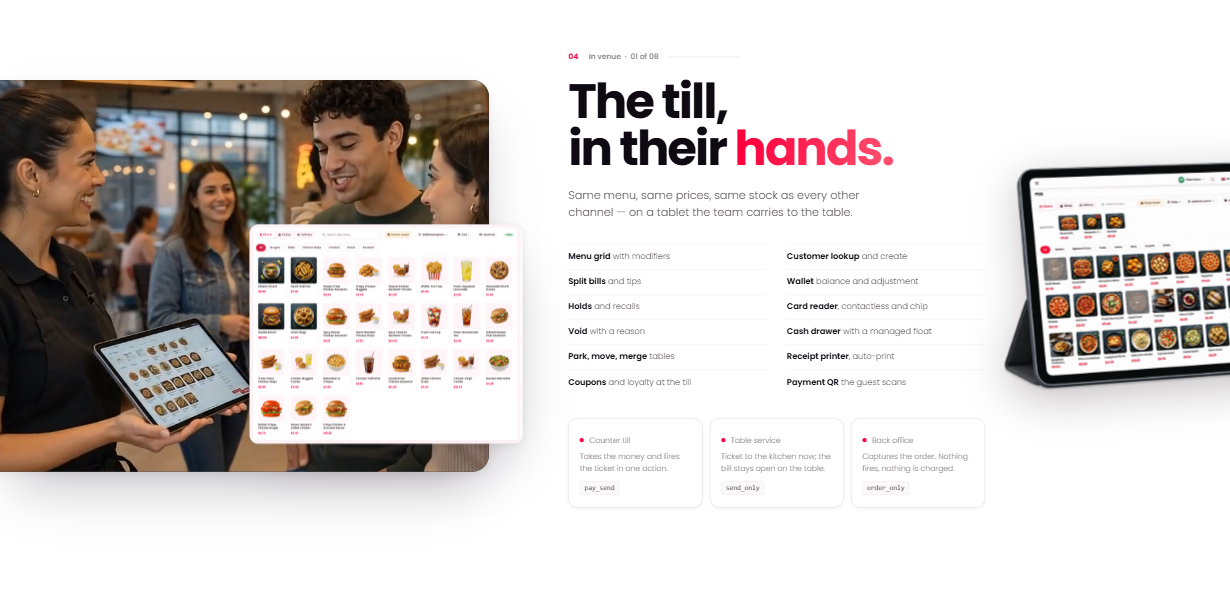
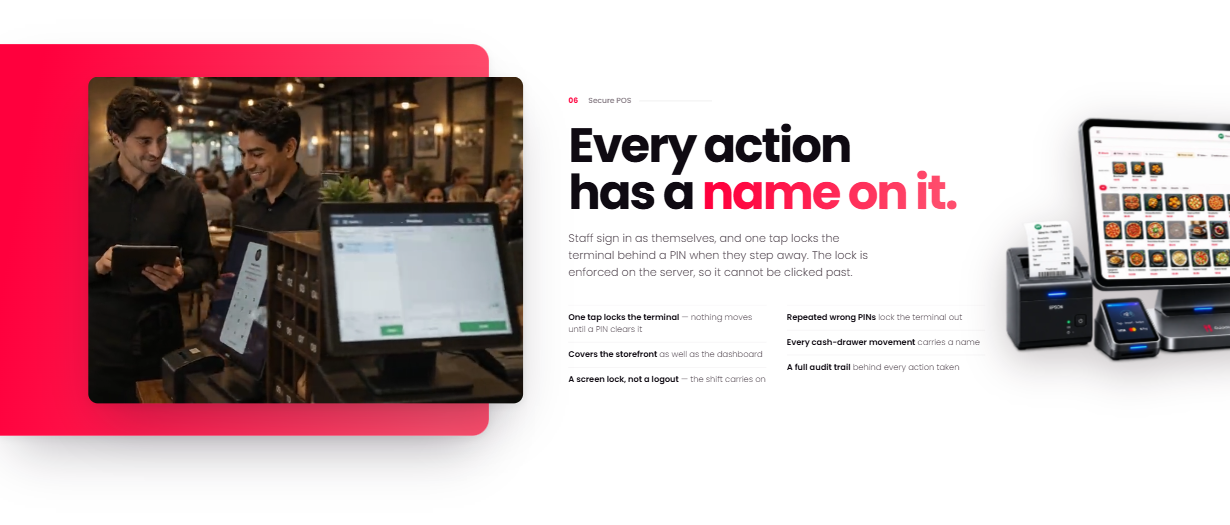
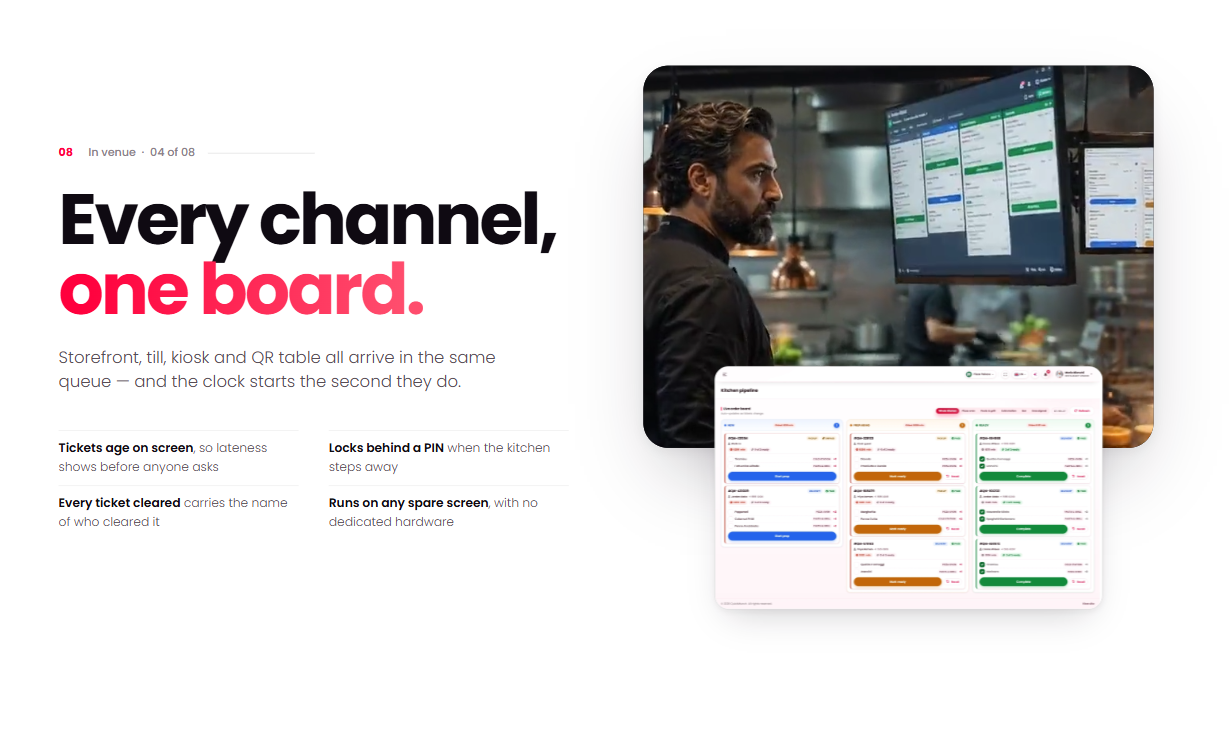
- Restaurant — home and Get started, orders, reservations, the floor plan, customers, the menu with import, archive and upsell, inventory, media, the till in four styles, the kitchen display, terminals and device settings, staff with PIN lock and the cash drawer, plans, payouts and branches, analytics, loyalty, coupons, sponsored ads and push, settings
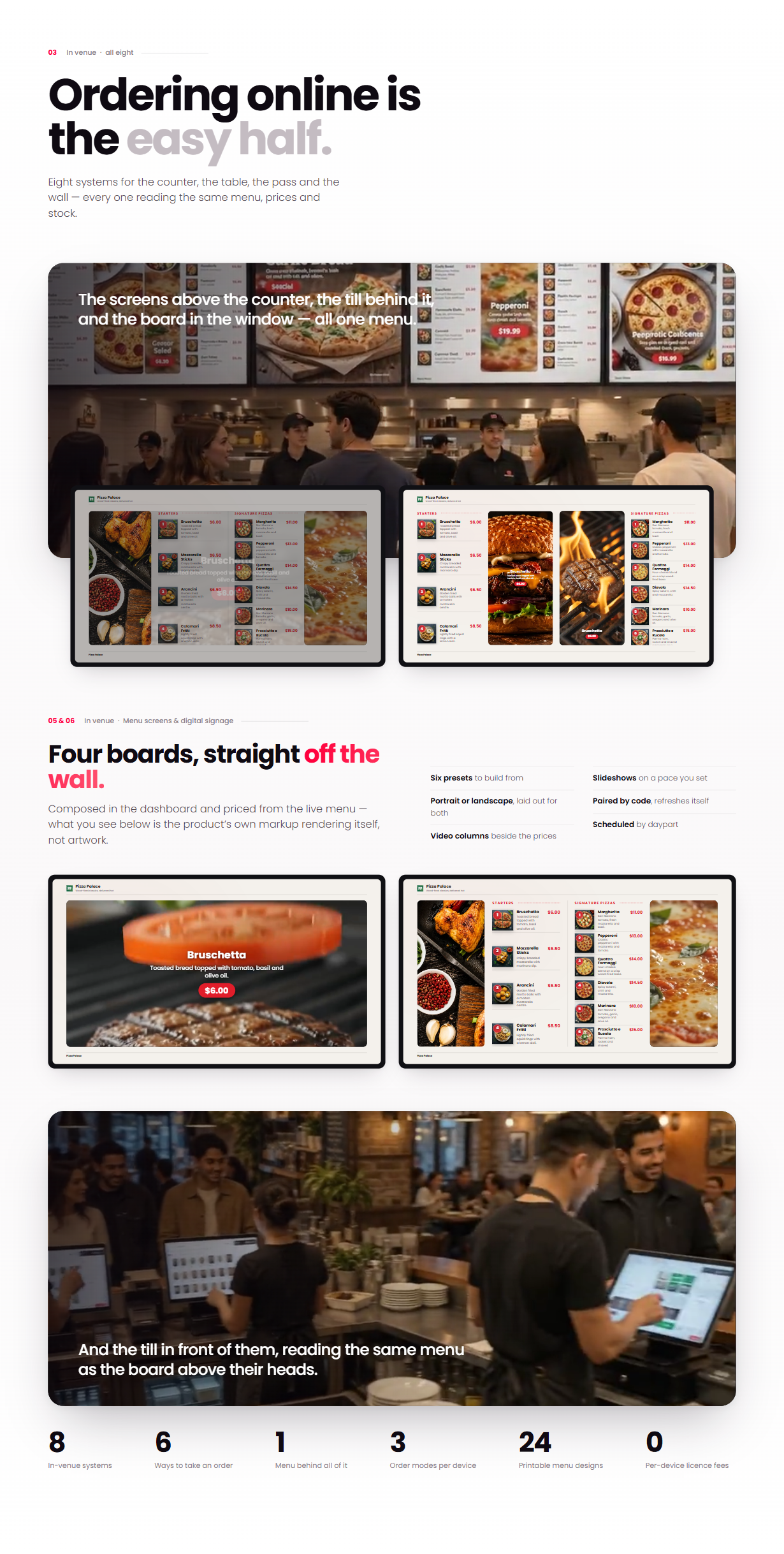
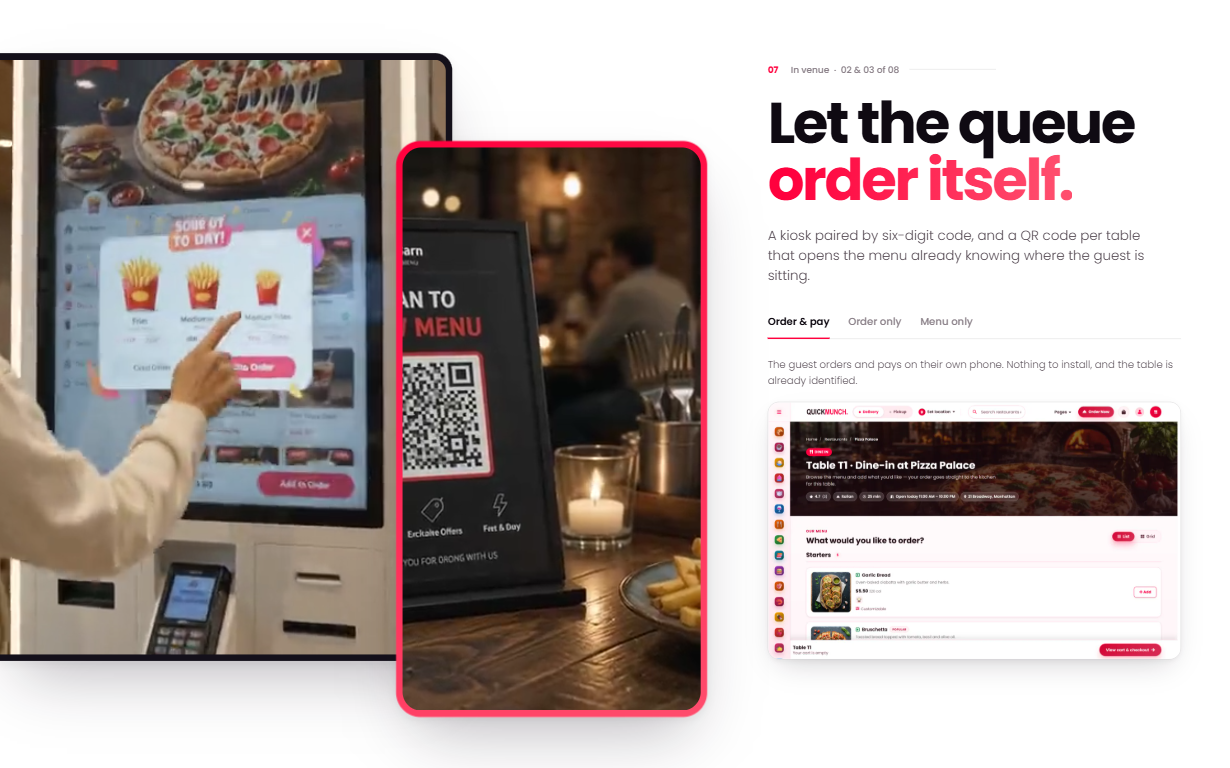
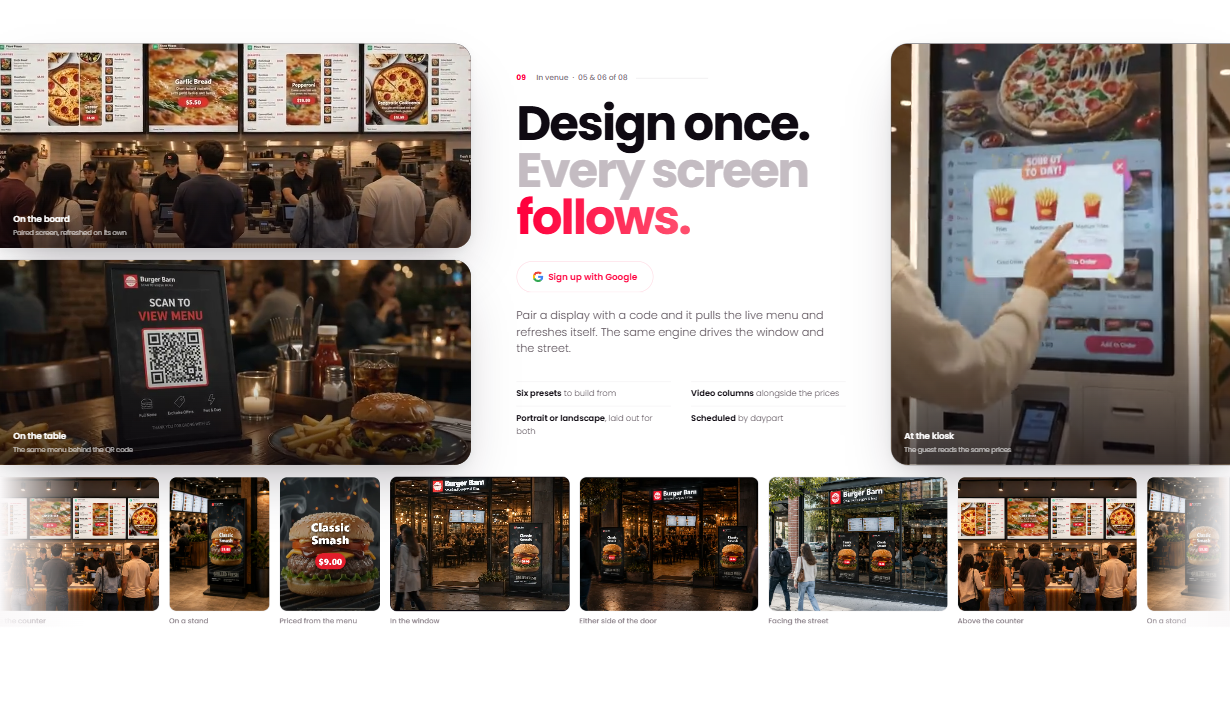
- Design & print — TV menu boards built from columns that fill from the live menu, slideshows and pairing a TV by its code; table and payment QR cards; folded printable menus in six styles; and the receipt designer, each with starter templates the admin manages
- Quick Social — the campaign composer, the campaign log, the calendar, the image studio, social proof and channels, with sample channels
- Rider — availability, deliveries to pick up and deliver, notifications and the profile
- Roles and permissions — a demo button for each role on the sign-in page (Admin, Restaurant owner, Manager, Kitchen staff, Host / hostess, Waiter / cashier, Delivery rider, Customer); every screen checks the role’s privileges and the platform’s business model and services
- From the storefront — orders placed at checkout, table bookings, reviews, contact messages, newsletter sign-ups and restaurant sign-ups reach the dashboards
- Ready for your API — every screen reads and writes through one data layer, so your backend replaces it in one place; Reset sample data starts the demo again
For developers
- Modern Angular throughout — standalone components, zoneless change detection, signals (
signal,computed,linkedSignal,effect),input()andoutput(), the@if/@for/@letcontrol flow and@deferfor the maps - Typed data — restaurants, menus, cuisines, coupons, blog, navigation and settings as TypeScript modules with interfaces, one module per dataset so each page loads only what it reads
- Reactive Forms — contact, newsletter, reservation, restaurant sign-up, sign-in, register, forgot, reset and profile post JSON through
HttpClientto the addresses insrc/environments/environment.ts; a PHP contact mailer (sendmail.php) is included - Router features — lazy-loaded routes, route inputs bound to component inputs, a title strategy for page titles and a sign-in guard
- Clean code — Prettier formatting (
npm run format) and a production build to any folder with--base-href - Hosting ready — an
.htaccessthat serves each prerendered page and the app for every other address, with long caching of the hashed files - Responsive — phone, tablet and desktop layouts, with skip links, labelled controls and visible focus states
Requirements
- Node.js 22.22.3 or newer, 24.15 or newer, or 26 and newer (the versions Angular 22 supports) and npm, to install and build
- Any static web host for the built site (Apache, Nginx, or a static hosting service); PHP only if you use the included contact mailer, Node.js only if you run the optional Node server
- A modern browser — Chrome, Edge, Firefox or Safari
Libraries included
- Angular 22.2 (core, router, forms, localize) with TypeScript 6.0 and RxJS 7.8
- ng-bootstrap 21, Bootstrap 5.3.8 and Popper 2.11 — dropdowns, accordions, dialogs and layout
- Leaflet 1.9.4 — every map
- SweetAlert2 11.26 — confirmations and corner messages in the template’s design
- countUp.js 2.10 — counting figures
- Angular SSR and Express 5.2 — the prerendered pages and the optional Node server
- ApexCharts 3.42 — the dashboards’ charts
- FullCalendar 5.11 — the reservations calendar
- Quill 2.0 — the rich text editor
- FilePond 4.30, interact.js 1.10 and Panzoom 4.6 — menu import, and dragging and zooming the floor plan
- flatpickr 4.6, Choices.js 9.1 and Cropper.js 1.6 — date pickers, searchable selects and image cropping
- html2canvas-pro 1.5 and QRCode.js — image export and the QR codes
- postcss-rtlcss — writes the right-to-left CSS when the site builds
- Font Awesome Free, Poppins and Noto Sans Arabic — icons and the interface typefaces, bundled locally
Documentation
An 86-page guide ships in the download: installing and running the project, putting it online in any folder, the prerendered pages and the Node server, right to left, the project structure, every page and what is on it, the homepages, the restaurant page styles, cart and checkout, tracking, the account, the data files, branding and styles, forms and endpoints, the contact mailer, adding a page, the shared components, what the browser remembers, troubleshooting and the credits; and for the dashboards: demo access and the sample data, roles and permissions, connecting your API, and every admin, restaurant and rider screen.
Credits
Photography and video used in the live preview are licensed for that demonstration only. The download ships grey placeholder images and videos at identical dimensions in their place, so nothing needs resizing when you drop your own in. Poppins, Noto Sans Arabic and the printable menu’s typefaces are under the SIL Open Font License, the image studio’s typefaces (from Google Fonts) under the SIL Open Font License or the Apache License 2.0 as each family states, Font Awesome Free under its own licence, and every bundled library under its respective open-source licence. Map tiles © OpenStreetMap contributors.
Changelog
Version 1.1.0 — the admin, restaurant and rider dashboards, working in the browser on sample data, with demo access for every role; the TV pages under /tv; what the storefront takes (orders, bookings, reviews, messages, sign-ups) reaches the dashboards; staff and admins find their dashboard in the header, and a sign-in without Remember me lasts for the browser session in every tab; 46 new documentation pages.
Version 1.0.0 — initial release.
Quickmunch in other formats
The same design, built natively in each stack. Every format is its own product with its own demo, documentation, download and reviews.
-
QuickmunchHTML5
$34
$46View HTML5 → -
QuickmunchReact
$29
$39View React → -
This page QuickmunchAngular $29
$39You are viewing it -
QuickmunchWordPress
$104
$139View WordPress → -
QuickmunchPHP
$59
$79View PHP → -
QuickmunchLaravel
$59
$79View Laravel → -
Save 20%
Developer bundleAll 6 code formats
$251.20
$314View bundle →
Need Quickmunch installed or customized?
Fixed prices, done by the developers who built this template. Pick a service and we take it from there.
- Theme installation
- Color scheme customization
- Speed optimization
- 1-hour web development
Reviews
There are no reviews yet.