- Full source code
- Instant download
- Lifetime updates
- Support from the developers who built it
Locksmith Website Templates
Locksmith website templates for locksmiths, key cutting shops, emergency lockout services and security installers, with case studies, booking, pricing and a shop: 2 designs compared.
-
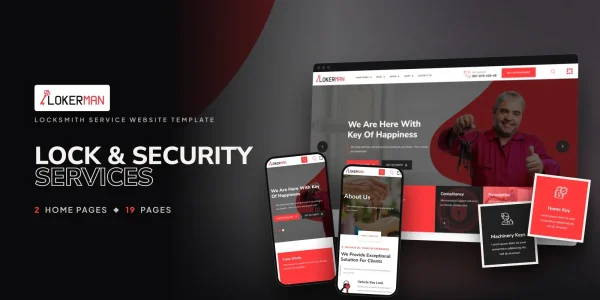
Lokerman
from$17
$49Locksmith Service Website Template
-
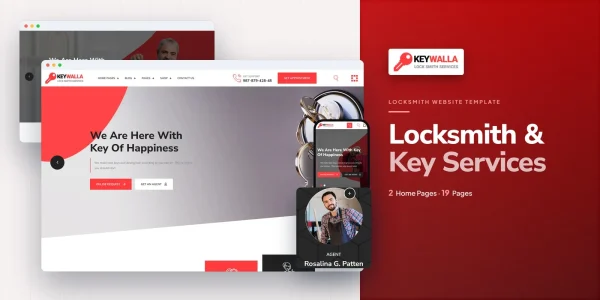
Keywalla
from$16
$49Locksmith Service Website Template
More Industrial & Services website templates
-
Holding Company Website Templates
from$16
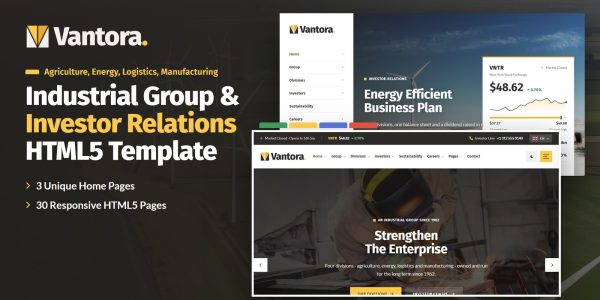
$22Vantora
-
Moving Company Website Template
from$17
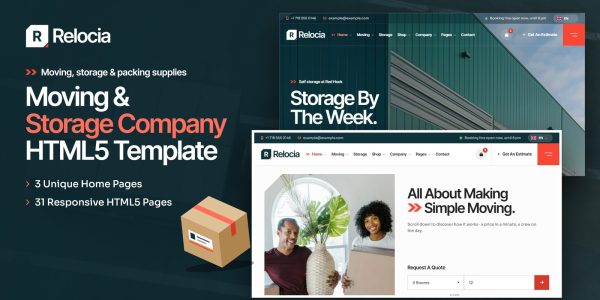
$23Relocia
-
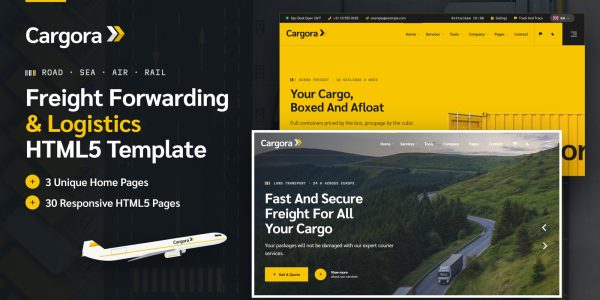
Freight Forwarding Website Template
from$16
$22Cargora
Freight Forwarding Website Template HTML5Freight Forwarding Website Template Tailwind CSSFreight Forwarding Website Template ReactFreight Forwarding Website Template Vue.jsFreight Forwarding Website Template AngularFreight Forwarding Website Template WordPressFreight Forwarding Website Template AI Smart Website
-
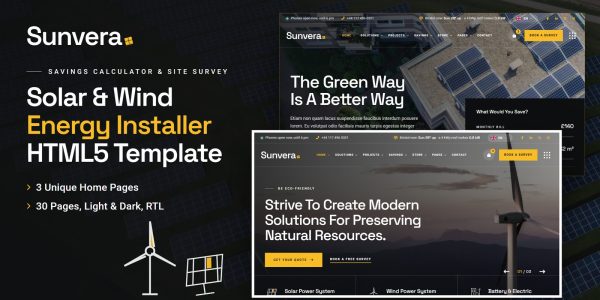
Renewable Energy Website Template
from$17
$23Sunvera
-
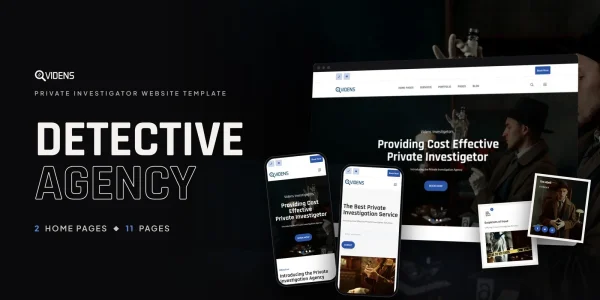
Videns
from$10
$49Private Investigator Website Template
-
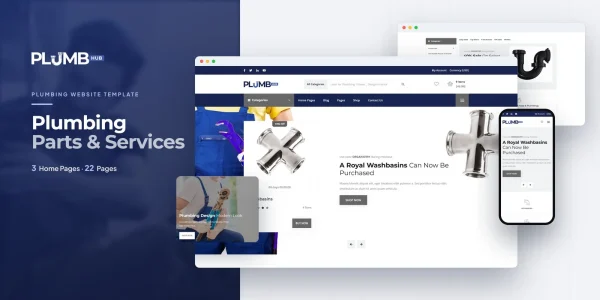
Plumbinghub
from$16
$49Plumbing Services Website Template
-
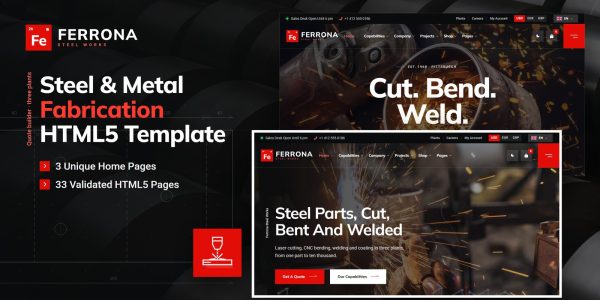
Metal Fabrication Website Template
from$18
$24Ferrona
Metal Fabrication Website Template HTML5Metal Fabrication Website Template Tailwind CSSMetal Fabrication Website Template ReactMetal Fabrication Website Template Vue.jsMetal Fabrication Website Template AngularMetal Fabrication Website Template WordPressMetal Fabrication Website Template AI Smart Website
-
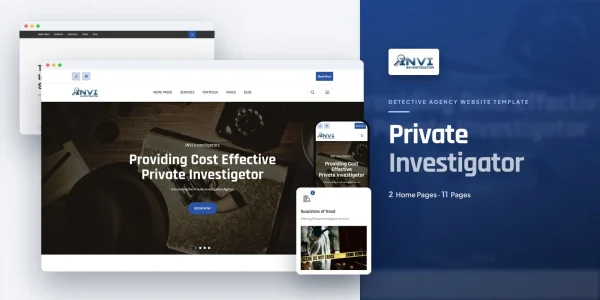
Invi
from$11
$49Private Investigator Website Template
-
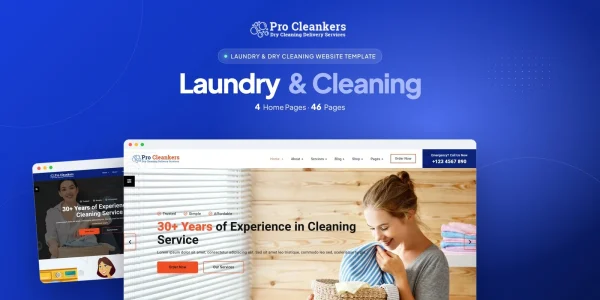
Pro Cleankers
from$7
$10Laundry and Dryclean Template
Buyer’s guide
Locksmith website templates for locksmiths and security installers
Someone locked out wants a phone number, a price and proof you are real; someone planning a lock upgrade wants the options and a booking. That is why the two locksmith website templates on this page lead with completed jobs, services with their own pages, an appointment form and a pricing page, with a shop for locks and keys beside them.
Each template comes with a live demo, and code formats start at $16. Both are responsive, so a customer locked out can call or book a professional locksmith from a phone, and both put emergency call-outs and scheduled work side by side.
How to choose a locksmith website template
Completed jobs as proof
Trust is the sale. So Keywalla and Lokerman both carry a case studies archive with a page for each job, and Lokerman adds before-and-after comparisons and charts.
Services with their own pages, and a price
Key cutting, lock installation, repair and emergency lockout each need a page. Both templates have a services module with service pages; Lokerman adds a pricing page for service and security packages and an FAQ.
The two picks for locksmiths, one by one
1Keywalla for locksmiths with a shop
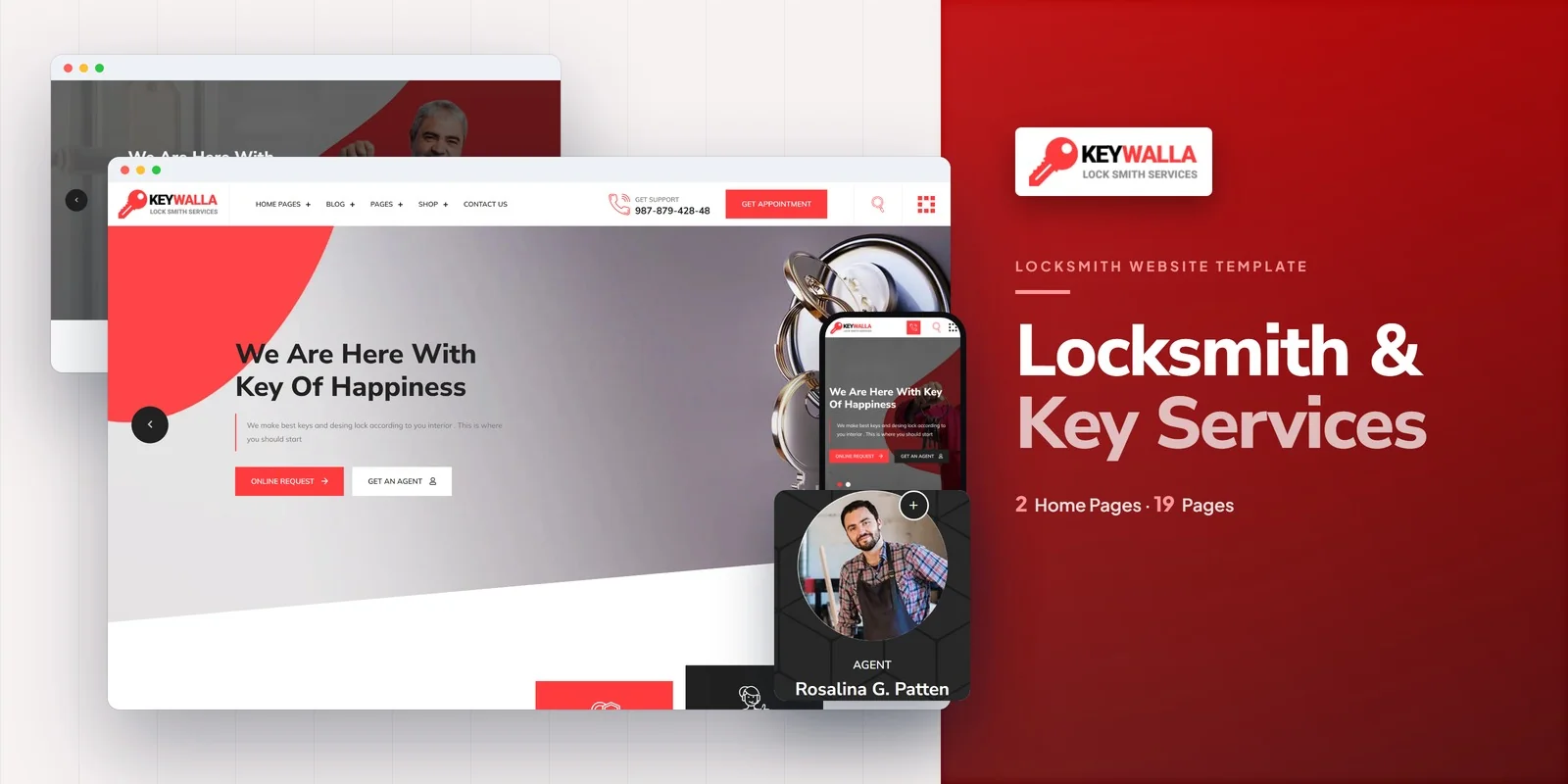
Keywalla is a conversion-focused template for locksmiths, key cutting shops, lock installation and repair specialists, emergency lockout services and residential and commercial security businesses, with two home page layouts.
It has a case studies archive with job pages, services with their own pages, a team directory of locksmith agents, an appointment booking form, a shop with product pages, a cart, a checkout and a wishlist, a blog in three formats and an FAQ.
- Best for
- Locksmiths selling locks and keys online
- Pages
- 20 pages, 2 home pages
- Keywalla HTML5 $16
$49 - Keywalla React $19
$49 - Keywalla Vue.js $17
$49 - Keywalla Angular $25
$49 - Keywalla PHP $18
$49 - Keywalla WordPress $53
$93 - Keywalla: All formats, developer bundle $118.40
$148
2Lokerman for locksmith and security services
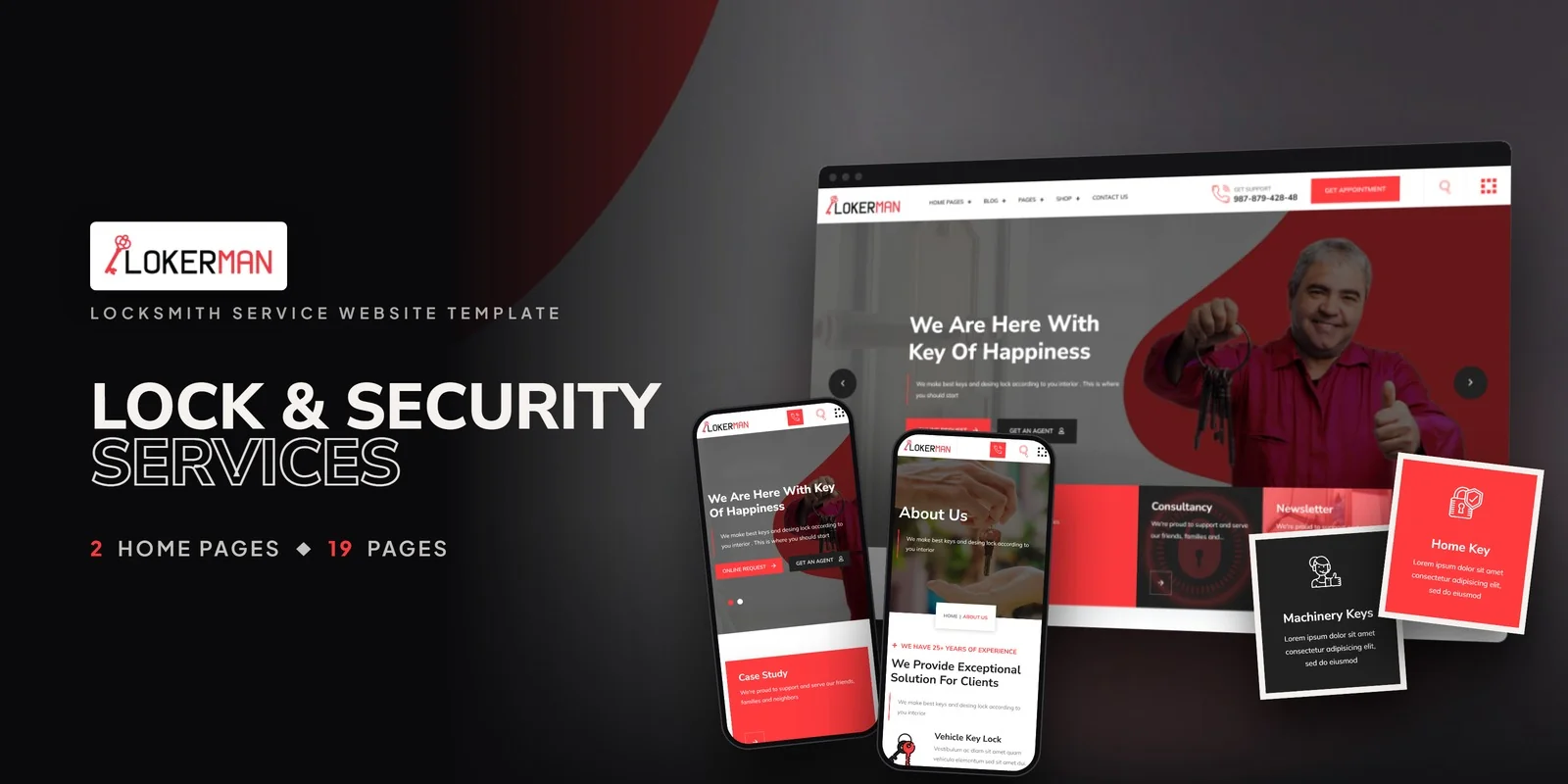
Lokerman is a reliable, emergency-ready template for locksmith businesses, security solution providers, key cutting shops, safe and vault specialists and access control companies, with two home page layouts.
It has a case studies module with job pages, services with their own pages, a pricing page, an FAQ, an appointment booking form, a product shop, before-and-after comparison sliders, charts, animated statistics and a team.
- Best for
- Emergency and security service businesses
- Pages
- 19 pages, 2 home pages
- Lokerman HTML5 $17
$49 - Lokerman React $21
$49 - Lokerman Vue.js $19
$49 - Lokerman Angular $20
$49 - Lokerman PHP $25
$49 - Lokerman WordPress $55
$95 - Lokerman: All formats, developer bundle $125.60
$157
Compare them side by side
| Template | Best for | Stand-out feature | Pages | Code from | WordPress |
|---|---|---|---|---|---|
| Keywalla | Locksmiths selling locks and keys online | Case studies, booking, a shop and a team directory | 20 pages, 2 home pages | $16 | $53 |
| Lokerman | Emergency and security service businesses | Pricing, before-and-after comparisons and charts | 19 pages, 2 home pages | $17 | $55 |
Which format should a locksmith buy?
Each format is its own product, with its own download, demo and documentation. So pick the one your site will run on.
HTML5
from $16
The simplest choice, because it runs on any web host and every page is a plain file you can edit.
React, Vue or Angular
from $17
For a developer who will connect the bookings and the shop to a back end. Each framework is also its own download.
WordPress theme
from $53
For a locksmith’s office that edits pages and posts from the dashboard, with the shop on WooCommerce.
Developer bundle
from $118.40
Not sure yet? Then take every format of one template for 20% less than buying them one by one.
AI Smart Website
from $599
Rather not build it at all? Instead, we set the design up with your content and then launch it on your domain.
Questions locksmiths ask
What should a locksmith website include?
A phone number on every screen, the services with prices, proof of completed jobs, a booking form for scheduled work, the service area and reviews. Keywalla and Lokerman both cover it; Lokerman adds the pricing page.
Which template has a pricing page?
Lokerman has a pricing page for service and security packages beside its FAQ.
Can customers book an appointment online?
Yes. Both Keywalla and Lokerman have an appointment booking form.
How much does a locksmith website template cost?
Code formats start at $16, while WordPress themes start at $53. The developer bundle of a template also costs 20% less than its formats bought one by one. Either way, you pay once and keep the files.
Can you set up a locksmith website for me?
Yes. Each template also comes as an AI Smart Website. We add your logo, your services, prices and area, then set up the pages and launch the site on your domain.
From our blog
More buyer’s guides
 Cleaning Company Website Template: Complete Buyer’s Guide (2026)Read the guide
 Solax — Solar Energy Website Template | Bootstrap 5 (18 Pages, Portfolio & 3 Homepages)Read the guide
 Industrial Company Website Template: Complete Buyer’s Guide (2026)Read the guide
 Janitorial Service Website Template: Complete Buyer’s Guide (2026)Read the guide
 Pro-cleankers — Cleaning Service Website Template | Bootstrap 5 (46 Pages, Before/After & Calculator)Read the guide
Keep browsing
Browse the catalog another way
By industry
- Retail & E-Commerce templates
- Food & Beverage templates
- Creative & Portfolio templates
- Health & Wellness templates
- Religion & Community templates
- Business & Agency templates
- Real Estate & Construction templates
- Industrial & Services templates
- Tech & Education templates
- Travel & Hospitality templates
- Sports & Outdoor templates
- Automotive templates
- Events & Music templates
- Cannabis & Specialty templates
By format
Studio services
Want it installed and customized for you?
Installation, customization, WordPress packages and maintenance from the Brooklyn studio that builds the templates.
Support the same business day, New York hours 9am–6pm ET.