What's in the box.
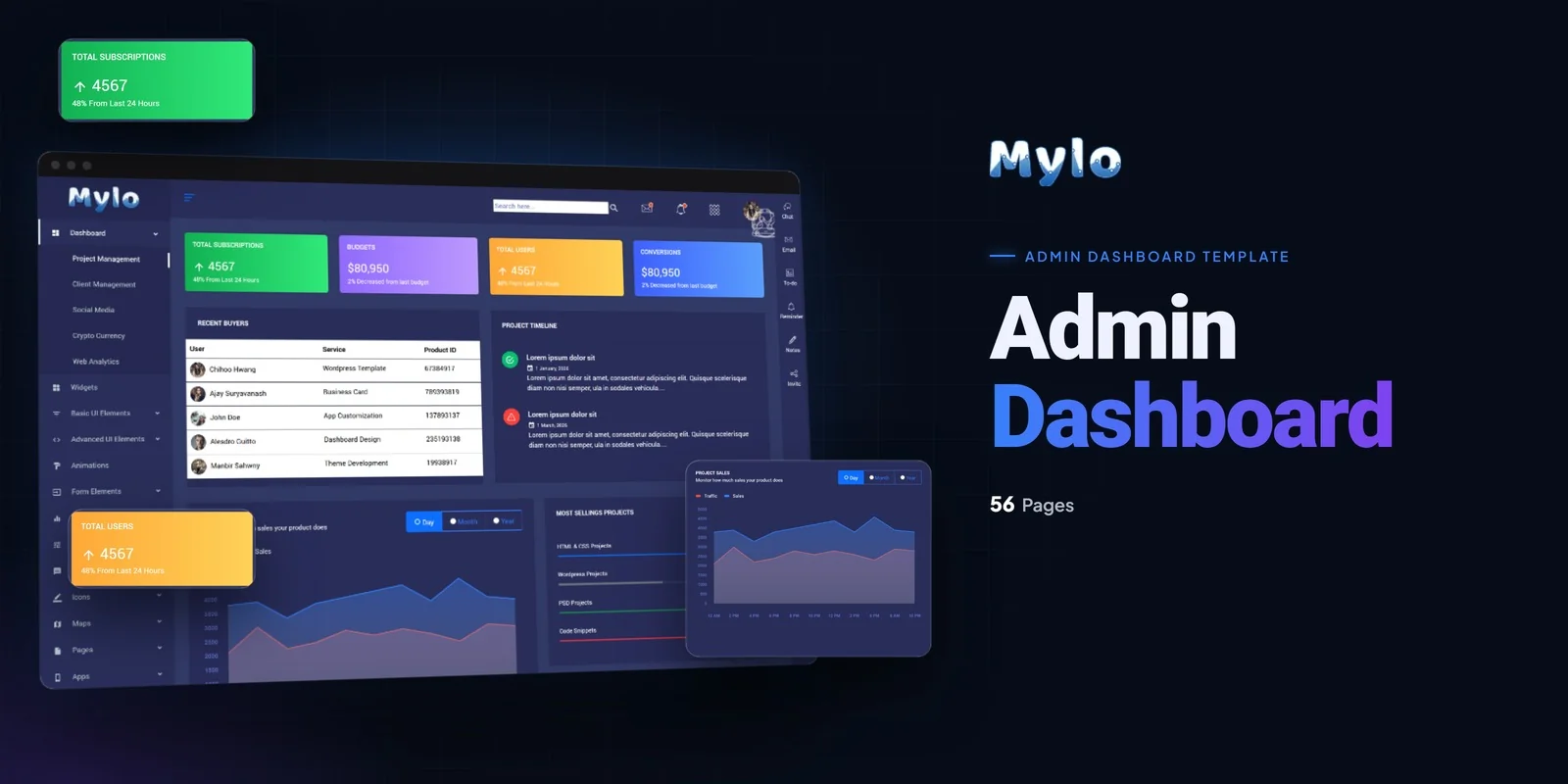
Project tools need a backend that shows progress, alerts and user accounts without clutter. Mylo is a Tailwind CSS admin dashboard template that groups project tracking, charts and account screens into five connected pages, and its styling is written for Tailwind CSS 4.
It suits project management tools, task management applications, SaaS platforms, business productivity software and internal operations dashboards. Freelancers and agencies can also hand it to a client as a finished admin interface.
Why This Tailwind CSS Admin Dashboard Template Starts With Five Pages
The template contains five pages, and each one covers a job that admin users repeat daily. A buyer who needs a backend for a SaaS product can use this Tailwind CSS admin dashboard template as the starting point for the interface.
- Dashboard: the project and task overview, where most users spend their time, so it carries the Chart.js progress charts.
- Statistics: key metrics and performance indicators, which managers check when they report to a team.
- Notifications: system alerts and status messages, so users see problems before they ask about them.
- User Profile: account and user management, which every multi-user tool needs.
- Settings: application configuration pages for preferences and options.
Which Dashboard Pages Matter Most for Project and Task Tools
The Dashboard matters most, because a project tool lives or dies by how quickly a user sees what is late and what is done. Chart.js draws project progress and analytics there. PerfectScrollbar keeps long lists of tasks and data easy to scroll, and the interface also offers drag-and-drop parts.
Statistics comes second, since it turns the same data into metrics a manager can read at a glance. Notifications follow, because a task tool must tell people when something changes. User Profile and Settings matter once a team grows and needs accounts and configuration.
Tailwind CSS 4 in the Mylo Admin Pages
Styling sits in utility classes inside the HTML, so you can read how the Dashboard cards or the Statistics tables look right where they are written. Hover and focus states for menu items and buttons are also written beside the base styles in the markup.
Colors, fonts and spacing live in a single Tailwind theme. When you change the accent color there, every page picks it up, from Settings to Notifications.
Download Contents and Icon Set
The download holds the finished pages, which open as they are. It also includes the Tailwind source files, so you can adjust the design and compile the CSS again. The preview photos are left out, and plain placeholder images sit in their spots. The icon sets are Flaticon and FontAwesome, and the typefaces are served by Google Fonts.
Mylo is tested for Chrome, Firefox, Safari, Edge and Opera, and its documentation walks through setup and customisation.
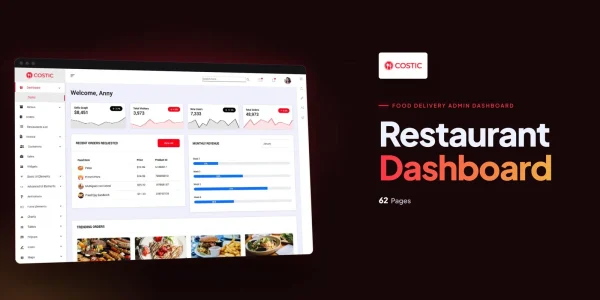
Buyer’s guideCostic — Restaurant Admin Dashboard Template | Bootstrap 4 + Dark Mode — see how Mylo compares with the alternatives.
Mylo in other formats
The same design, built natively in each stack. Every format is its own product with its own demo, documentation, download and reviews.
-
MyloHTML5
$10
$49View HTML5 → -
This page MyloTailwind CSS $18
$54You are viewing it -
MyloReact
$27
$49View React → -
MyloVue.js
$20
$49View Vue.js → -
MyloAngular
$29
$49View Angular → -
MyloWordPress
$73
$113View WordPress → -
MyloPHP
$21
$49View PHP → -
MyloAI Smart Website
$2,099
$2,309View AI Smart Website → -
Save 20%
Developer bundleAll 6 code formats
$144
$180View bundle →
What's changed.
- First release of Mylo in the HTML with Tailwind CSS edition
- Five pages: Dashboard, Statistics, Notifications, User Profile and Settings
- Chart.js, PerfectScrollbar and jQuery UI components included
Need Mylo installed or customized?
Fixed prices, done by the developers who built this template. Pick a service and we take it from there.
- Theme installation
- Color scheme customization
- Speed optimization
- 1-hour web development




Reviews
There are no reviews yet.