- Full source code
- Instant download
- Lifetime updates
- Support from the developers who built it
DIY Blog Website Templates
DIY blog website templates for how-to publishers, craft and home improvement blogs and recipe creators, with step-by-step guides, shops and submissions: 2 designs compared.
-
Doitezy
from$16
$49DIY How-To Blog Website Template
More Tech & Education website templates
-
Hiboboard
from$21
$29Hospitality Operations Dashboard Template
-
Hibokids
from$14
$19Kindergarten & Nursery School Template
-
Fashion Design Website Template
from$16
$22Modara
-
Quick Social SaaS
$54
$72Sell Social Media Publishing as a Subscription (Laravel)
-
Mystic
from$9
$12Multipurpose Dashboard Template
-
Aminya
from$15
$49Anime Manga Website Template
-
Azary
from$16
$49AI Machine Learning Website Template
-
Nftfans
from$12
$49NFT Crypto Website Template
-
Drownz
from$15
$49Drone Services Website Template
-
Quick Social
$34
$46Social Media Publishing & Scheduling Panel (Laravel)







Buyer’s guide
DIY blog website templates for how-to publishers and recipe creators
A how-to reader wants the steps, the tools and the time, and then a way to buy the supplies or share their own project. That is why the two DIY blog website templates on this page are built around step-by-step guides with a shop beside them and a community that can submit, rather than a plain blog.
Every template also comes as its own HTML5, React, Vue, Angular and WordPress download, each with a live demo. Code formats start at $2, while WordPress themes start at $36. Both are responsive, with editorial layouts and sections for each project or recipe, so readers can follow along on a phone.
How to choose a DIY blog website template
Guides in steps, not posts
A tutorial is not an article. So Doitezy has a How-It-Made archive with step-by-step project pages, and Trickly has rich step-by-step recipe pages with browsable category grids.
The supplies next to the steps
Readers buy what the guide needs. Doitezy carries a tools and supplies shop with product pages, a cart and a checkout in steps, with a date picker for planned builds and countdown offers.
Readers who contribute
A community grows the archive. Trickly has author profiles and a reader recipe submission form; Doitezy has six blog formats for the editorial side.
Dark mode and colour themes
Long reads need comfort. Trickly ships a dark mode toggle that persists across sessions and eight live colour themes switched without a reload, with an accessibility pass across its pages.
The two picks for DIY and how-to publishers, one by one
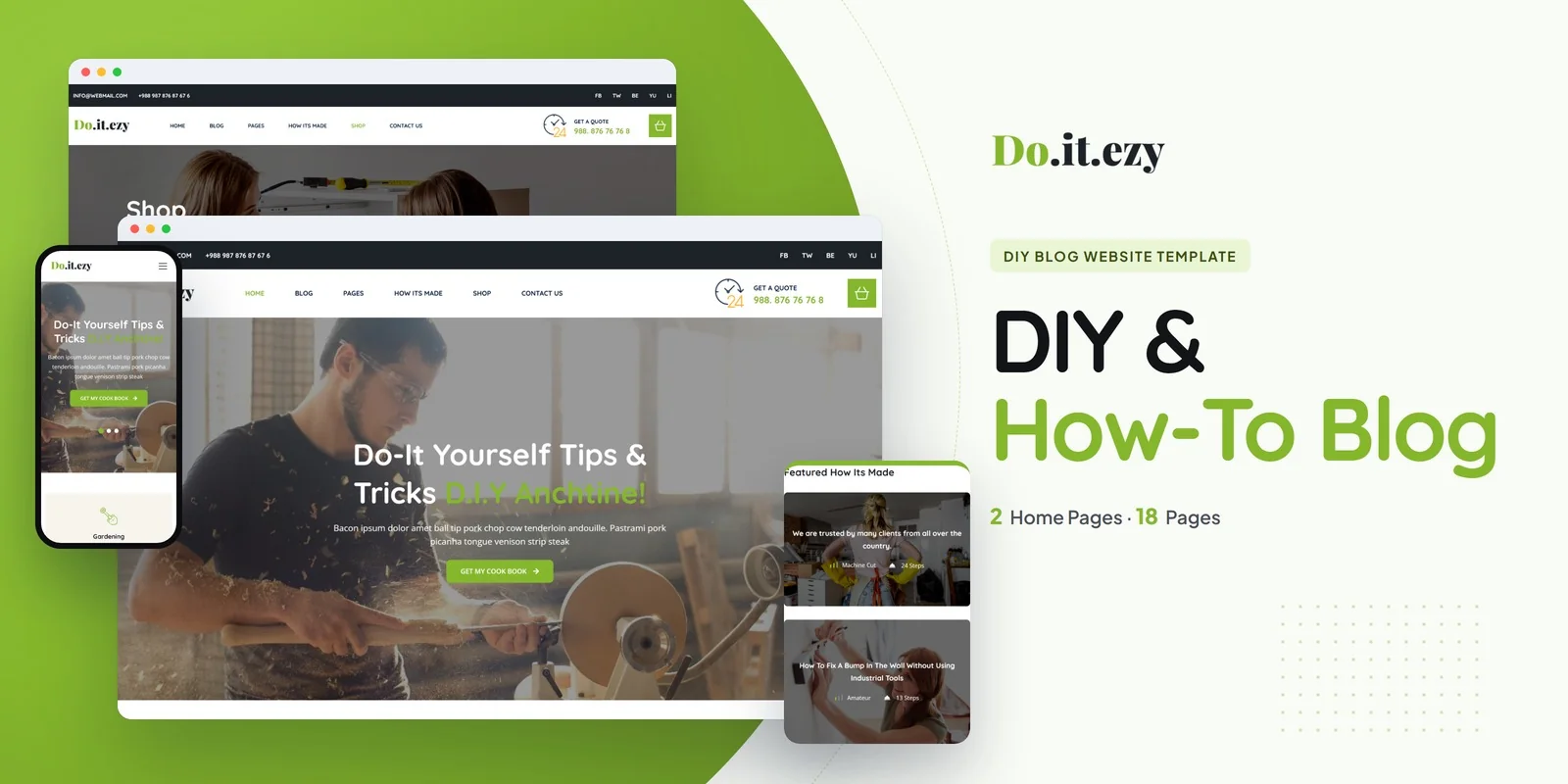
1Doitezy for DIY and home improvement blogs
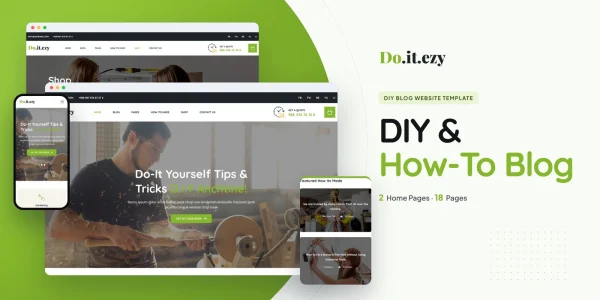
Doitezy is a practical, step-focused template for DIY platforms, home improvement blogs, craft tutorial sites and how-to publishers, with two home page layouts.
It has a How-It-Made tutorial archive with step-by-step project pages, a tools and supplies shop with product pages, a cart and a checkout in steps, a date picker for planned builds, countdown offers and six blog formats.
- Best for
- How-to publishers with a supplies shop
- Pages
- 18 pages, 2 home pages
- Doitezy HTML5 $16
$49 - Doitezy React $27
$49 - Doitezy Vue.js $19
$49 - Doitezy Angular $26
$49 - Doitezy PHP $21
$49 - Doitezy WordPress $62
$102 - Doitezy: All formats, developer bundle $136.80
$171
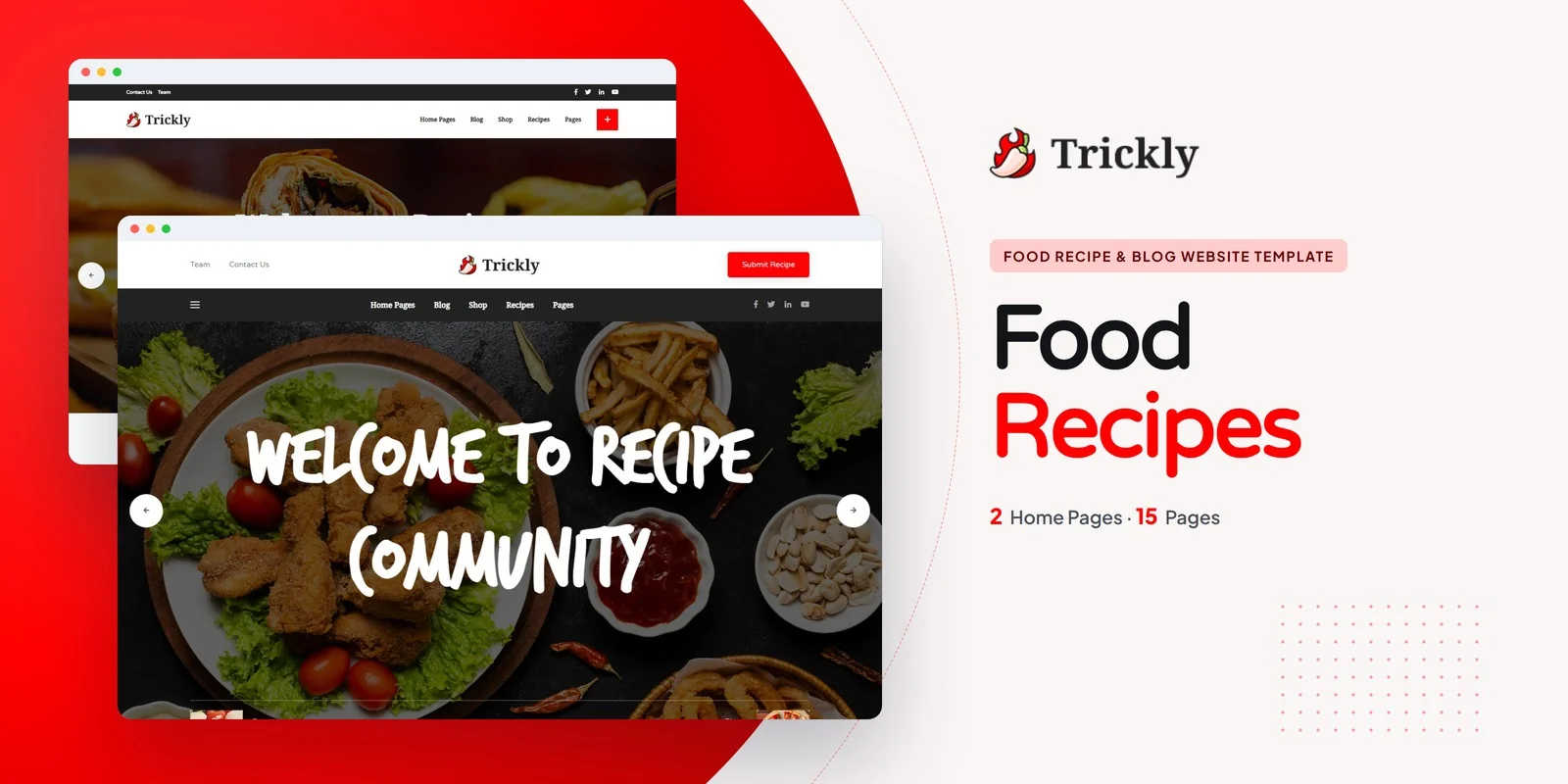
2Trickly for recipe blogs and cooking communities
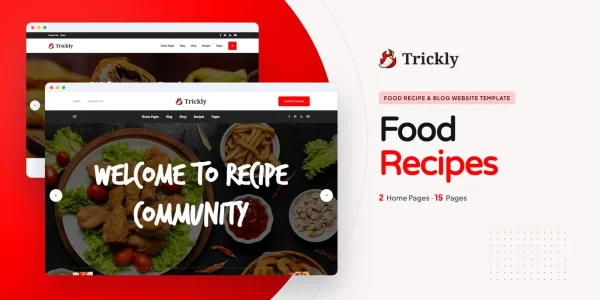
Trickly is a food blog and recipe template for food bloggers, recipe creators, culinary studios and restaurant brands, built on Bootstrap 5.3.8 with two home layouts.
It has browsable category grids, step-by-step recipe pages, author profiles and a community recipe submission form, a dark mode toggle that persists across sessions, eight live colour themes and an accessibility pass across its pages.
- Best for
- Food bloggers and recipe creators
- Pages
- 15 pages, 2 home pages
- Trickly HTML5 $9
$12 - Trickly React $9
$12 - Trickly Vue.js $9
$12 - Trickly Angular $9
$12 - Trickly WordPress $36
$48 - Trickly: All formats, developer bundle $57.60
$72
Compare them side by side
| Template | Best for | Stand-out feature | Pages | Code from | WordPress |
|---|---|---|---|---|---|
| Doitezy | How-to publishers with a supplies shop | Step-by-step project pages and a tools shop | 18 pages, 2 home pages | $16 | $62 |
| Trickly | Food bloggers and recipe creators | Dark mode, eight colour themes and reader submissions | 15 pages, 2 home pages | $2 | $36 |
Which format should a DIY publisher buy?
Each format is its own product, with its own download, demo and documentation. So pick the one your site will run on.
HTML5
from $9
The simplest choice, because it runs on any web host and every page is a plain file you can edit.
React, Vue or Angular
from $9
For a developer who will connect the guides, the shop and the submissions to a back end. Each framework is also its own download.
WordPress theme
from $36
For an editorial team that edits pages and posts from the dashboard, with the shop on WooCommerce.
Developer bundle
from $57.60
Not sure yet? Then take every format of one template for 20% less than buying them one by one.
AI Smart Website
from $719
Rather not build it at all? Instead, we set the design up with your content and then launch it on your domain.
Questions how-to publishers ask
What should a DIY blog include?
Guides broken into steps with the tools and the time, categories readers can browse, the supplies for sale, authors and a way for readers to contribute. Doitezy covers the guides and the shop; Trickly the recipes, the authors and the submissions.
Can readers submit their own projects or recipes?
Yes. Trickly has a community recipe submission form beside its author profiles.
Which template has a dark mode?
Trickly has a dark mode toggle and eight colour themes.
How much does a DIY blog website template cost?
Code formats start at $2, while WordPress themes start at $36. The developer bundle of a template also costs 20% less than its formats bought one by one. Either way, you pay once and keep the files.
Can you set up a how-to blog for me?
Yes. Each template also comes as an AI Smart Website. We add your logo, your guides, categories and supplies, then set up the pages and launch the site on your domain.
From our blog
More buyer’s guides
 Anime Website Template: Complete Buyer’s Guide (2026)Read the guide
 Costic — Restaurant Admin Dashboard Template | Bootstrap 4 + Dark ModeRead the guide
 Lifestyle Blog Website Template: Complete Buyer’s Guide (2026)Read the guide
 Landing Page Template: Complete Buyer’s Guide (2026)Read the guide
 Landing Page Best Practices: 20 Rules for More Conversions (2026)Read the guide
 Landing Page vs Website: Which One Does Your Business Need?Read the guide
Keep browsing
Browse the catalog another way
By industry
- Retail & E-Commerce templates
- Food & Beverage templates
- Creative & Portfolio templates
- Health & Wellness templates
- Religion & Community templates
- Business & Agency templates
- Real Estate & Construction templates
- Industrial & Services templates
- Tech & Education templates
- Travel & Hospitality templates
- Sports & Outdoor templates
- Automotive templates
- Events & Music templates
- Cannabis & Specialty templates
By format
Studio services
Want it installed and customized for you?
Installation, customization, WordPress packages and maintenance from the Brooklyn studio that builds the templates.
Support the same business day, New York hours 9am–6pm ET.