- Full source code
- Instant download
- Lifetime updates
- Support from the developers who built it
Fan Club Website Templates
Fan club website templates for creator directories, fandoms, anime platforms and talent networks, with member listings, profiles, galleries and dark mode: 3 designs compared.
-
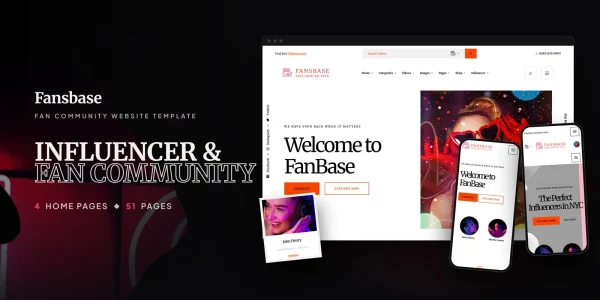
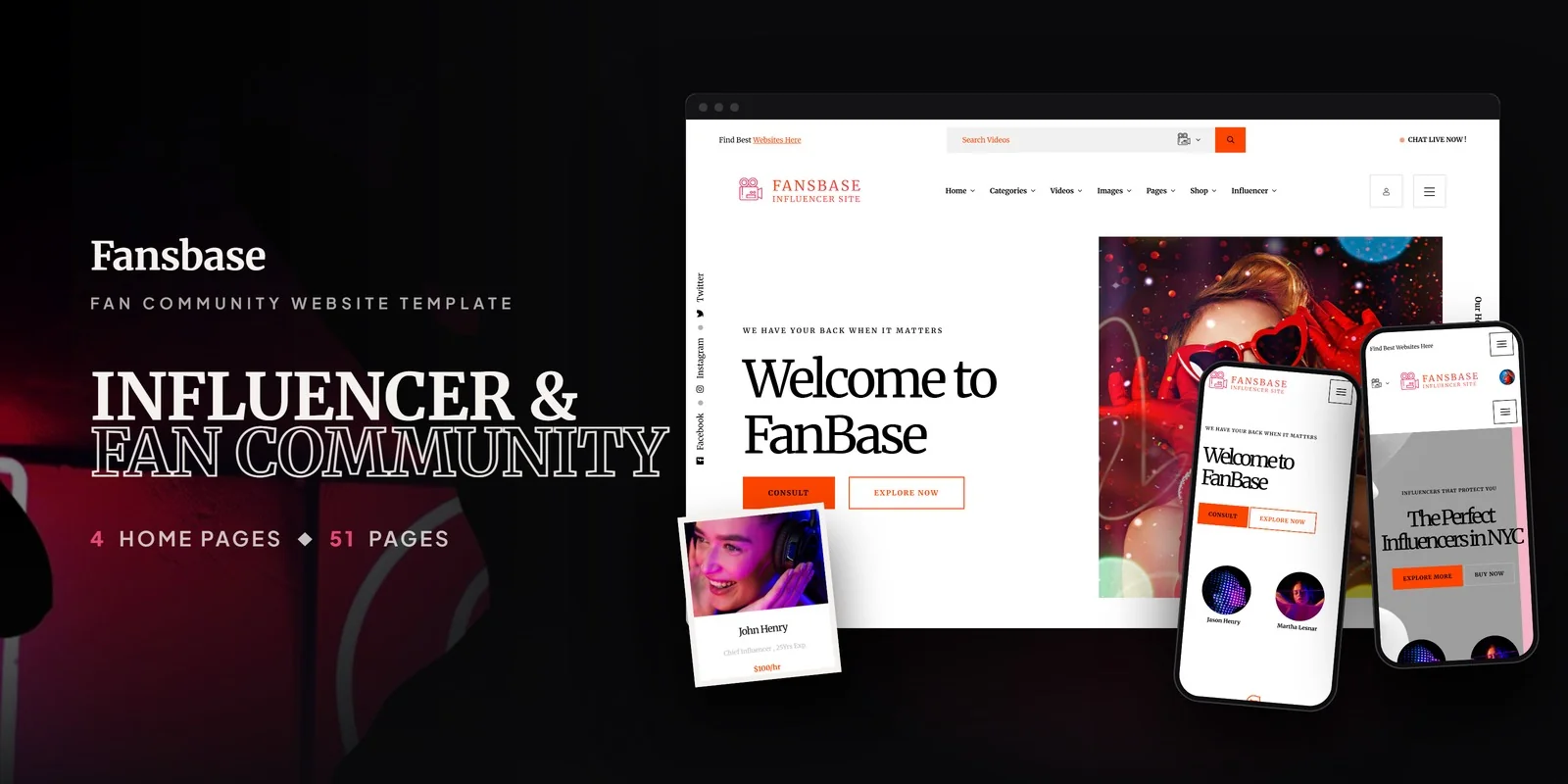
Fansbase
from$14
$49Fan Community Website Template
-
Animalia
from$12
$49Anime Manga Website Template
-
Aminya
from$15
$49Anime Manga Website Template


More Religion & Community website templates
-
Environmental Website Templates
from$18
$24Wildera
-
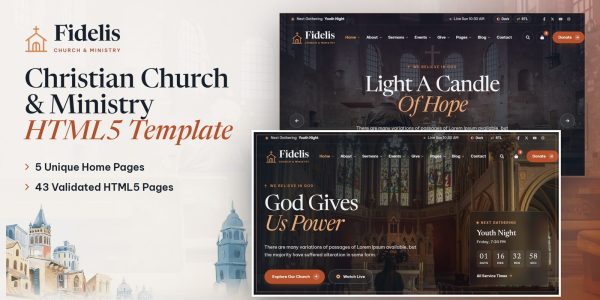
Fidelis
from$21
$29Church & Ministry Template
-
Shalomi
from$17
$23Synagogue & Jewish Community Template
-
Renewable Energy Website Template
from$17
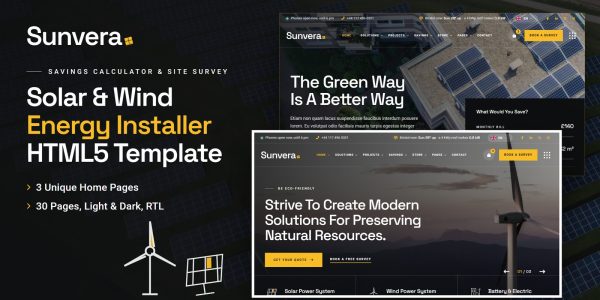
$23Sunvera
-
Bodhira
from$18
$25Buddhist Temple & Culture Template
-
Mandira
from$18
$24Hindu Temple & Puja Template
-
Menori
from$15
$49Jewish Synagogue Website Template
-
Qiblah
from$16
$22Mosque & Islamic Centre Template
-
Sangat
from$15
$21Sikh Gurdwara Template







Buyer’s guide
Fan club website templates for fandoms, creator directories and talent networks
A community site lives on its members: who is here, what they make, where they are, and the characters and stories everyone follows. So it needs listings people can filter, a profile for each member, galleries and a dark mode for long evenings. That is why the 3 fan club website templates on this page combine a creator directory with two anime platforms built around characters and stories.
Every template also comes as its own HTML5, React, Vue, Angular and WordPress download, each with a live demo. Code formats start at $12, while WordPress themes start at $42. Every design is responsive, so fans can browse the club’s members, profiles and galleries on mobile.
How to choose a fan club website template
Members in a grid, a list and on a map
A directory is the heart of a community. So Fansbase lists creators and influencers in grid, list and interactive map views with rate filtering, a classification page to browse by niche or platform, a profile page for each with statistics, and two gallery layouts.
Characters, stories and series
Fandoms navigate by character. Aminya has a character archive with a page for each one and a story and series archive with full story pages; Animalia shows characters and artwork in grid, masonry and slider galleries with a page for each project.
Our 3 templates for fan communities, one by one
1Fansbase for creator and influencer directories
Fansbase is a modern, discovery-focused template for influencer marketplaces, creator directories, talent agencies, social platforms and brand partnership networks, with four home page layouts.
It has influencer listings in grid, list and interactive map views, a profile page for each creator with statistics and contact, a classification page by niche, platform or category, two gallery layouts, a blog, profile management and account pages.
- Best for
- Creator directories and talent networks
- Pages
- 30+ pages, 4 home pages
- Fansbase HTML5 $14
$49 - Fansbase React $25
$49 - Fansbase Vue.js $23
$49 - Fansbase Angular $28
$49 - Fansbase PHP $25
$49 - Fansbase WordPress $61
$101 - Fansbase: All formats, developer bundle $140.80
$176
2Aminya for anime platforms and fandoms
Aminya is a visually immersive template for anime platforms, entertainment portals, fan communities and manga publishers, with ten home page layouts.
It has character profiles with a page for each, a story and series archive with full story pages, a blog in nine layouts, team and cast pages, a dark mode toggle and GSAP animations.
- Best for
- Anime platforms and fan wikis
- Pages
- 20 pages, 10 home pages
- Aminya HTML5 $15
$49 - Aminya React $19
$49 - Aminya Vue.js $25
$49 - Aminya Angular $29
$49 - Aminya PHP $24
$49 - Aminya WordPress $42
$49 - Aminya: All formats, developer bundle $123.20
$154
3Animalia for studios and fan clubs
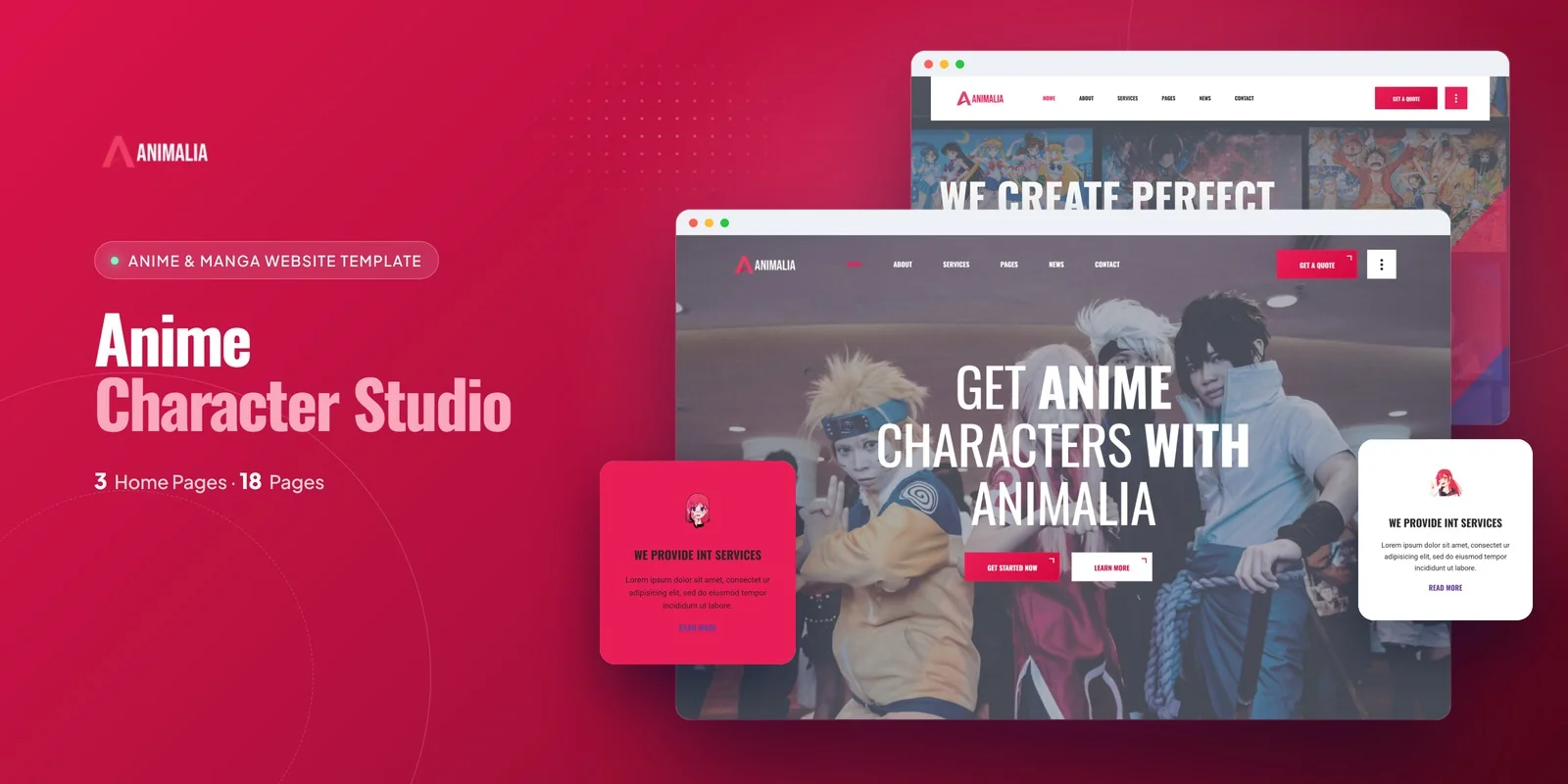
Animalia is a sleek, vibrant template for anime studios, manga creators, fan communities and otaku culture brands, with three home page styles.
It shows characters and artwork in grid, masonry and slider galleries with a page for each project, and carries services, team pages, a why-choose-us page, a blog and animated statistics.
- Best for
- Studios, creators and clubs showing their work
- Pages
- 18 pages, 3 home pages
- Animalia HTML5 $12
$49 - Animalia React $21
$49 - Animalia Vue.js $18
$49 - Animalia Angular $29
$49 - Animalia PHP $22
$49 - Animalia WordPress $76
$116 - Animalia: All formats, developer bundle $142.40
$178

Compare them side by side
| Template | Best for | Stand-out feature | Pages | Code from | WordPress |
|---|---|---|---|---|---|
| Fansbase | Creator directories and talent networks | Listings in grid, list and map views with profiles | 30+ pages, 4 home pages | $14 | $61 |
| Aminya | Anime platforms and fan wikis | Ten home layouts with character and story pages | 20 pages, 10 home pages | $15 | $42 |
| Animalia | Studios, creators and clubs showing their work | Three portfolio galleries with project pages | 18 pages, 3 home pages | $12 | $76 |
Which format should a community buy?
Each format is its own product, with its own download, demo and documentation. So pick the one your site will run on.
HTML5
from $12
The simplest choice, because it runs on any web host and every page is a plain file you can edit.
React, Vue or Angular
from $18
For a developer who will connect the member listings and profiles to a back end. Each framework is also its own download.
WordPress theme
from $42
For a community team that edits pages and posts from the dashboard.
Developer bundle
from $123.20
Not sure yet? Then take every format of one template for 20% less than buying them one by one.
AI Smart Website
from $1,099
Rather not build it at all? Instead, we set the design up with your content and then launch it on your domain.
Questions community founders ask
What should a fan community website include?
Members or creators with profiles people can browse and filter, the characters, stories or work the community follows, galleries, news and a dark mode. Fansbase covers the directory; Aminya and Animalia the characters and the art.
Which template has member listings on a map?
Fansbase lists creators in grid, list and interactive map views with a profile page for each.
Is there a template with a dark mode?
Yes. Aminya has a full-site dark mode toggle beside its ten home layouts.
How much does a fan club website template cost?
Code formats start at $12, while WordPress themes start at $42. The developer bundle of a template also costs 20% less than its formats bought one by one. Either way, you pay once and keep the files.
Can you set up a community website for me?
Yes. Each template also comes as an AI Smart Website. We add your logo, your members, characters and galleries, then set up the pages and launch the site on your domain.
From our blog
More buyer’s guides
 Anime Fan Community Website Template: Complete Buyer’s Guide (2026)Read the guide
 Best Church Website Designs (2026)Read the guide
 Best Nonprofit Website Designs (2026)Read the guide
 Maharatri Review: Hindu Temple Website Template (HTML5)Read the guide
 Church Website Template with Online Donations: Complete Guide (2026)Read the guide
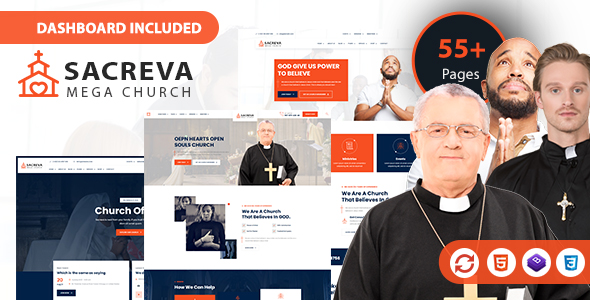 Sacreva — Church Website Template | Bootstrap 5 (Classic, Baptist & Catholic)Read the guide
Keep browsing
Browse the catalog another way
By industry
- Retail & E-Commerce templates
- Food & Beverage templates
- Creative & Portfolio templates
- Health & Wellness templates
- Religion & Community templates
- Business & Agency templates
- Real Estate & Construction templates
- Industrial & Services templates
- Tech & Education templates
- Travel & Hospitality templates
- Sports & Outdoor templates
- Automotive templates
- Events & Music templates
- Cannabis & Specialty templates
By format
Studio services
Want it installed and customized for you?
Installation, customization, WordPress packages and maintenance from the Brooklyn studio that builds the templates.
Support the same business day, New York hours 9am–6pm ET.