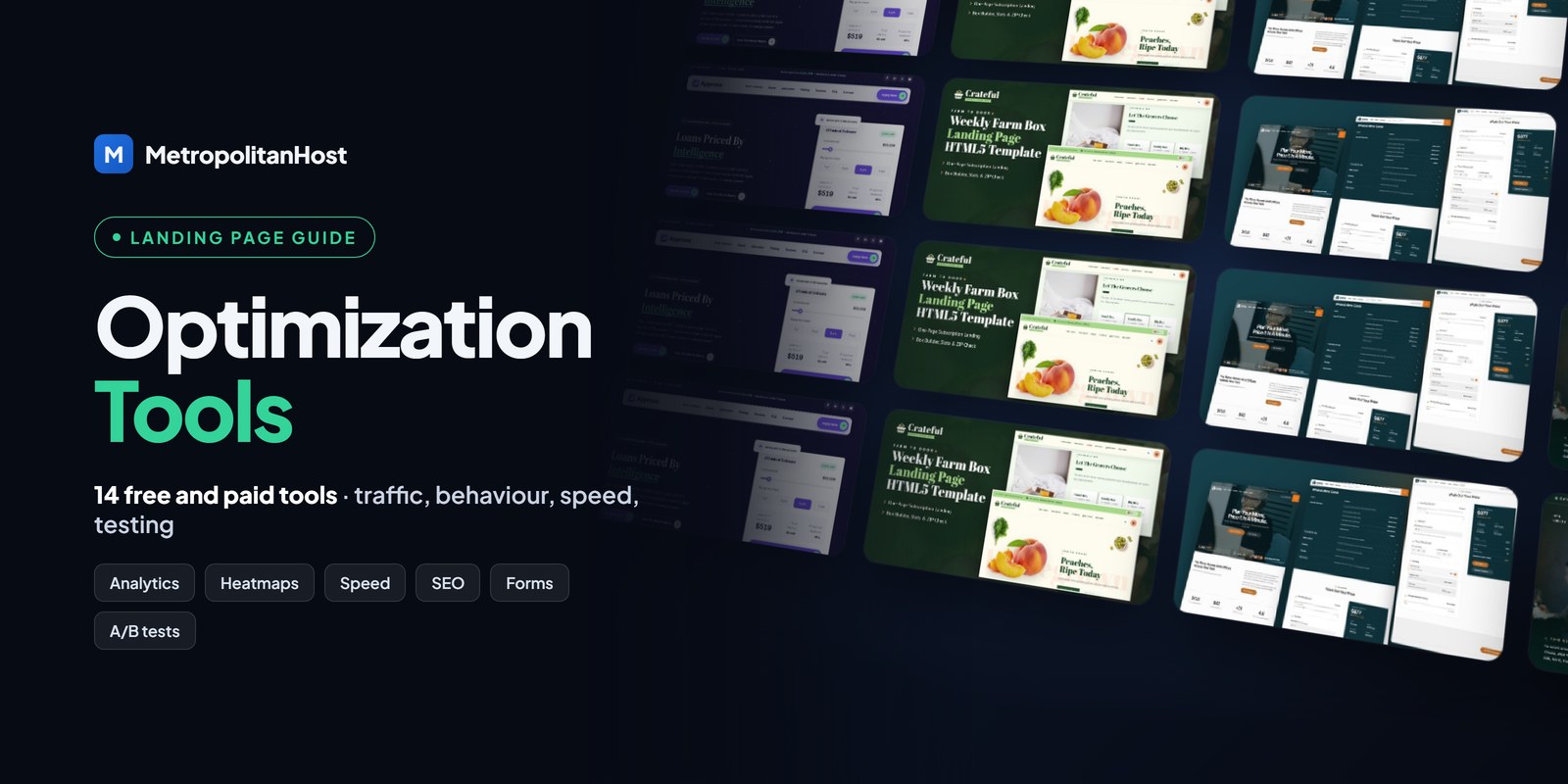
The right landing page optimization tools show you who arrives, where they stop and why they leave. Without them, every change to a landing page is a guess. With them, you can fix the exact section that loses visitors, and then measure whether the fix worked.
Ready to choose?Tech & Education website templates — every template with its live demo, formats and prices on one page.
This guide groups 14 free and paid tools by the job they do: measuring traffic, watching behaviour, testing speed, improving search visibility, protecting forms and testing changes. Most small businesses only need the free ones to start.
Why Landing Page Optimization Tools Matter
A landing page has one goal, so its success is easy to define: the share of visitors who complete that goal. That number is the conversion rate. Optimization tools help you raise it in three ways.
- First, they show where traffic comes from, so you know which channels deserve more effort.
- Second, they reveal behaviour, such as how far people scroll and which fields they abandon.
- Finally, they let you test one change at a time, so you keep what works and drop what does not.
Before you add tools, however, make sure the page itself is focused. A clear one-goal page, like the one-page HTML5 landing pages in our catalog, gives every tool cleaner data to work with.
Analytics Tools: Measure Traffic and Conversions
1. Google Analytics 4 (free)
Google Analytics 4 tracks visits, traffic sources and events such as form submissions. Mark your form submission or booking as a key event, and you will see the conversion rate of each channel. In addition, UTM tags on your links tell GA4 exactly which email, post or ad sent each visitor.
2. Google Search Console (free)
Search Console shows the searches your landing page appears for, its position and its clicks. So it tells you whether the page title and description earn clicks, and which questions the page should answer.
3. Google Tag Manager (free)
Tag Manager lets you add tracking tags without editing code each time. For example, you can fire a conversion tag when the thank-you message appears after your contact form.
Behaviour Tools: See Where Visitors Stop
4. Microsoft Clarity (free)
Microsoft Clarity records sessions and builds heatmaps at no cost. Watch ten recordings of people who left without converting. Usually, the same problem appears again and again: a confusing section, a broken button on mobile, or a form field that asks too much.
5. Hotjar (free plan and paid)
Hotjar adds heatmaps, recordings and short on-page surveys. A one-question survey, such as “What stopped you from booking today?”, often explains what the numbers cannot.
Speed and Quality Tools: Remove Friction
6. PageSpeed Insights (free)
PageSpeed Insights scores your page on mobile and desktop and lists what slows it down. Pay most attention to Largest Contentful Paint, the time until the main content appears. Then compress large images and remove scripts the page does not use.
7. Lighthouse (free, in Chrome)
Lighthouse runs the same checks inside Chrome DevTools, and it adds accessibility, SEO and best-practice audits. Run it before every launch.
8. WAVE Accessibility Checker (free)
WAVE highlights missing labels, low contrast and other accessibility problems. Accessible forms are easier for everyone to complete, so fixing them often lifts conversions too.
Search Visibility Tools: Bring More Organic Traffic
9. Yoast SEO or a similar plugin (free and paid)
On WordPress, an SEO plugin checks your title, meta description and keyphrase use. On a static HTML landing page, you set the same tags by hand in the page head.
10. Ahrefs Webmaster Tools (free)
Ahrefs Webmaster Tools audits your own site and shows the backlinks pointing to it. As a result, you can see which pages earn links and which ones need them.
11. Google Business Profile (free)
For local businesses, a Google Business Profile can link straight to your booking or offer landing page. That puts the page in front of people searching nearby.
Form and Trust Tools: Turn Visits Into Leads
12. reCAPTCHA v3 (free)
Spam fills forms and hides real leads. Invisible reCAPTCHA v3 scores each submission in the background, so genuine visitors never solve a puzzle. Every landing page in our catalog ships with a working PHP form handler and optional invisible reCAPTCHA v3.
13. A CRM with a free tier
Send form submissions to a CRM, so no lead is lost in an inbox. Then you can measure which landing page produces the leads that actually buy.
Testing Tools: Prove What Works
14. An A/B testing tool (paid)
Google Optimize closed in 2023, so A/B testing now needs a third-party tool such as VWO or Optimizely. Test one change at a time: the headline, the call to action or the length of the form. Also, wait for enough visits before you decide, or the result is noise.
A Simple Landing Page Optimization Routine
Tools only help when you use them on a schedule. A simple weekly routine works for most small businesses:
- Check conversions by channel in GA4.
- Watch five Clarity recordings of visitors who did not convert.
- Fix the one biggest problem you saw.
- Check the page speed again after the change.
- Write down what you changed, so you can compare next week.
Start With a Landing Page That Is Easy to Optimize
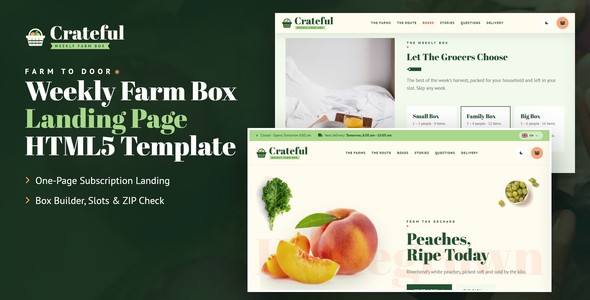
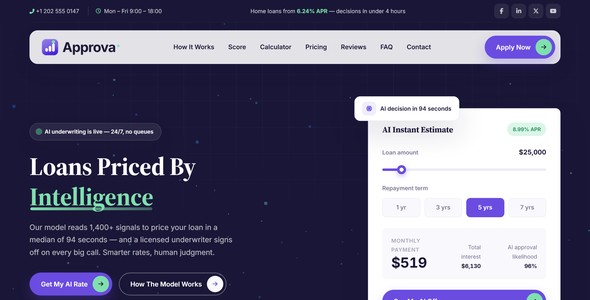
Optimization is easier when the page is already built for one goal, loads fast and has a working form. For example, Approva shows a live loan estimate before the form, and Crateful lets visitors build a weekly farm box before they subscribe.
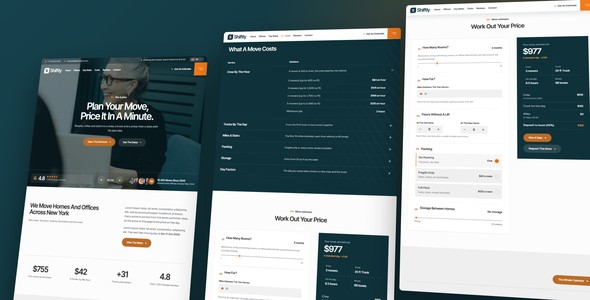
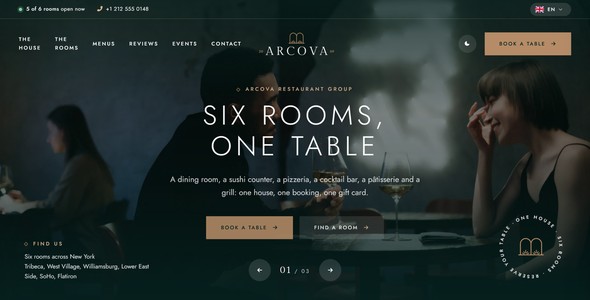
Likewise, Shiftly prices a move on the page, and Arcova takes restaurant group bookings with the times on show.
Which Landing Page Optimization Tools You Need at Each Stage
You do not need every tool on day one. Instead, add tools as the page gets more traffic and your questions get more specific.
| Stage | Typical traffic | Tools to add |
|---|---|---|
| Launch | A few visits a day | GA4, Search Console, PageSpeed Insights, reCAPTCHA |
| Growing | Dozens of visits a day | Microsoft Clarity, Tag Manager, a CRM |
| Scaling | Hundreds of visits a day | Hotjar surveys, an A/B testing tool, Ahrefs Webmaster Tools |
In other words, measure first, watch next, and test last. Testing too early only produces noise, because small samples swing by chance.
How to Set Up Conversion Tracking in GA4
Conversion tracking is the most important setup step, since every other tool depends on knowing what counts as success. On a one-page landing page, the setup is short:
- Add the GA4 tag to the page head, either directly or through Tag Manager.
- Decide what a conversion is: a form sent, a booking confirmed or a button to checkout.
- Send an event at that moment, for example when the form’s thank-you message appears.
- In GA4, mark that event as a key event.
- Finally, tag every link you share with UTM parameters, so each conversion shows its source.
After a week, the GA4 reports show conversions by channel. Then you know where to spend your time.
How to Read a Landing Page Heatmap
Heatmaps and recordings look busy at first. However, a few signals matter most on a landing page:
- Scroll depth: if most visitors never reach your form, move it higher or add a call to action earlier.
- Dead clicks: clicks on elements that do nothing, such as an image people expect to enlarge, show what visitors want.
- Rage clicks: repeated fast clicks usually mean something is broken or slow.
- Form abandonment: the field where people stop is the field to remove or explain.
Microsoft Clarity labels dead clicks and rage clicks for you, so start your review with those sessions.
Common Mistakes With Optimization Tools
- Tracking visits instead of conversions: more visitors mean nothing if fewer of them act.
- Changing several things at once: then you cannot tell which change helped.
- Ending tests too early: early results often reverse as more visitors arrive.
- Ignoring mobile: check recordings on phones separately, because problems often appear only there.
- Adding scripts that slow the page: every tool adds code, so re-check speed after installing one.
Frequently Asked Questions About Landing Page Optimization Tools
Looking for a page to start with? Browse the one-page HTML5 landing pages by industry and open any live demo.