Mystic — Premium Dark Admin Dashboard Template Built on Bootstrap 4.1.1
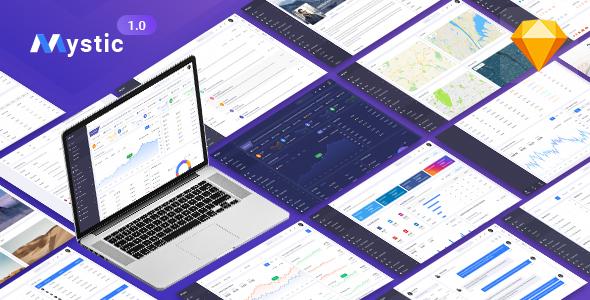
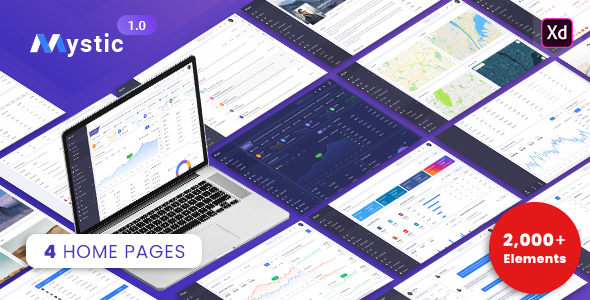
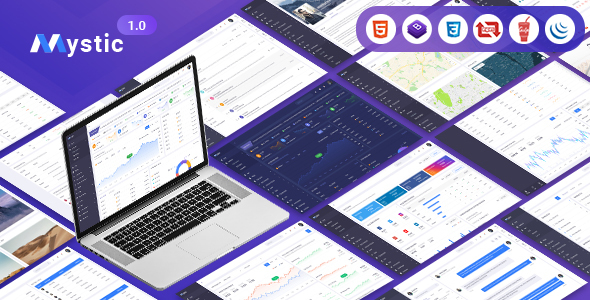
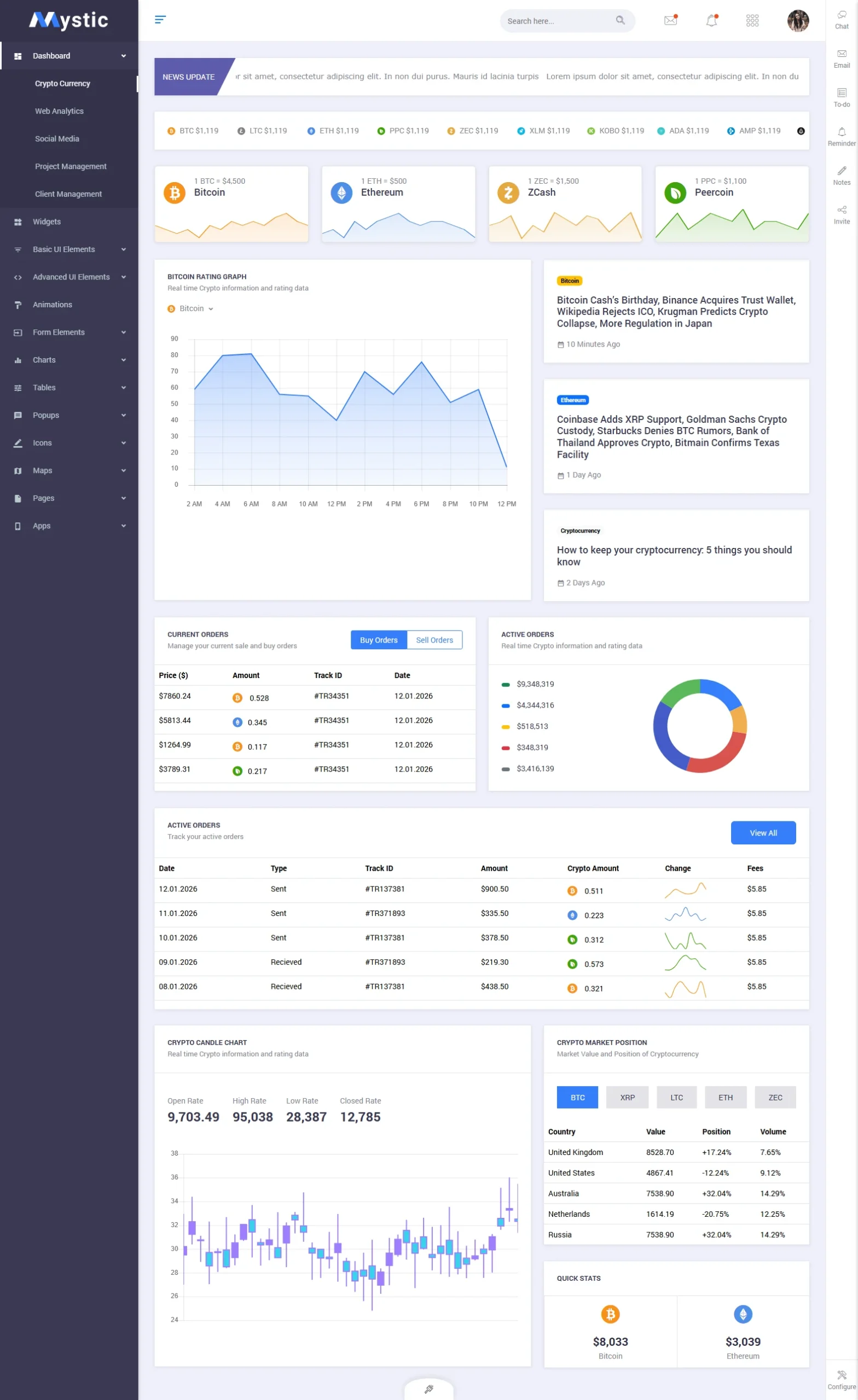
Mystic is a premium dark admin dashboard template built on Bootstrap 4.1.1, designed for SaaS products, analytics tools, and enterprise web applications. With 128 fully crafted pages across 5 distinct dashboard variants, it gives development teams a complete, production-ready admin interface at just $14 on ThemeForest.
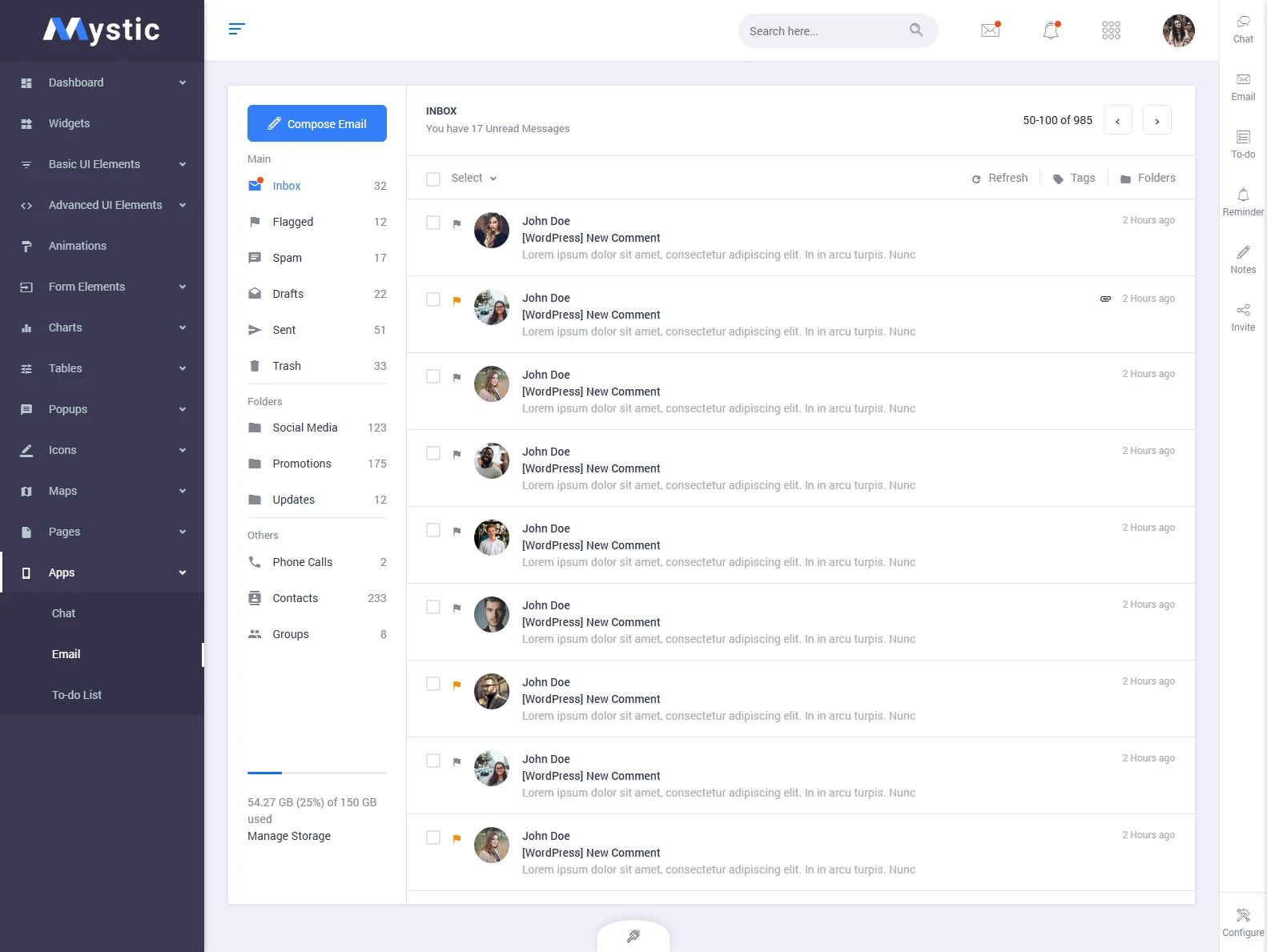
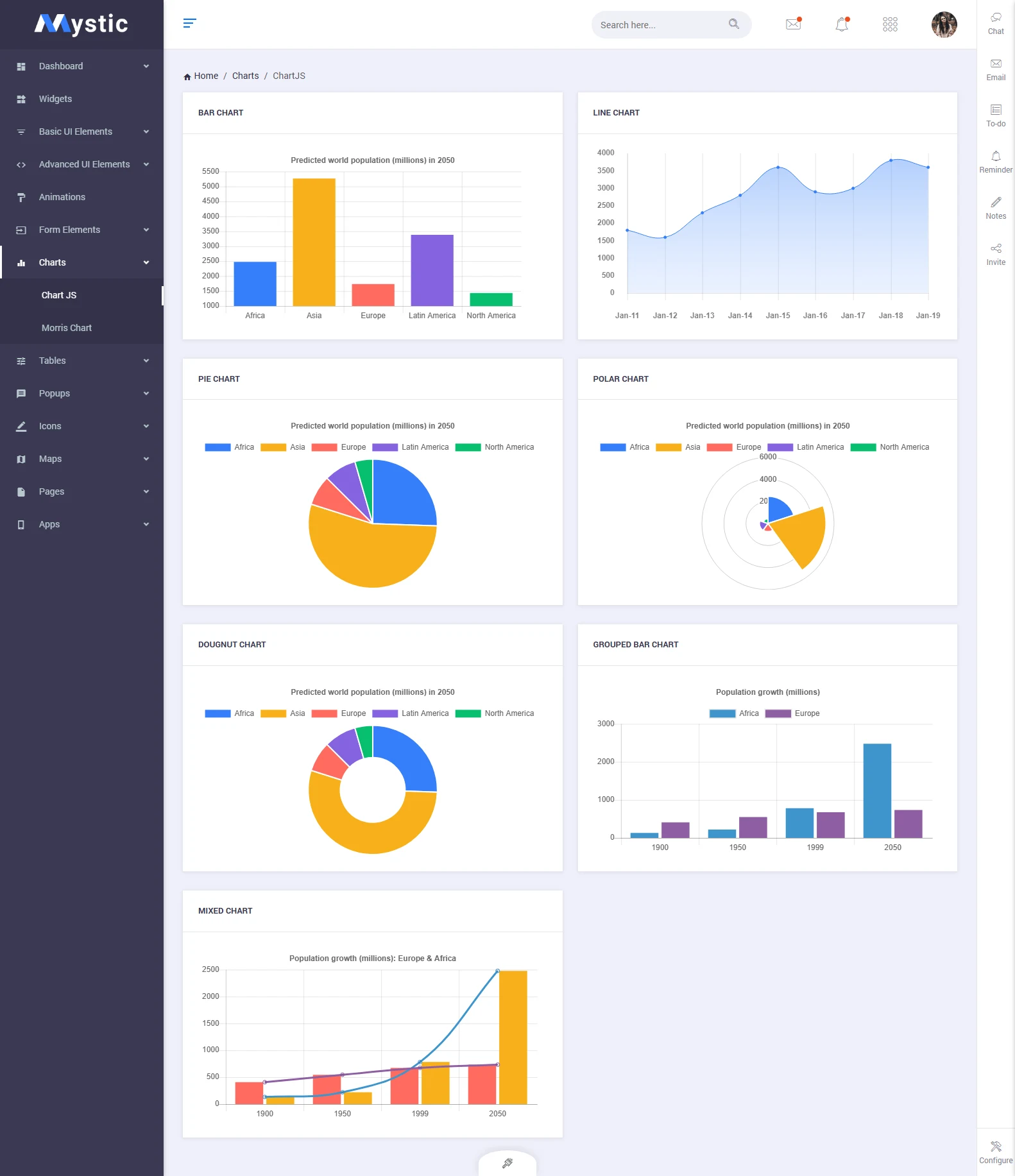
What separates Mystic from generic admin kits is its dual-mode philosophy: every single component ships in both light and dark variants. The template bundles full-featured internal apps (email, chat, calendar, todo), 8 chart library integrations (Chart.js, ApexCharts, Flot, C3, Morris, Gauge, Peity, Sparkline), Google Maps, vector maps, a rich form elements library, and DataTables — the exact building blocks serious SaaS products require.
With 50+ sales on ThemeForest, a clean UI that rivals templates costing three times as much, and a developer-friendly codebase, Mystic delivers exceptional value. Whether you are launching a web analytics platform, a CRM, an inventory tool, or a multi-tenant enterprise app, Mystic’s 128 pages give you a head start no competitor can match at this price.
128 Pages Covering Every Corner of a Modern Admin Panel





Full Feature Breakdown
| Framework | Bootstrap 4.1.1 |
| Total Pages | 128 pages |
| Dashboard Variants | 5 (Default, Analytics, eCommerce, CRM, Project) |
| Color Modes | Light & Dark (all components) |
| Sidebar Styles | Light sidebar, dark sidebar, mini/collapsed sidebar |
| Chart Libraries | Chart.js, ApexCharts, Flot, C3, Morris, Gauge, Peity, Sparkline |
| Built-in Apps | Email, Chat, Calendar, Todo List, Contacts |
| Maps | Google Maps, Vector Maps |
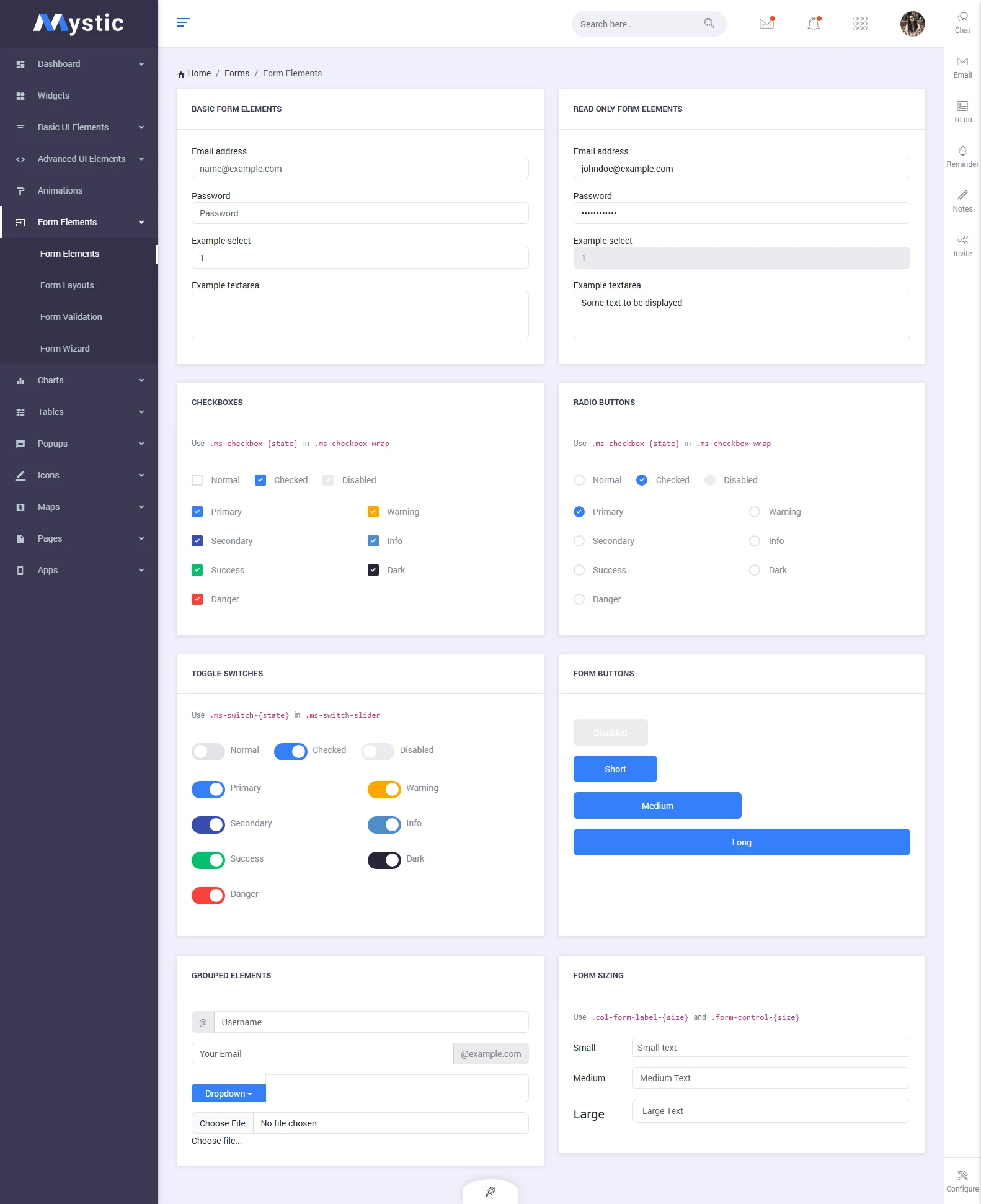
| Form Components | Inputs, Select2, Datepicker, Timepicker, File Upload, Wizard |
| Data Tables | DataTables.js with sort, filter & pagination |
| UI Components | Cards, Modals, Tooltips, Alerts, Badges, Progress bars |
| Price | $14 on ThemeForest |
♿ Accessibility-Ready Dashboard Components
Mystic’s form elements, modals, and navigation components follow ARIA attribute conventions. Keyboard-navigable dropdowns, focus-visible states on all interactive elements, and proper label associations throughout the template provide a strong foundation for building WCAG-compliant admin interfaces.
5 Dashboard Variants: Choosing the Right Mystic Layout for Your SaaS
One of Mystic’s strongest selling points is its five purpose-built dashboard variants. Each is designed for a different type of web application — rather than forcing your product into a generic layout, you pick the dashboard that mirrors your core use case and build from there.
- Default Dashboard — Revenue metrics, user statistics, activity feed, and task overview. Ideal for internal tools and management platforms.
- Analytics Dashboard — Sessions, bounce rate, traffic sources, page performance, and real-time visitor counters. Built for analytics or monitoring SaaS products.
- eCommerce Dashboard — Order management, sales revenue, top-selling products, conversion funnel, and customer acquisition metrics for marketplace backends.
- CRM Dashboard — Contact pipeline, deal stages, lead activity, and customer timeline. Perfect for CRM, sales automation, or customer success platforms.
- Project Management Dashboard — Task boards, sprint progress, team activity, project milestones, and deadline tracking for project management tools.
Frequently Asked Questions
Need Help Setting Up Mystic?
Theme Installation
Full theme install on your server, plugin activation, dummy data import, and initial server config. Delivered in 24 hours.
Website Speed Optimization
Core Web Vitals, image compression, caching, and code minification for desktop and mobile. Faster sites rank higher.
Color Scheme Customization
Need your brand colors implemented perfectly across the theme? We apply your design system — every element, every page.
1-Hour Web Development
Fast expert solution for small issues or quick updates. Perfect for minor tasks that don't need a full project.
Premium 30-Min Support Call
Personal Google Meet session. Theme help, installation, color schemes, fonts, plugin setup — direct from our experts.