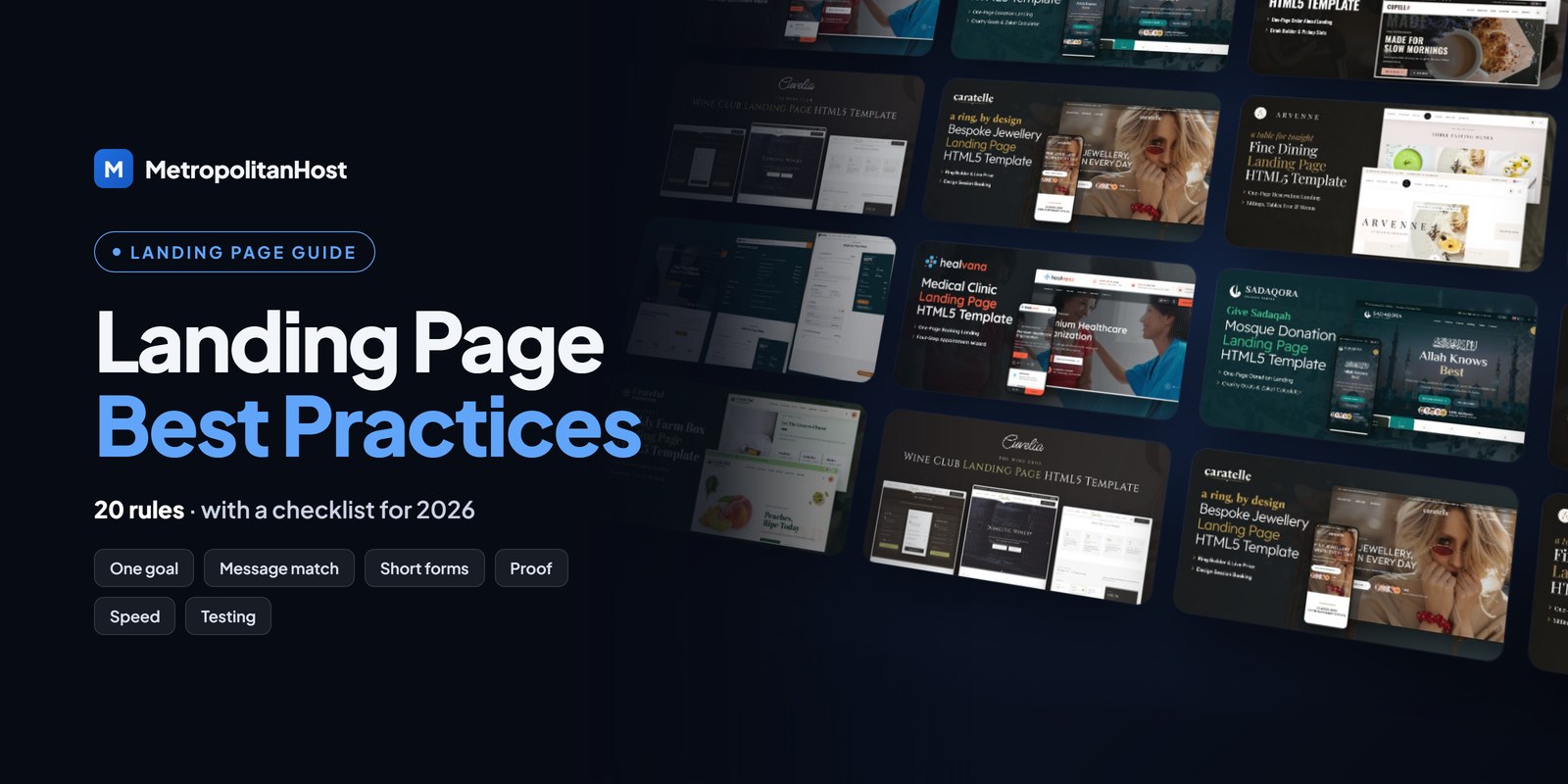
Following landing page best practices is the quickest way to get more bookings, leads and sales from the traffic you already have. Most landing pages lose visitors for the same few reasons: an unclear promise, a slow load, a long form or too many choices. Fix those, and the page starts doing its job.
Ready to choose?Tech & Education website templates — every template with its live demo, formats and prices on one page.
Below are 20 landing page best practices for 2026, grouped into message, design, forms, trust, speed and SEO, and testing. Each one is practical, and many take minutes to apply. Where it helps, you will see a real one-page HTML5 example.
Message: Say One Thing Clearly
1. Give the Page One Goal
Decide the single action the page exists for: book, order, donate, register or enquire. Then remove anything that does not support it. Two goals on one page usually means neither gets done.
2. Match the Message to the Traffic Source
The headline should repeat the promise of the ad, email or post the visitor clicked. When the message changes, visitors think they are in the wrong place, and they leave.
3. Write a Specific Headline
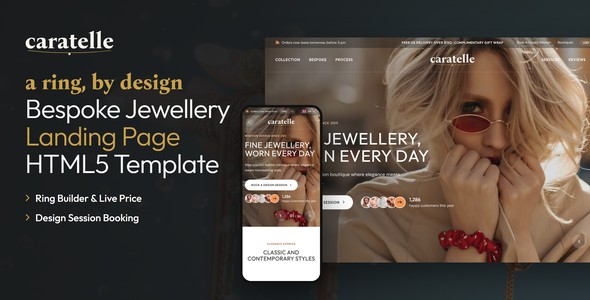
“Book a bespoke ring design session” beats “Welcome to our store”. A specific headline tells visitors in seconds that they found what they wanted.
4. Lead With Benefits, Then Details
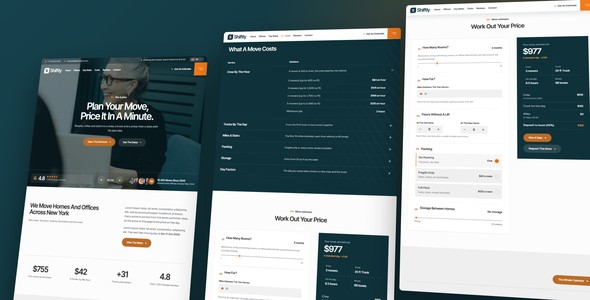
Explain what the visitor gets first, and how it works second. For example, a moving company leads with “a fixed price in two minutes”, and then lists what the quote includes.
Design: Guide the Eye to the Action
5. Use One Call to Action, Repeated
Repeat the same call to action after each section, so it is always within reach. However, keep the wording and the destination identical.
6. Remove the Main Navigation
A full menu invites visitors to wander. Instead, use anchor links that jump to sections of the same page. Our landing pages use anchor tabs that light up as you scroll, for that reason.
7. Design for Phones First
Most landing page visits come from phones. So check that buttons are large, text is readable without zooming, and the form fits on a small screen.
8. Show the Product or Result
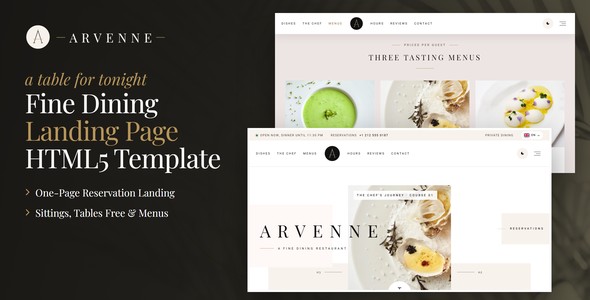
Use real photos of the product, the venue or the work. Stock photos that could belong to anyone weaken trust.
Forms: Make Acting Easy
9. Ask Only for What You Need
Every extra field costs conversions. Ask for the minimum now, and collect the rest later.
10. Give Before You Ask
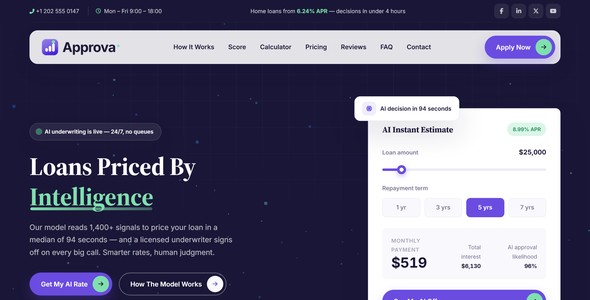
An estimate, a price or available times before the form makes the form feel worth filling. For instance, Approva shows a live loan estimate first, and Shiftly prices a move before asking for contact details.
11. Split Long Forms Into Steps
If you truly need many details, ask for them in short steps with a progress bar. Short steps feel easier than one long form.
12. Make the Form Work and Stop Spam
Test the form on every launch, and protect it with invisible reCAPTCHA v3, so real visitors never solve a puzzle. Every landing page in our catalog ships with a working PHP form handler and optional invisible reCAPTCHA v3.
Trust: Remove Doubt
13. Put Proof Next to the Call to Action
Place reviews, ratings, numbers or client logos close to the button, because that is where doubt appears.
14. Be Clear About Price and Terms
Show the price, the deposit or the cancellation terms on the page. Hidden costs discovered later are a common reason for abandoned bookings.
15. Answer Objections With an FAQ
A short FAQ answers the questions that stop people from acting. In addition, it gives the page useful text for search engines.
16. Use Honest Urgency
Seats left, nights still open or a real end date motivate action. Fake countdown timers, on the other hand, damage trust once visitors notice them.
Speed and SEO: Get Found and Load Fast
17. Make the Page Load Fast
Compress images, remove unused scripts and avoid heavy video in the first screen. Check the result in PageSpeed Insights, and focus on how fast the main content appears.
18. Write a Clear Title and Meta Description
The page title and description are what people see in search results. Describe the offer plainly and include the phrase people search for. Google’s SEO starter guide covers the basics.
19. Make the Page Accessible
Use labels on form fields, enough colour contrast and text alternatives for images. Accessible pages are easier for everyone to use, so they often convert better too.
Testing: Improve Step by Step
20. Measure, Change One Thing, Measure Again
Track the conversion rate, watch a few session recordings, and change one element at a time. Then compare the results before you change the next one. Small, steady improvements add up over a few months.
Landing Page Copywriting Best Practices
Design draws the eye, but words make the decision. So keep these writing rules in mind:
- Write to one person. Use “you”, and describe their situation, not your company.
- Keep sentences short. Visitors scan, especially on phones.
- Be concrete. “Ready in 15 minutes” beats “fast service”.
- Answer the next question. After each section, ask what the visitor wonders next, and answer it in the following one.
- Cut what does not help the decision. Company history and awards belong on the website, unless they remove a real doubt.
What to Ask in the Form, by Type of Landing Page
Every field should earn its place. Here is a sensible minimum for common types:
| Type of landing page | Ask for | Leave for later |
|---|---|---|
| Booking | Date, time, party size, name, phone or email | Preferences, occasion details |
| Quote request | The job, its size, the location, email | Full address, budget |
| Squeeze (opt-in) | Name, interests | |
| Event registration | Name, email, number of seats | Dietary needs, company |
| Donation | Amount, frequency, payment | Dedication, address for receipts |
| Application | Role or product, contact, one key detail | CV, documents (in a second step) |
Mobile Landing Page Best Practices
Because most visits come from phones, check these details on a real device before launch:
- Buttons are at least as large as a fingertip and far enough apart.
- The call to action is visible within the first screen.
- Form fields open the right keyboard: numbers for phone, email layout for email.
- Text is at least 16 pixels, so nobody has to zoom.
- Pop-ups do not cover the content or the button.
Best Practices in Action, by Industry
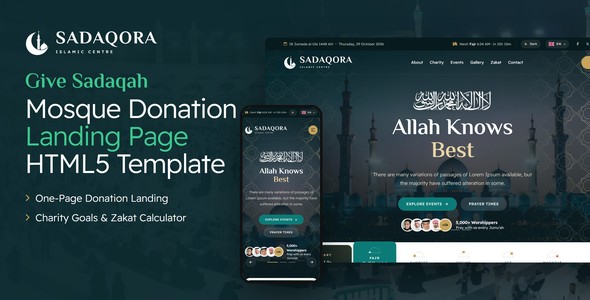
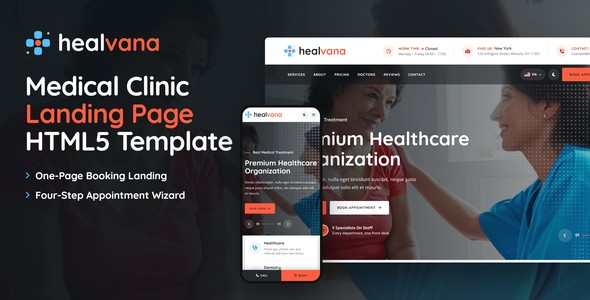
These landing pages apply the rules above to different businesses. For a clinic, Healvana books a medical appointment with the times on show. For a mosque, Sadaqora shows what each gift provides before the form.
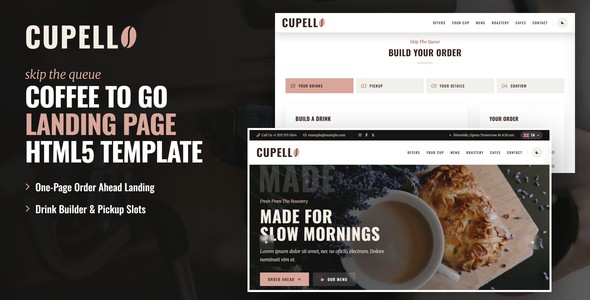
For a mover, Shiftly prices the move before asking for contact details. For a café, Cupello lets customers order ahead in a few taps.
A Landing Page Best Practices Checklist
- One goal and one call to action.
- A headline that matches the traffic source.
- Benefits first, details second.
- No main menu; anchor links instead.
- Mobile-first layout with large buttons.
- A short form, or a form in steps.
- Proof near the call to action.
- Clear price and terms.
- A short FAQ.
- Fast loading and light images.
- A clear title and meta description.
- Tracking for the conversion.
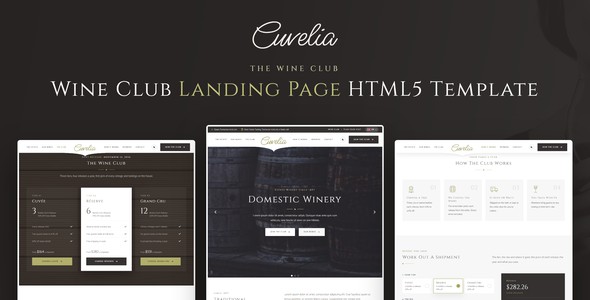
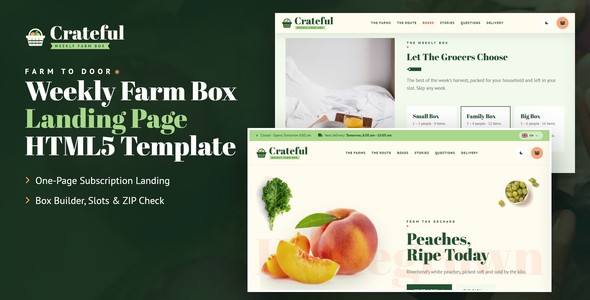
For example, Crateful and Cuvelia follow this checklist for subscriptions and memberships.
Frequently Asked Questions
Want a landing page that already follows these best practices? Browse one-page HTML5 landing pages by industry and open any live demo.