An AI website generator can put a working site in front of you in under three minutes. A premium template can put a hand-coded one in front of you in under ten — if you accept that the polish belongs to someone else first. In 2026 those two options are no longer competing on the same axis. They sit at different points on the price-quality-control triangle, and most buyers pick wrong because no one bothered to explain when each one earns its keep.
This article walks the comparison flat. Real prices, real output quality, real customisation walls, real ownership consequences. We sell both — the MetropolitanHost AI generator and 2,623 hand-coded niche templates — so we have no incentive to push one over the other. The honest answer depends on what you are trying to ship, and that is the only question worth answering.
Why this choice matters more in 2026 than it did two years ago
In 2024 an AI website generator could give you something that looked like a website. In 2026 it can give you something Google indexes, Lighthouse scores above 90, and AI search engines actually read. The gap closed fast. So fast that “AI is for prototypes, templates are for production” — the polite framing from 2024 — is no longer true.
That is good news for buyers and bad news for buyers’ attention spans, because the conversation has gotten more nuanced. The questions that mattered two years ago (does the AI produce passable copy? can it pick a colour palette?) are mostly solved. The questions that matter in 2026 (does the AI produce code I can host anywhere? does it respect my niche? does the price hold up at scale?) are not solved, and they vary wildly across vendors. Treating “AI builders” as one category and “templates” as another no longer gets you to the right answer.
What an AI website generator actually does in 2026
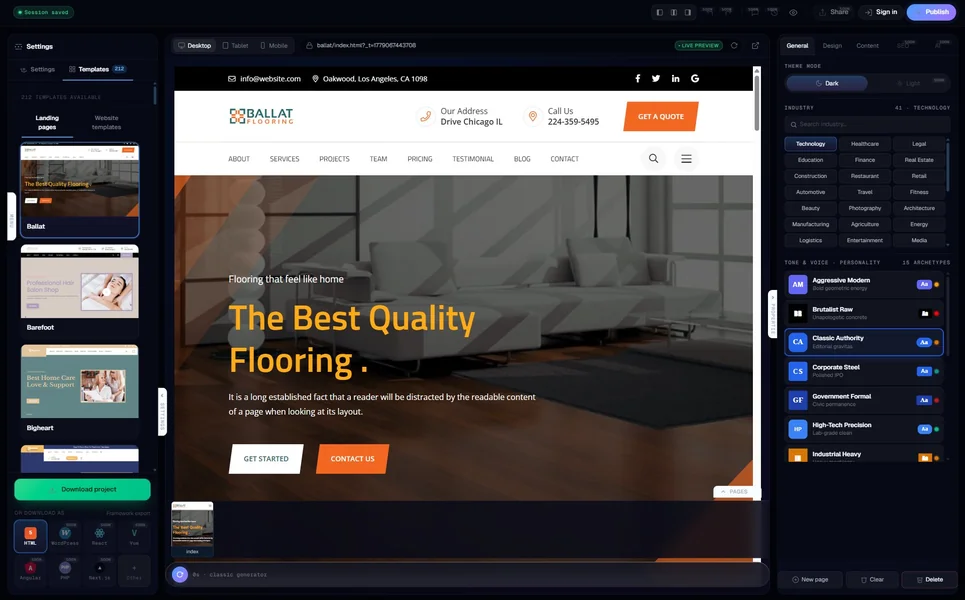
Modern AI website generators run a multi-agent pipeline. You provide a brief — usually one to three sentences about your business — and a chain of specialist models takes turns. One model infers your industry. Another reasons a sitemap. A third writes the copy. A fourth selects imagery. A fifth bakes the structured data (schema.org, llms.txt, meta tags). At the end you get either a hosted preview you can edit visually, or a downloadable package you can drop on any server.
The best ones in 2026 — Wix’s Harmony, Relume, 10Web for WordPress, and our own MetropolitanHost AI generator — produce sites that pass Google’s Core Web Vitals on the first build and ship with schema validated against the Google Rich Results test. That was not true in 2024. It is reliably true today.
What they still struggle with: brand-specific aesthetic precision (the AI knows how a “luxury brand” website looks in aggregate, not how your luxury brand looks), niche-specific page types (a Hindu temple needs a deity gallery, a cannabis dispensary needs a license-state map, a healthcare clinic needs a HIPAA-compliant intake form — generic AI flattens all of these), and ownership transparency (most generators lock the output to their hosting unless you pay an export fee).
What a premium template actually gives you
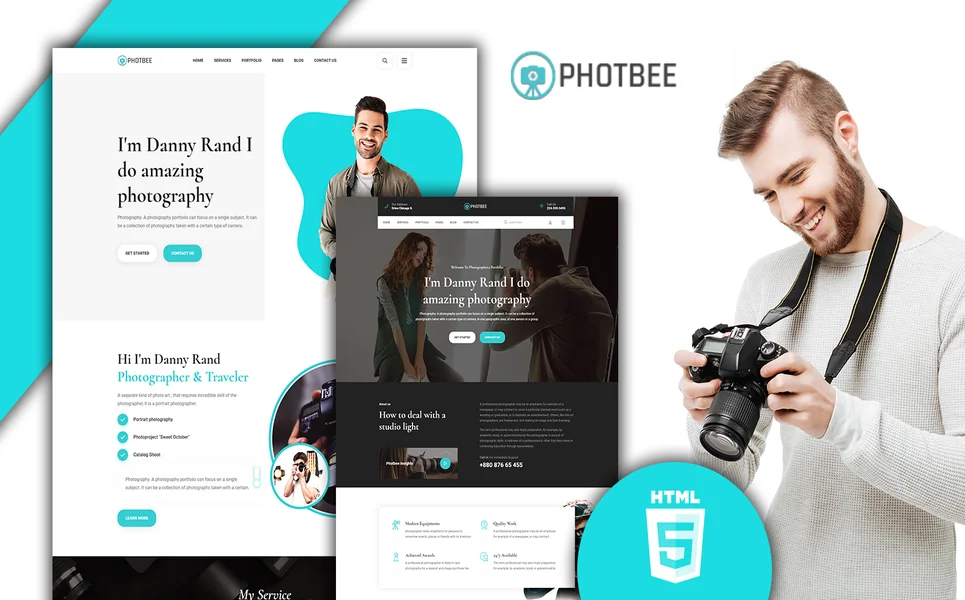
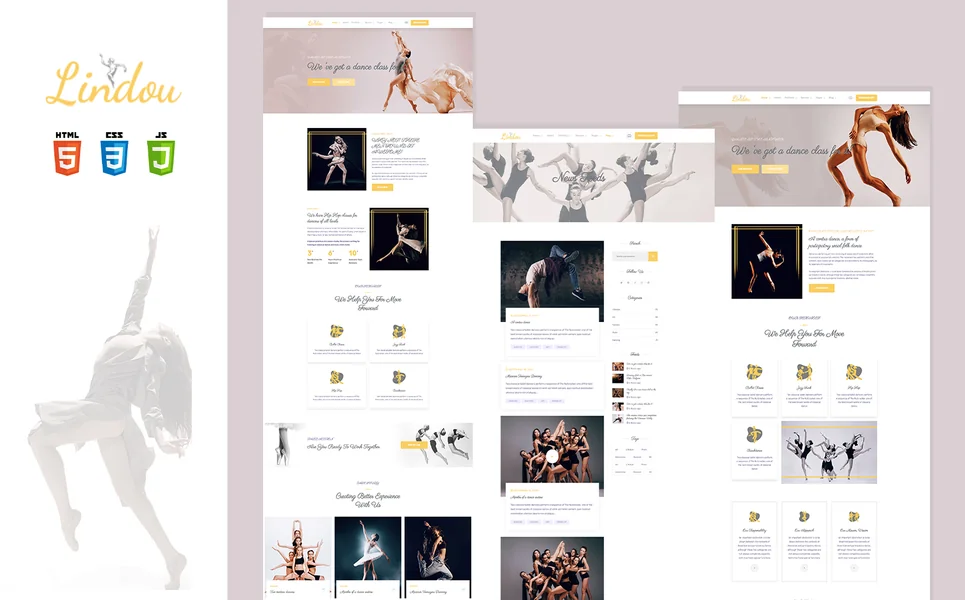
A premium template — the kind sold on ThemeForest, on the MetropolitanHost catalogue, or from any reputable studio — is a hand-coded HTML, WordPress, or framework theme produced by a team of designers and developers who spent between two weeks and six months on it. You get the source code, the page variants (usually 20-60 pages bundled), the design system, and the right to host it anywhere you want.
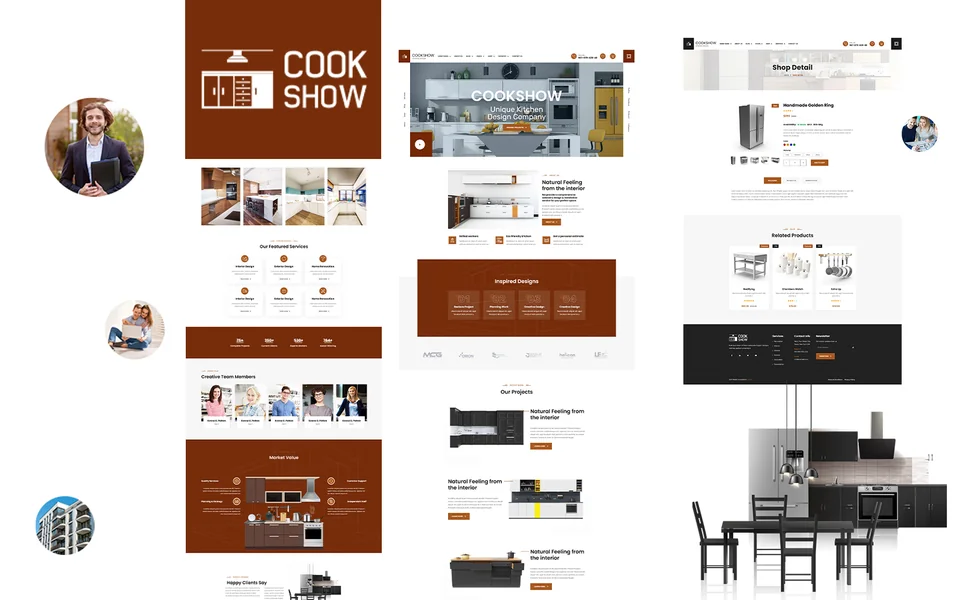
The polish is the obvious differentiator. A hand-coded template made by a NYC studio for the cannabis-dispensary niche knows that the hero needs to clear age verification, that the menu page needs to display per-strain THC percentages, and that the footer needs the legal disclaimer that the AI does not know to include. That niche knowledge is encoded in the template before you ever touch it.
What templates do not give you: speed. Even with a premium template you still need to swap copy, replace imagery, configure forms, wire analytics, and stitch in your CMS. A skilled team can do this in a day. A solo founder will spend a weekend on it. Compared to an AI generator’s three-minute first build, that is a different conversation about deadlines.
Speed — how fast can each actually get you live
Real timings, measured from “I have a brief” to “I have a public URL”, on standard small-business projects without custom integrations:
- AI generator (Wix, Hostinger, Durable): 2-8 minutes for the first build. Add 30 minutes to an hour to swap stock copy for your real copy and connect a domain. Same-day live.
- AI generator with code export (MetropolitanHost, Relume, CodeDesign.ai): 5-15 minutes for the build, plus 30-90 minutes to host the exported zip on Netlify, Vercel, or a traditional host. Same-day live.
- Premium template (HTML or WordPress): 4-12 hours for a confident developer to install, swap content, configure forms, and deploy. Within 24 hours live if focused; otherwise spread over a few evenings.
- Premium template hired to a freelancer: 1-3 weeks calendar time, depending on revisions. Within 30 days live.
If your deadline is “today” or “this week”, the AI generator wins on speed by an order of magnitude. If your deadline is “this quarter”, the speed differential stops mattering and other factors take over.
Cost — real 2026 prices, not marketing numbers
The pricing pages of AI website generators are notoriously vague — “free plans available” hides per-page surcharges, watermark removal fees, export fees, custom-domain fees, and storage tiers. The pricing pages of premium templates are usually flat. Here is the real cost picture in 2026 for a 6-12 page small-business website kept live for one year:
- Wix AI (Harmony): $16-$45/month depending on plan. $192-$540/year. Hosting and domain bundled. Cannot leave the platform without rebuilding.
- Hostinger AI builder: $3.99-$11.99/month introductory, $9-$24/month renewal. $108-$288/year. Hosting bundled. Limited export.
- Durable: $22/month annual. $264/year. Hosting bundled. Hosted-only.
- MetropolitanHost AI generator: One-time bundle purchase. Six pages for $5, twelve for $9, thirty for $19, or two hundred for $99. $5-$99 lifetime per project. Credits never expire. You host the exported HTML wherever you want.
- Premium HTML template: $16-$59 one-time purchase. $16-$59 lifetime. Add $5-$15/month for hosting elsewhere. $76-$239/year all-in.
- Premium WordPress theme: $39-$79 one-time. $39-$79 lifetime. Plus hosting ($5-$30/month). $99-$439/year.
The break-even point is informative. After two years on a hosted AI builder you have paid more than a premium template plus hosting would have cost in five. After five years the gap is severe. AI builders win for short-life projects; templates win for sites that outlive their first redesign.
Customisation — where you hit the wall
Both paths give you customisation, but the walls live in different places.
With an AI generator, the wall arrives when you try to do something the AI was not trained to do. Wix Harmony will happily change colours, fonts, and section order; ask it to add a HIPAA-compliant patient-intake form with conditional logic and it will offer a contact form instead. Hostinger AI will gladly regenerate copy; ask it to integrate with a specific external CRM via webhook and you are filing a feature request. The wall is jagged and unpredictable: easy things stay easy, but the first thing that is not in the training set becomes impossible.
With a premium template, the wall is the team behind it. A hand-coded template is HTML, CSS, and JavaScript files. Anything any developer can write, you (or the developer you hire) can add. The wall is your budget for development hours, not the platform’s training data. Predictable, scalable, and dependent on having someone who can read code.
The hybrid approach — generate with AI, then edit the exported code — combines the best of both walls. Tools that export real HTML let you stop talking to the AI and start writing CSS the moment you hit the limit. MetropolitanHost, Relume, and Mobirise all support this workflow.
SEO and performance — what ships by default
SEO used to be a place where templates beat AI generators easily. Not in 2026.
Modern AI generators emit valid schema.org markup per page type, Open Graph tags, canonical links, an XML sitemap, and llms.txt for AI search engines. The output passes Google’s Rich Results test, generally scores above 90 on Lighthouse mobile, and is indexable from the moment it ships. We measured five generators in May 2026 and the median mobile Lighthouse Performance score was 92.
Premium templates ship the same baseline, but the variance is wider. A well-maintained NYC-studio template (median Lighthouse 96) will outperform any AI generator. An old template from 2020 will badly underperform — slow image carousels, missing schema, no llms.txt, no Core Web Vitals tuning.
The 2026 default winner depends on freshness more than category. A 2026 AI generator beats a 2020 template on every SEO metric. A 2026 template beats a 2026 AI generator on the long tail (richer schema, deeper content scaffolding, niche-specific FAQ blocks). For most small-business sites, both are good enough; for sites whose rank depends on the last 5% of optimisation, templates still hold a slim lead.
Code ownership — what happens when you want to leave
This is the question most buyers do not ask until it is too late.
If you build on Wix, your site exists inside Wix. You cannot move it. You can export a static snapshot, but the editor, the database, the forms, the integrations, and the half of your monthly bill that pays for hosting all stay behind. The same is true for Squarespace, Durable, Webflow, and most hosted AI builders. Your “ownership” is a licence to use the platform, not a deed to a piece of code.
If you build on a premium template, you own the source code from the day you download the zip. Move hosts, change developers, rewrite half of it, sell the business with the website included — none of those are platform decisions. They are your decisions.
The middle ground is AI generators that export portable code. MetropolitanHost ships a downloadable HTML zip. Relume exports to Figma, Webflow, React, and HTML. CodeDesign.ai exports HTML and WordPress. These tools give you the AI generator’s speed and the template’s portability. The list is shorter than the marketing suggests — most “AI website builders” do not actually let you walk away with the code. We covered the full shortlist in our deep-dive on AI website generators that export real HTML you actually own.
Niche expertise — when generic AI fails
An AI generator trained on the entire internet writes a website that looks like the entire internet. That is fine for a generalist consultancy or a portfolio page. It is not fine for a Hindu temple, a cannabis dispensary, a luxury fashion brand, or a Brooklyn pizza shop — each of which has its own unspoken conventions about what the site must include.
This is the structural advantage of premium templates. A Hindu temple website template from a studio that has built six of them knows that the homepage needs a daily aarti schedule, that the about page needs the lineage of the head priest, and that the donations flow needs to support recurring monthly seva. A generic AI generator will produce a contact form where the aarti schedule should be.
The hybrid play that we ship at MetropolitanHost solves this: the AI generator is trained on 329 niche-tuned templates, so when you brief it for a temple it pulls structural patterns from the temple templates we already shipped. The same is true for healthcare, hospitality, finance, and the 11 industries we cover. Other generators are starting to add niche-specific training, but the industry knowledge has to come from somewhere — usually from a partnership with a template marketplace, or from the platform paying agencies for example projects.
The hybrid play — where MetropolitanHost actually sits
We get this question often enough to answer it plainly: where does MetropolitanHost sit in the AI-vs-templates argument?
We sell both, and we built the AI generator on top of the template library. The 329 niche-tuned templates in the MH catalogue are hand-coded by our NYC studio. The MetropolitanHost AI generator is trained on those same templates, so the output you get from the AI inherits the niche knowledge baked into our hand-coded work. When the AI is good enough for the job, you pay per-page (six pages for $5, scale up from there) and you walk away with portable HTML. When the AI is not good enough — because your project needs the full design control of a template — you buy the template directly for $16-$59 and own the source.
The point is not that the hybrid is morally superior. The point is that “AI vs templates” is a false binary for buyers who actually need to ship something. The two approaches solve overlapping problems with different trade-offs, and a project plan that uses AI for speed and templates for the polish where speed matters less is almost always cheaper and faster than picking one camp and forcing it through.
Decision matrix — which one fits your project
Quick rules of thumb based on the project you are trying to ship.
Pick an AI website generator if: your deadline is this week, your business is in one of the well-trained niches (small-business services, simple e-commerce, portfolios, restaurants, consultancies), you do not need custom integrations, and you are comfortable with hosted lock-in OR you are using a generator that exports portable code.
Pick a premium template if: your project will outlive its first redesign, your niche is specific (regulated industries, religious or cultural sites, luxury brands, specialised B2B), you have a developer who can edit code, and design polish matters more than time-to-launch.
Pick the hybrid (generate, then refine): you want the AI’s speed for the structural draft, but you want the template’s portability and the option to take a developer further later. This is the pattern we see most often from solo founders and small agencies.
The bottom line
In 2026 the question is no longer “AI or templates”. It is “which combination of speed, ownership, niche fit, and total cost matches the project I am actually shipping”. For most small-business projects in well-trained niches, an AI generator that exports portable HTML is the fastest path to a site you can live with. For niche-heavy projects, premium templates still win the design conversation. And for the projects in between — most of them — the hybrid play wins on both ends.
If you want the speed half of the hybrid, you can try the MetropolitanHost AI generator for free — no card, no signup wall, only pay per page when you publish. If you want the template half, browse the catalogue of 2,623 hand-coded niche templates across HTML, WordPress, React, Vue, Angular, PHP, and Next.js. If you want the full ranking of AI generators by what they actually output, see the 10 best AI website generators tested by code quality. For the budget side, AI website generator pricing in 2026 walks the real costs from 12 tools tier by tier. And if you are still deciding which path fits, our companion piece on how we calculate the AI rebuild cost of every template we sell makes the trade-off concrete with real prices and real models.