- Full source code
- Instant download
- Lifetime updates
- Support from the developers who built it
Art Gallery Website Templates
Art gallery website templates for museums, galleries, artists and photographers, with exhibitions, tickets, collections and print shops: 5 designs compared.
-
Photography Portfolio Website Template
from$18
$24Tenebra
Photography Portfolio Website Template HTML5Photography Portfolio Website Template Tailwind CSSPhotography Portfolio Website Template ReactPhotography Portfolio Website Template Vue.jsPhotography Portfolio Website Template AngularPhotography Portfolio Website Template WordPressPhotography Portfolio Website Template AI Smart Website
-
Art Museum Website Template
from$18
$24Curata
-
Illustra
from$18
$24Website Template for Artists
-
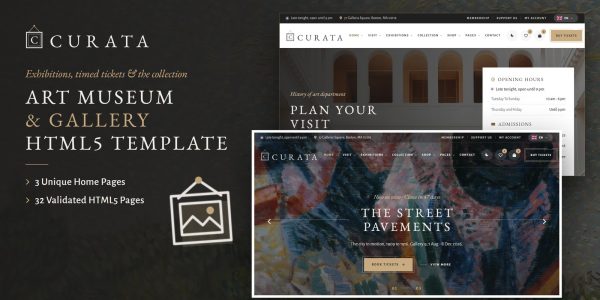
Silvera
from$18
$24Website Templates for Photographers
-
Nina
from$16
$49Art Gallery Website Template
-
Imora
from$14
$49Antique Shop Website Template
-
Craftato
from$17
$49Tattoo Studio Website Template
-
Botos
from$10
$49Tattoo Studio Website Template






More Creative & Portfolio website templates
-
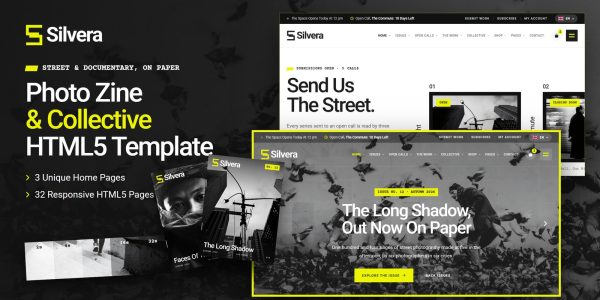
Captura
from$16
$22Product Photography Website Template
-
LaunchBeacon
$48
$64Web Awards & Showcase SaaS for Websites, Themes, Apps and Games (Laravel)
-
Influencer Website Template
from$18
$24Trendia
-
Personal Stylist Website Templates
from$16
$22Closetta
Personal Stylist Website Templates HTML5Personal Stylist Website Templates Tailwind CSSPersonal Stylist Website Templates ReactPersonal Stylist Website Templates Vue.jsPersonal Stylist Website Templates AngularPersonal Stylist Website Templates WordPressPersonal Stylist Website Templates AI Smart Website



Buyer’s guide
Art gallery website templates for museums, galleries and artists
A gallery site has two jobs. First, it has to show the work well, with room around every piece. Then it has to answer the practical questions: what is on now, when are you open, and how do I buy a ticket or a print? That is why the 5 art gallery website templates on this page pair a calm, art-first design with exhibitions, visits and sales that actually work.
Every template also comes as its own HTML5, React, Vue, Angular and WordPress download, each with a live demo. So you can try the ticket booking or the print configurator first. Code formats start at $16, while WordPress themes start at $72.
How to choose an art gallery website template
Start with what visitors come for
A museum sells visits, while an artist sells work. So decide first whether your site leads with exhibitions and tickets, or with the work and a shop. Curata and Nina are built around exhibitions and visits, whereas Tenebra and Illustra are built around selling and licensing art.
Exhibitions that sort themselves
An out-of-date exhibition page loses trust fast. For that reason, Curata, Tenebra and Silvera sort exhibitions into on now, coming next and past from the visitor’s own date, with opens-in and closes-in on every card. Nina, meanwhile, counts down to upcoming exhibitions and has a date picker for planning a visit.
Tickets, membership and donations
Museums earn from entry, members and gifts. So Curata books timed tickets in four steps, with arrival times and places left, and it sells membership yearly or monthly. It also takes gifts once or every month. Nina includes donation pages for fundraising as well.
Selling prints and licensing work
Artists need a shop that understands editions. Tenebra gives every print three sizes, each its own numbered edition with the numbers left, plus a paper, frame and mat configurator with a live framed preview. Illustra, by contrast, prices commissions with an estimate builder and licenses finished pieces by use, territory and term.
Room for the art itself
Finally, the design should step back. Curata uses gallery-white walls with gold hairlines, Tenebra charcoal walls with a museum mat, and Silvera black-and-white photography with one highlighter yellow. In addition, Curata, Tenebra, Illustra and Silvera ship with a light and a dark theme and right-to-left support.
Our 5 templates for galleries and artists, one by one
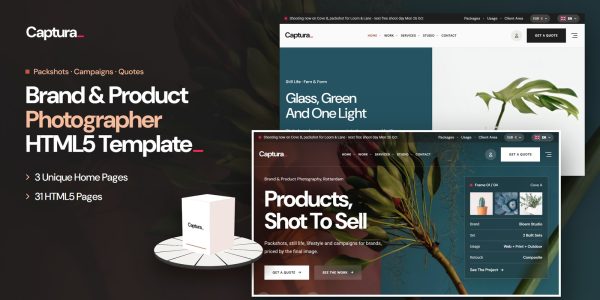
1Curata for art museums
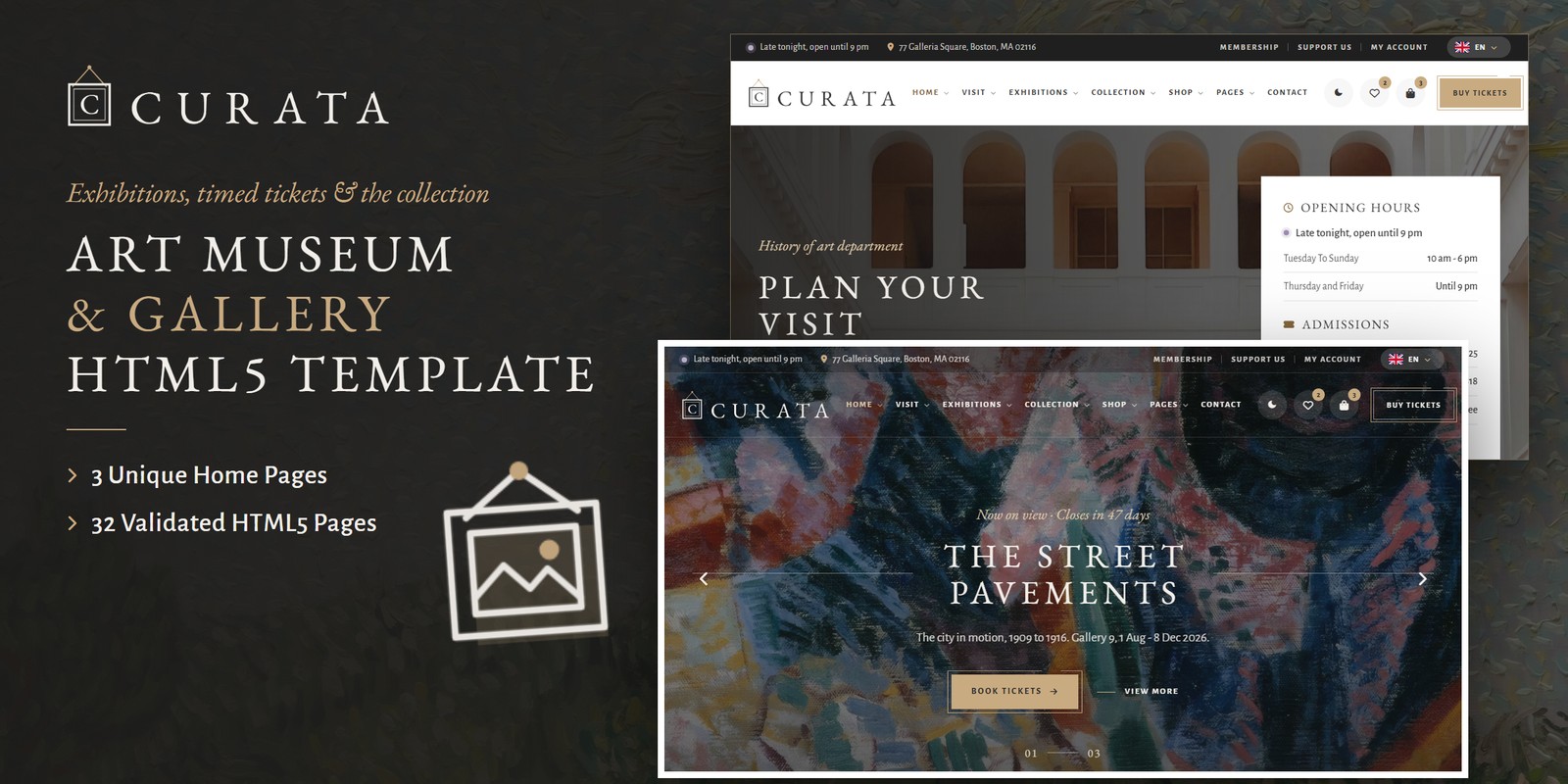
Curata is a quiet, gallery-white template for an art museum, with white walls, gold hairlines and EB Garamond capitals. Its three home pages lead with the museum, with planning a visit or with the collection.
Underneath, the museum actually runs from the files. For example, the opening line says open now, late tonight or closed from the visitor’s date and time. Then timed tickets offer arrival times with places left, and the collection browses by period, medium and room, with a wall label for each work. Membership, talks and lates, donations and a museum shop complete it.
- Best for
- Art museums and public galleries
- Pages
- 32 pages, 3 home pages
- Curata HTML5 $18
$24 - Curata React $18
$24 - Curata Vue.js $18
$24 - Curata Angular $18
$24 - Curata WordPress $72
$96 - Curata: All formats, developer bundle $115.20
$144
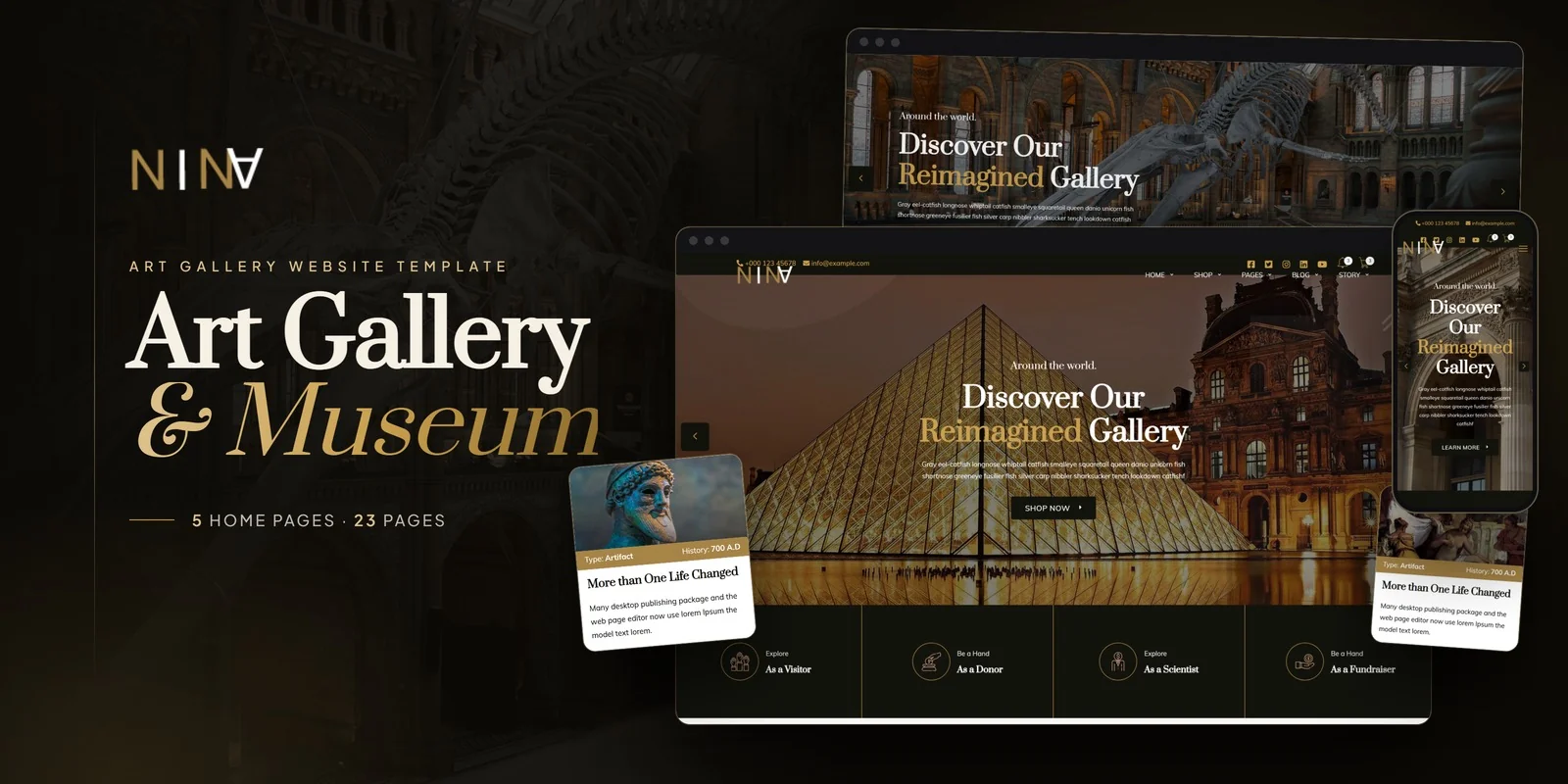
2Nina for museums and art galleries
Nina is built for a museum or art gallery that runs a programme. Its five home layouts showcase exhibitions and collections, while the events page lists exhibitions with countdowns to the next opening.
It also has a story page for the institution’s history, a shop for art products and merchandise with cart, checkout and wishlist, and donation pages. In addition, a filterable gallery opens every piece in a full-screen lightbox, and a date picker helps visitors plan a visit.
- Best for
- Galleries with a shop and fundraising
- Pages
- 23 views, 5 home pages
- Nina HTML5 $16
$49 - Nina React $25
$49 - Nina Vue.js $22
$49 - Nina Angular $27
$49 - Nina PHP $21
$49 - Nina WordPress $77
$117 - Nina: All formats, developer bundle $150.40
$188
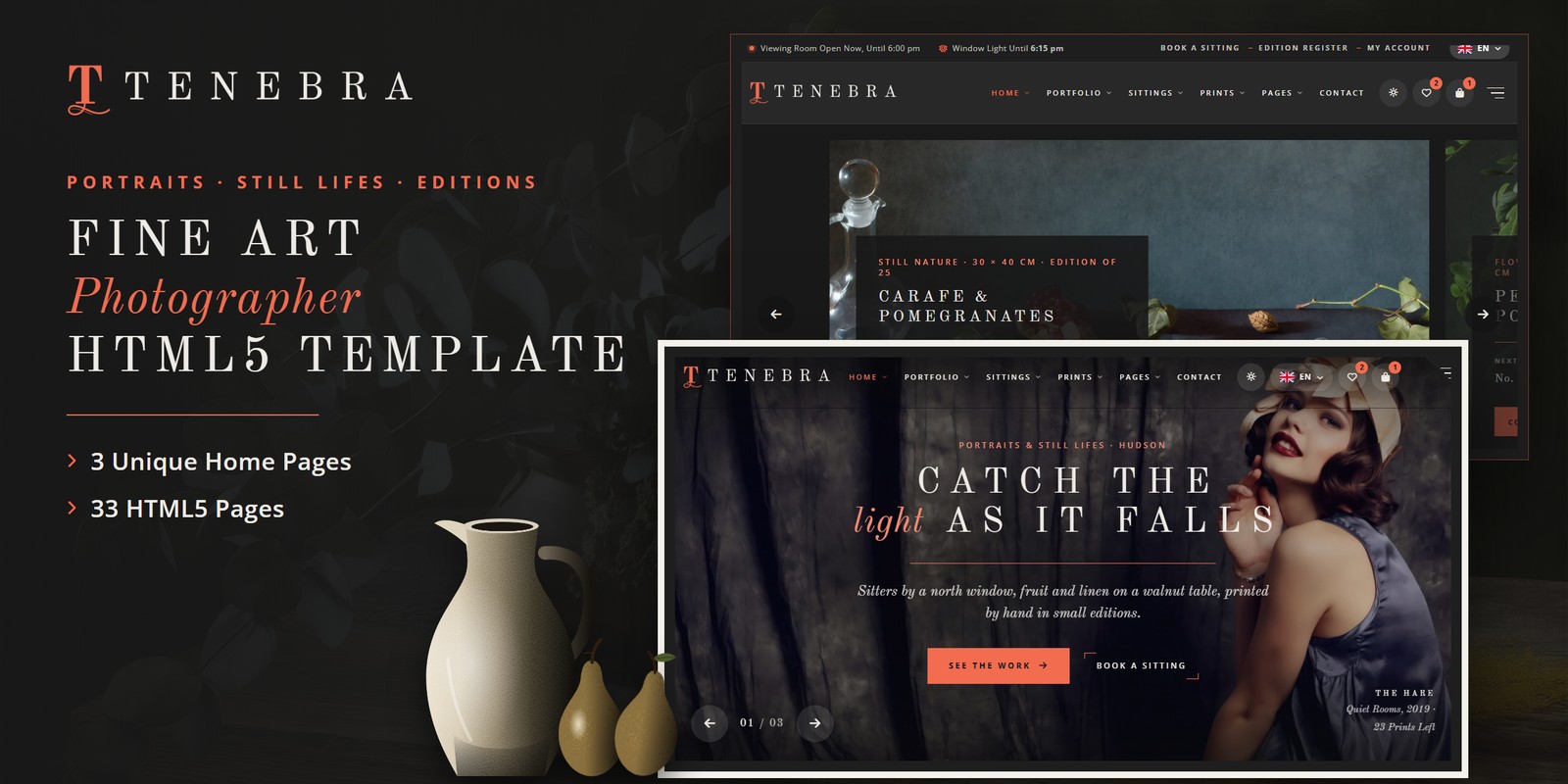
3Tenebra for fine art photographers
Tenebra is a dark, painterly template for a fine art photographer who sells portraits and still lifes as limited-edition prints. Charcoal walls, coral hairlines and a white museum mat set the studio.
Every print comes in three sizes, and each size is its own numbered edition with the numbers left and a price that steps up as it sells. So collectors choose paper, frame and mat with a live framed preview. It also books portrait sittings by daylight, sorts exhibitions from the visitor’s date and runs a print shop.
- Best for
- Artists selling limited editions
- Pages
- 33 pages, 3 home pages
- Tenebra HTML5 $18
$24 - Tenebra React $18
$24 - Tenebra Vue.js $18
$24 - Tenebra Angular $18
$24 - Tenebra WordPress $72
$96 - Tenebra: All formats, developer bundle $115.20
$144
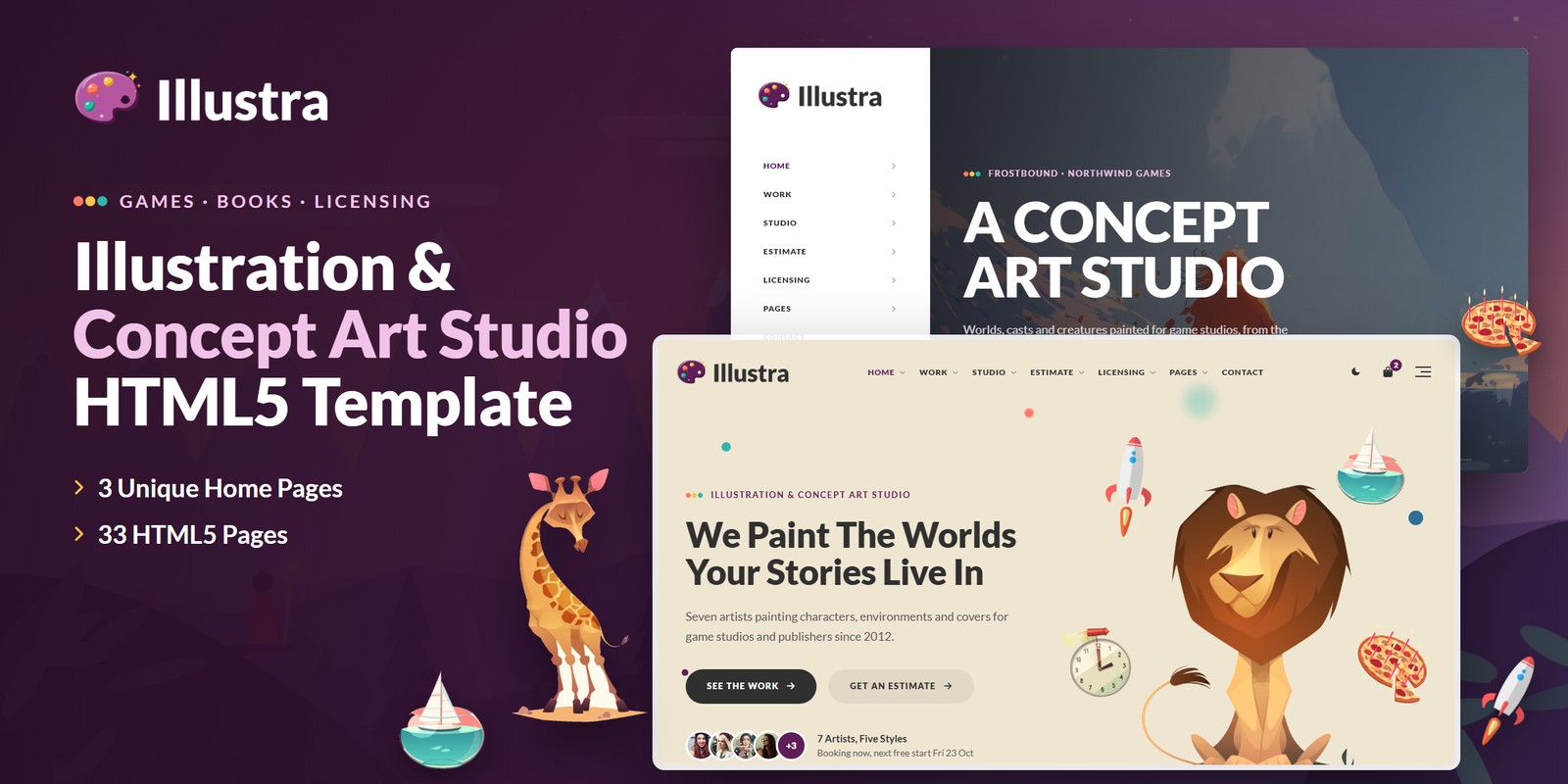
4Illustra for illustration and concept-art studios
Illustra is a bright, storybook template for a studio of several artists working for game studios and publishers. Every piece sits on its own pastel plate, so the art stays at the centre.
Underneath, an estimate builder prices characters, environments and props by complexity and turnaround, with a deposit and a delivery date. The artists are filtered by style, and finished pieces are licensed by use, territory, term and print run from a licence library with a bag and checkout.
- Best for
- Artist studios and collectives
- Pages
- 33 pages, 3 home pages
- Illustra HTML5 $18
$24 - Illustra React $18
$24 - Illustra Vue.js $18
$24 - Illustra Angular $18
$24 - Illustra WordPress $72
$96 - Illustra: All formats, developer bundle $115.20
$144
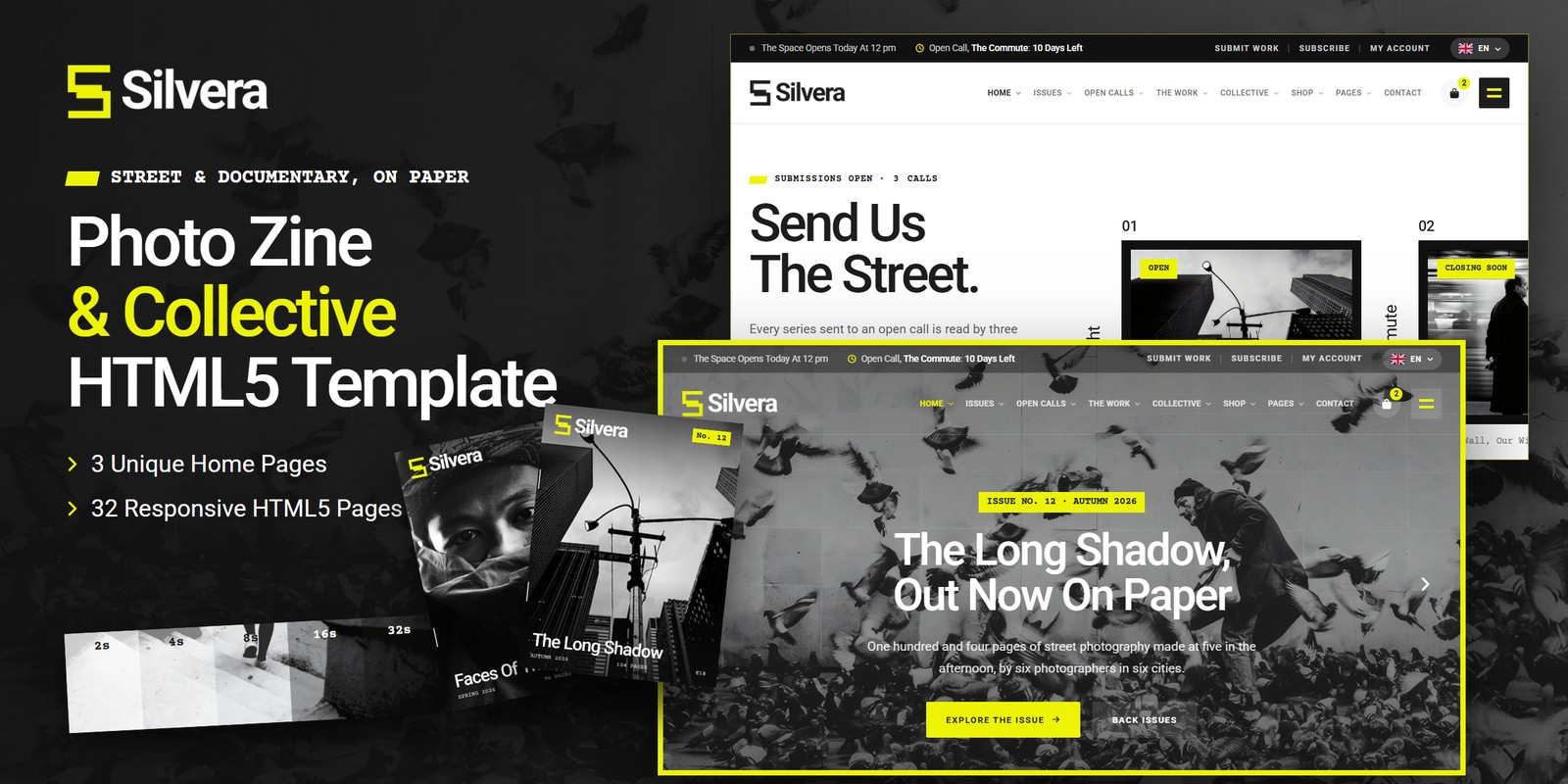
5Silvera for photo collectives and project spaces
Silvera is made for an independent photo zine and collective that hangs prints in its own project space. Black-and-white photography, highlighter yellow and typed captions give it the feel of a printed zine.
Its open calls count down to their deadlines, with an entry fee calculator and a five-step submission. In addition, exhibitions and launch nights show places left and a guest list, the issues show copies left, and a shop sells prints by size.
- Best for
- Collectives, zines and project spaces
- Pages
- 32 pages, 3 home pages
- Silvera HTML5 $18
$24 - Silvera React $18
$24 - Silvera Vue.js $18
$24 - Silvera Angular $18
$24 - Silvera WordPress $72
$96 - Silvera: All formats, developer bundle $115.20
$144
Compare them side by side
| Template | Best for | Stand-out feature | Pages | Code from | WordPress |
|---|---|---|---|---|---|
| Curata | Art museums and public galleries | Timed-entry tickets with places left | 32 pages, 3 home pages | $18 | $72 |
| Nina | Galleries with a shop and fundraising | Five home layouts with events and donations | 23 views, 5 home pages | $16 | $77 |
| Tenebra | Artists selling limited editions | Numbered editions with a framed preview | 33 pages, 3 home pages | $18 | $72 |
| Illustra | Artist studios and collectives | Estimate builder and art licensing | 33 pages, 3 home pages | $18 | $72 |
| Silvera | Collectives, zines and project spaces | Open calls with deadlines and a fee calculator | 32 pages, 3 home pages | $18 | $72 |
Which format should a gallery buy?
Each format is its own product, with its own download, demo and documentation. So pick the one your site will run on.
HTML5
from $16
The simplest choice, because it runs on any web host and every page is a plain file you can edit.
React, Vue or Angular
from $18
For a developer who will connect the tickets, shop and forms to a back end. Each framework is also its own download.
WordPress theme
from $72
For a gallery team that edits pages and posts from the dashboard, with the shop on WooCommerce.
Developer bundle
from $115.20
Not sure yet? Then take every format of one template for 20% less than buying them one by one.
AI Smart Website
from $1,439
Rather not build it at all? Instead, we set the design up with your content and then launch it on your domain.
Questions galleries and artists ask
What should an art gallery website include?
Visitors look for what is on now, opening hours, how to visit and the work itself. So Curata covers exhibitions, visits, tickets and the collection, while Nina adds events, a shop and donations. For an artist, Tenebra and Illustra focus on the work and on selling it.
Which template sells museum tickets online?
Curata books timed-entry tickets in four steps: a day on the calendar, an arrival time with places left, adult, concession, child and member tickets, then the details.
Can artists sell prints with these templates?
Yes. Tenebra sells limited-edition prints in three sizes with numbered editions and a framed preview, and Silvera sells prints by size. Curata and Nina also include a shop with a cart.
Are these templates good for photographers?
Yes. Tenebra is made for a fine art photographer, while Silvera suits a photo zine or collective with open calls and exhibitions.
How much does an art gallery website template cost?
Code formats start at $16, while WordPress themes start at $72. The developer bundle of a template also costs 20% less than its formats bought one by one. Either way, you pay once and keep the files.
Can you set up a gallery website for me?
Yes. Each template also comes as an AI Smart Website. We add your logo, exhibitions and works, then set up the pages and launch the site on your domain.
From our blog
More buyer’s guides
 How to Choose an Art Gallery Website Template (2026 Guide)Read the guide
 Portfolio Website Template: Complete Buyer’s Guide (2026)Read the guide
 Content Creator Website Template: Complete Buyer’s Guide (2026)Read the guide
 Flimzyfans — Influencer Platform Website Template | Bootstrap 5 (51 Pages, 7 Profile Layouts)Read the guide
 Design Studio Website Template: Complete Buyer’s Guide (2026)Read the guide
Keep browsing
Browse the catalog another way
By industry
- Retail & E-Commerce templates
- Food & Beverage templates
- Creative & Portfolio templates
- Health & Wellness templates
- Religion & Community templates
- Business & Agency templates
- Real Estate & Construction templates
- Industrial & Services templates
- Tech & Education templates
- Travel & Hospitality templates
- Sports & Outdoor templates
- Automotive templates
- Events & Music templates
- Cannabis & Specialty templates
By format
Studio services
Want it installed and customized for you?
Installation, customization, WordPress packages and maintenance from the Brooklyn studio that builds the templates.
Support the same business day, New York hours 9am–6pm ET.